Support Document
 Support Document
How to view sales history in restock report ?
In sales History all the items display which are already sales.
- Open rapid RMS application.
- Go to setting module.
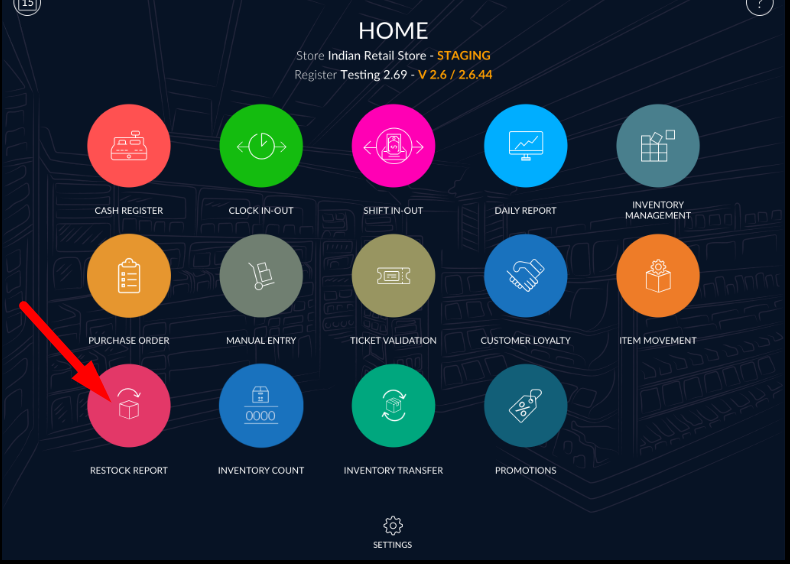
- All the items which are sale in the current day is displayed in the list.
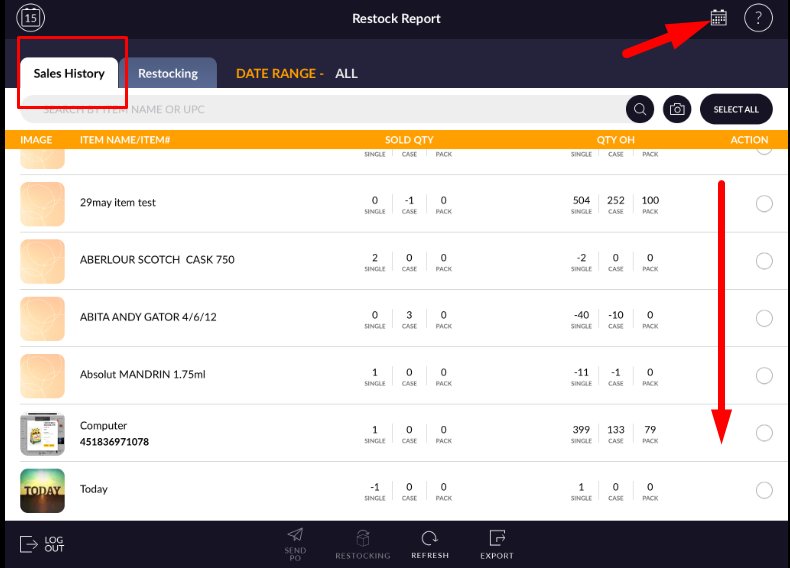
- If you want to filter item date wise then you can filter by date range option.
- Click on date range option symboled as a calendar.
- Select the proper date.
- Selling Item list will filter by selected date range.
- Sometimes if all items do not reload at a time then by refreshing button list will reload and all items display.

