Support Document
 Support Document
How to view invoice in customer loyalty ?
In customer loyalty, all the invoices are displayed which items are purchased by that customer.
- Open rapid RMS application.
- Go to the customer loyalty module.

- View that customer.
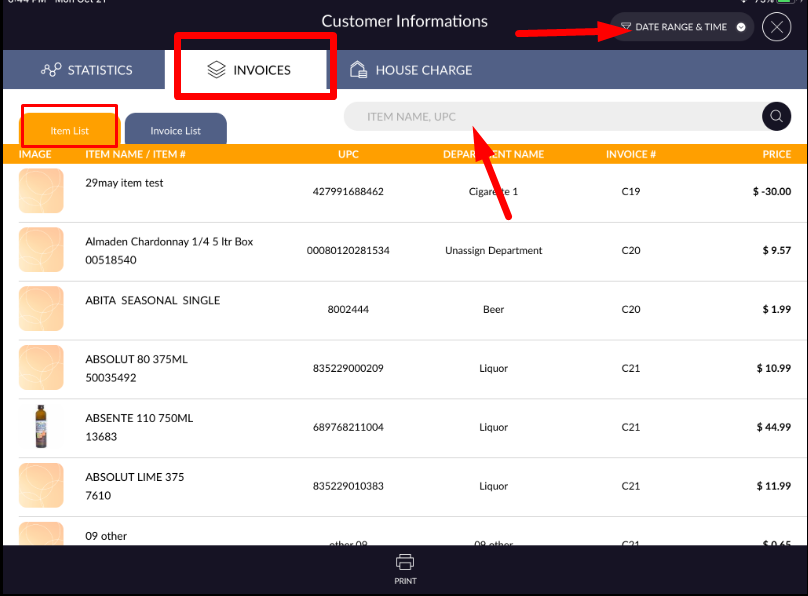
- In the invoice, there is two tab display. i) The item list and ii) Invoice list.
- In the item list, all the items are displayed with image, item name, UPC, department name, Invoice # and price which are purchased by that customer.
- Item can be searched by item name and UPC.
- If you want to review the item of a particular time duration then it can be possible by date range &
time.
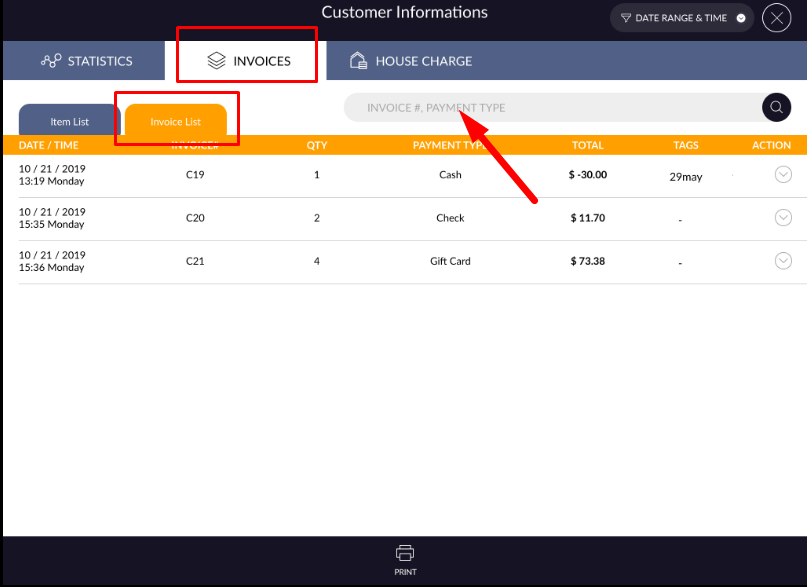
- In invoice list all the invoices display which is purchased by that customer with date/time, invoice #, qty, payment type, total, tags.
- Invoices can be searched by invoice # and payment type.
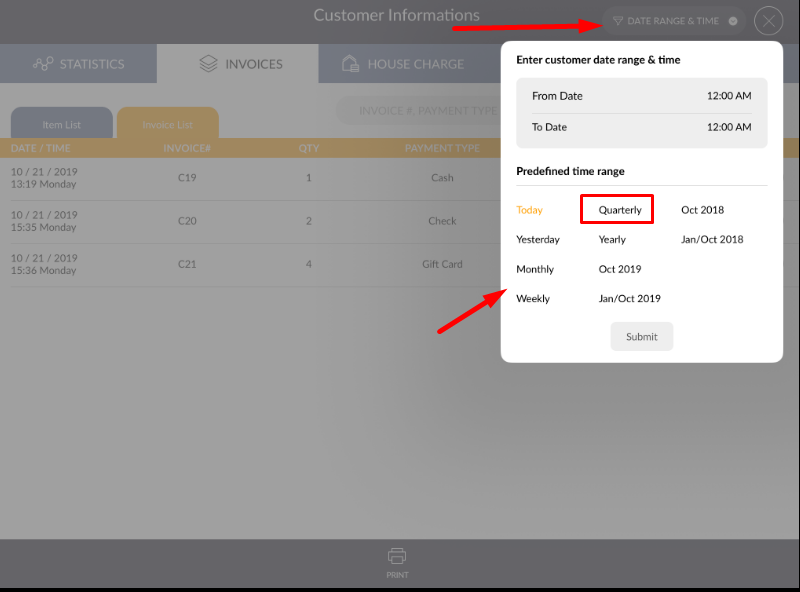
- If you want to view the invoice of any time frame then it can be possible by date and time range menu.
- There is one action button available in every invoice.
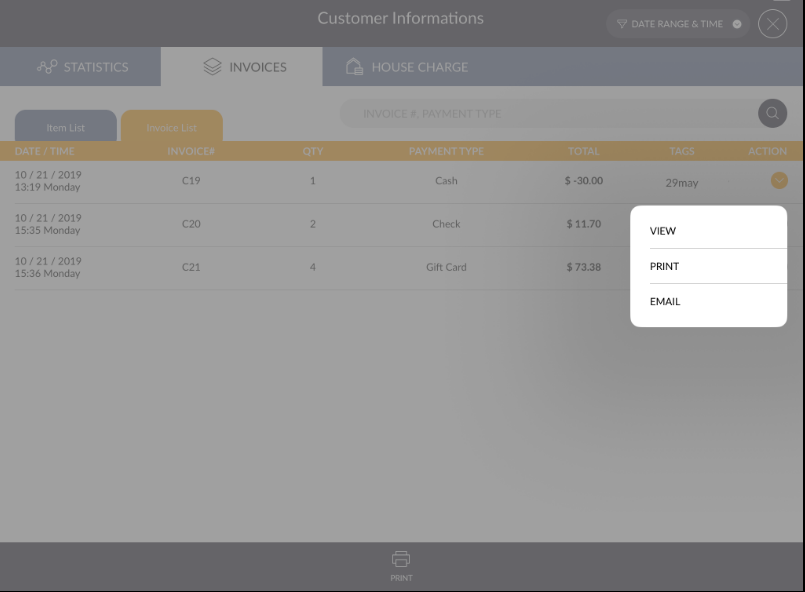
- From view invoice detail display.
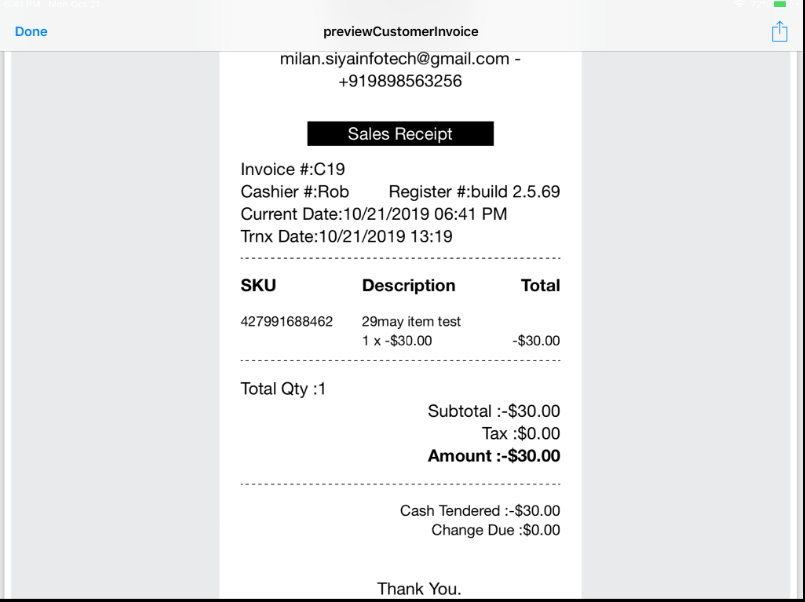
- From print, option invoice can be print if the printer connected to the system.
- From email, option email can be sent to that customer.
