Support Document
 Support Document
How to view customer profile from statics ?
Customer detail can be the view from statics.
- Open rapid RMS application.
- Go to the customer loyalty module.
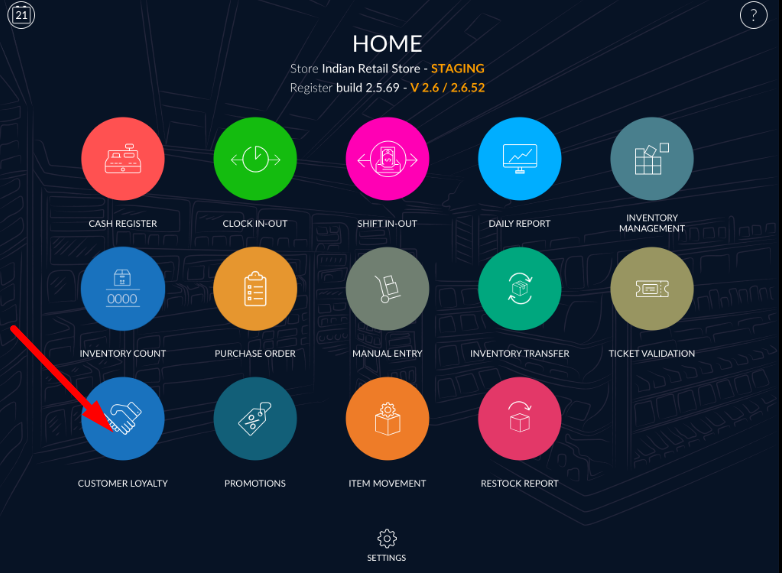
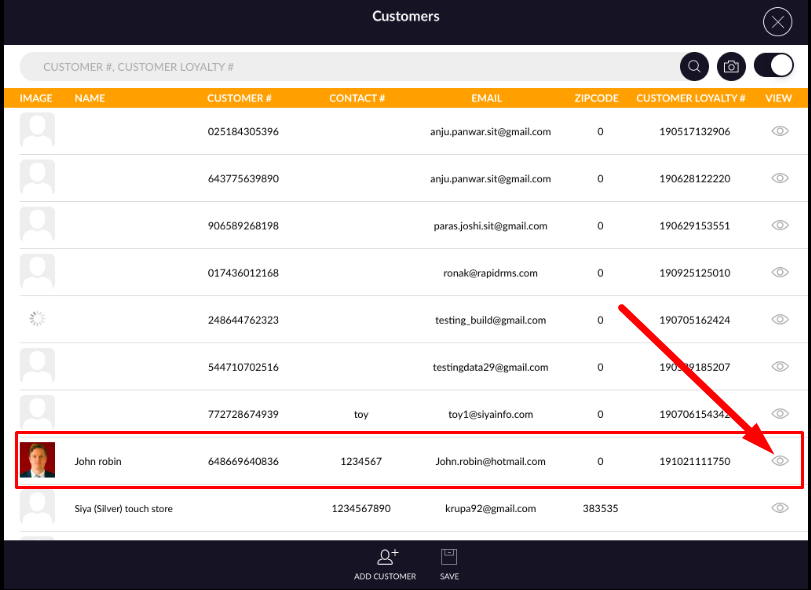
- View any customer.
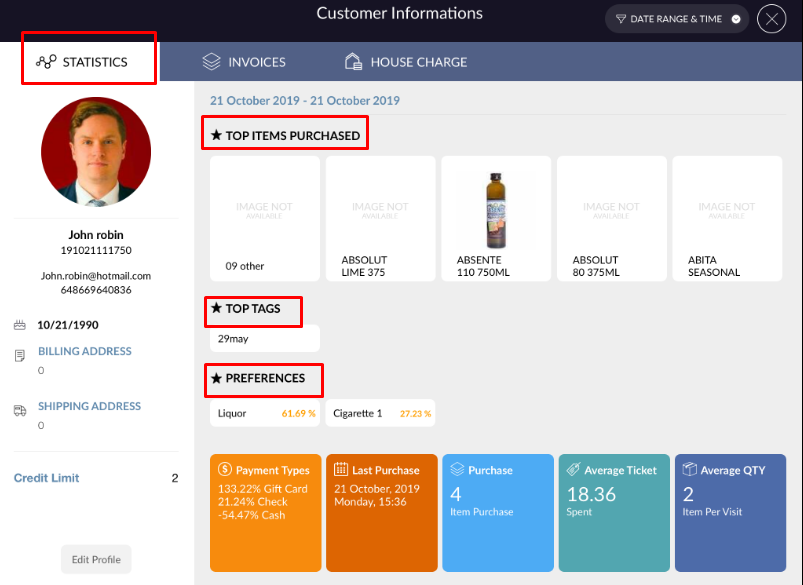
- In the statistics section, all the detail of items which are sold to this customer will display.
- Customer detail display.
- In top items purchased all the items are displayed with the image which items are sold most.
- Top tags and preference display of the most purchased item.
- In payment type all the payment type display which is done by that customer.
- In last purchase date and time of last item/invoice purchase display.
- In purchase number of purchased item display.
- In average ticket it display average amount(formula : SUM(Billamount) - SUM(ReturnAmount)/ count(invoice)).
- In average quantity, it calculates an average of the quantity purchased. (Formula: Total Item / Total
Invoice ).
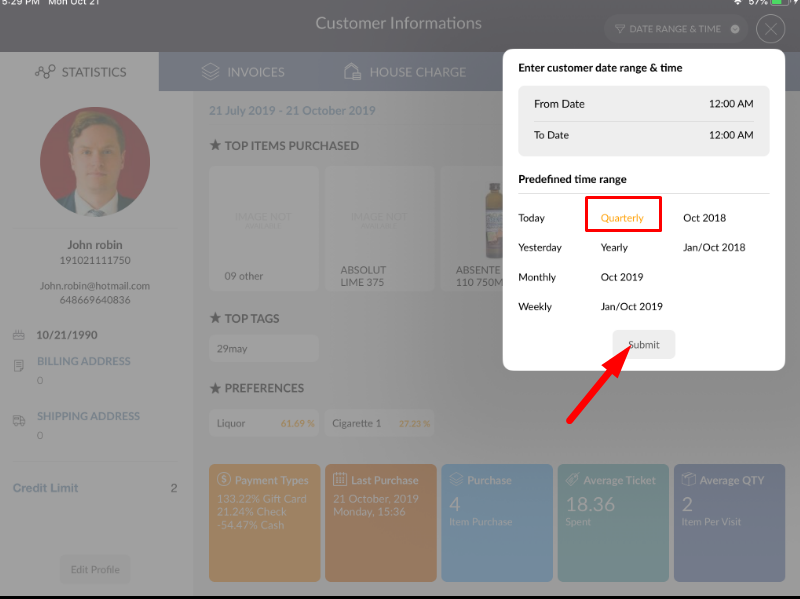
- There are one date range and time option.
- By that according to time selection purchased item(S) of that customer in the selected time frame
would display with proper data.