Support Document
 Support Document
How to use the shortcut in inventory?
Shortcuts in inventory management are for instant use. All these options are also available in item detail.
- Open rapid RMS application.
- Go to the inventory management module.
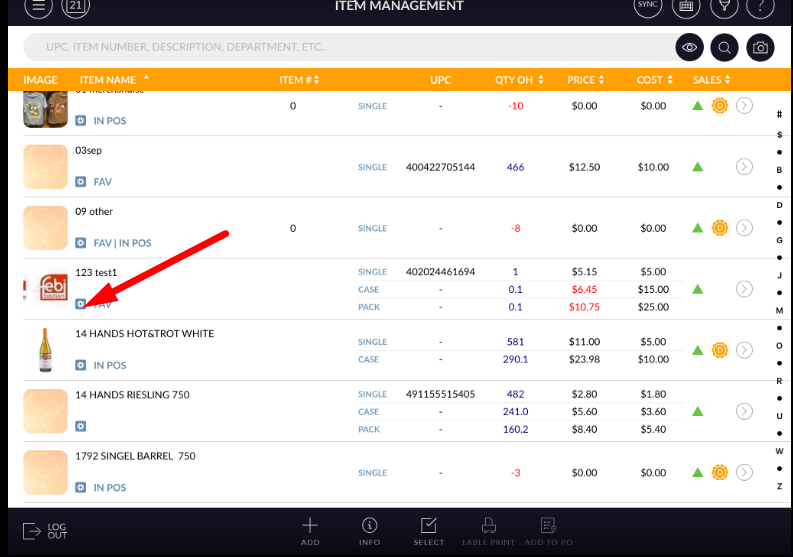
- In item click on shortcut icon.
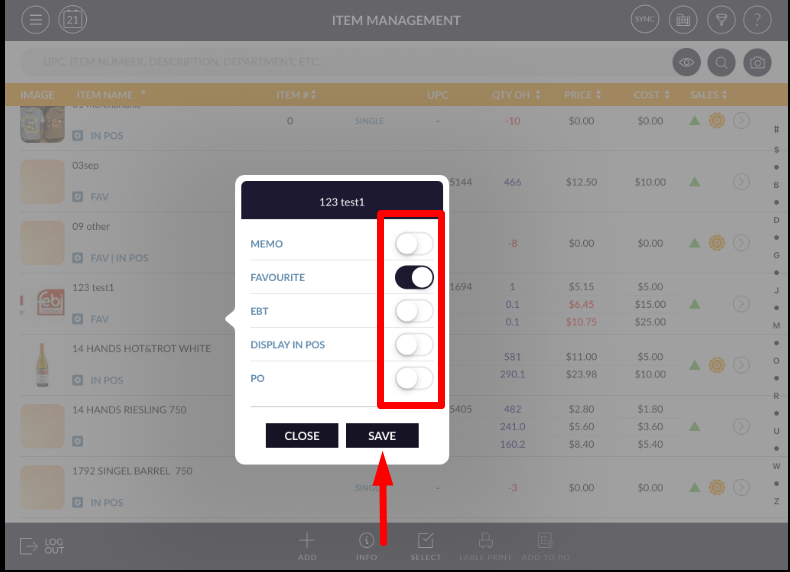
- Pop up open.
- From that select icon which you want to ON.
- Apply save.
- According to shortcut setting set, all will reflect in an item.