Support Document
 Support Document
How to Update Deliver Invoice number?
Follow below steps to update Deliver Invoice number
- Open Rapid RMS application.
- Open purchase order module from the dashboard.
- Tap ‘delivery pending’ module.
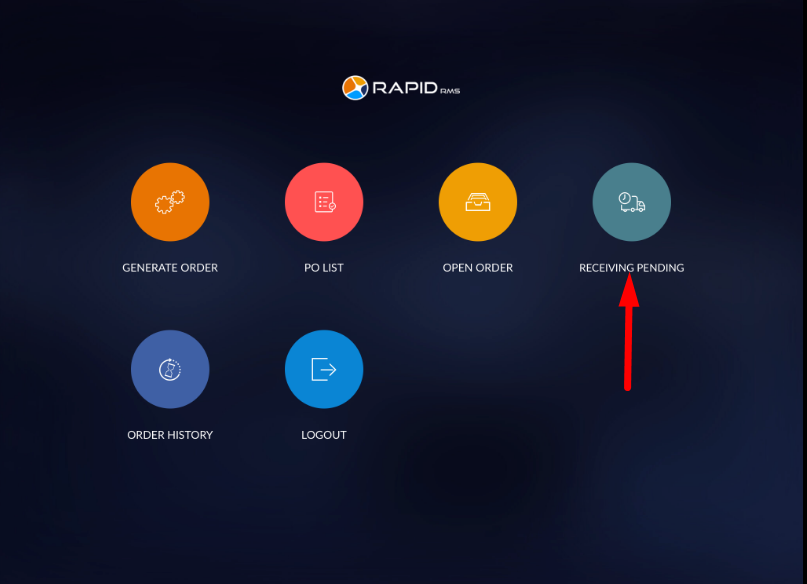
- In delivery pending all the orders which are move from open order will be listed.
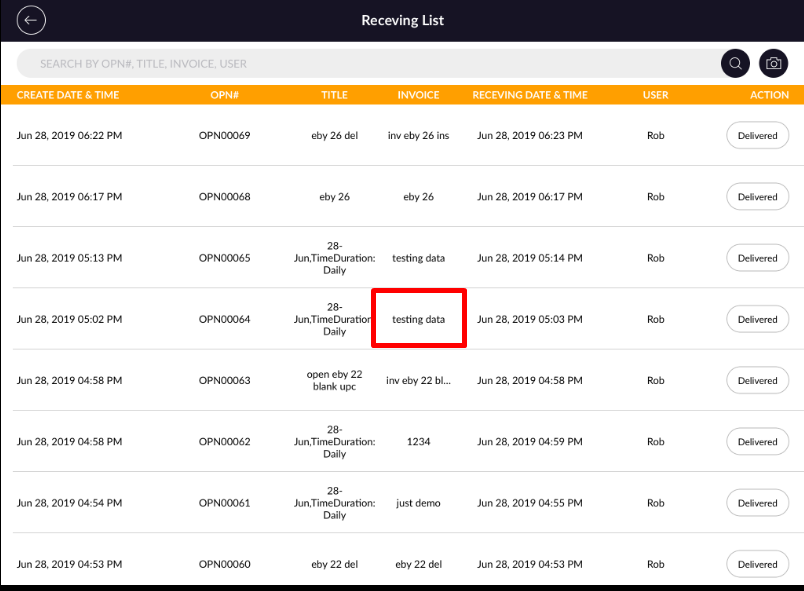
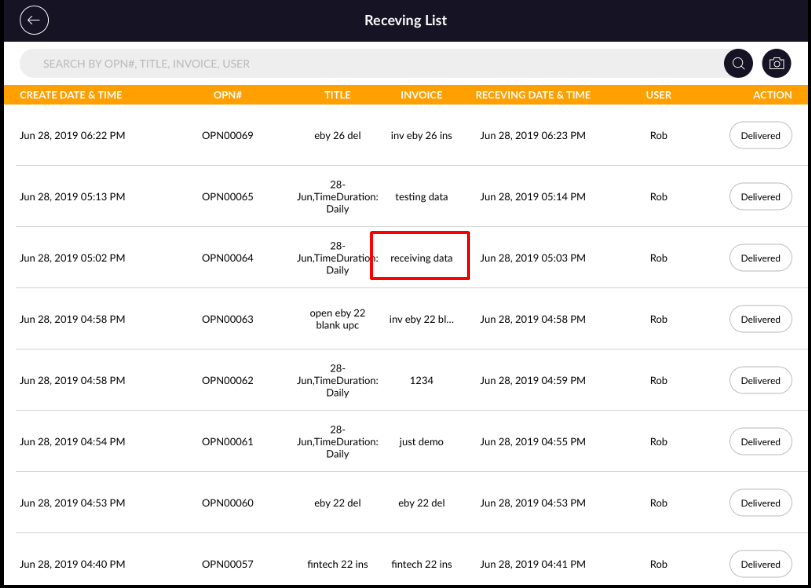
- Orders will display with created date & time, OPN#, title, invoice, delivery date & time, user and Action.
- Open any invoice which invoice number you want to change.
- In Delivery Screen, on top screen you will see invoice no.
- Tap on the invoice number.
- Now you will see ‘delivery invoice number’ popup.
- Change ‘delivery invoice number’ and click on the Save button.
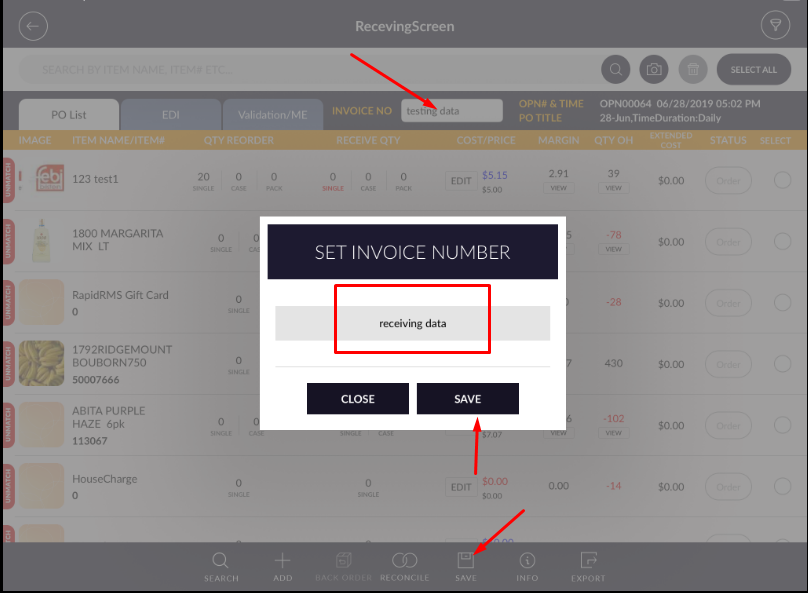
- Now in delivery screen page click on save button.
- Now you will see, the Delivery invoice number will update.