Support Document
 Support Document
How to setup receipt print option?
How to setup receipt print option (last invoice, invoice print and change due screen) from merchant, sale
and other receipt pop up.
This option is used when the user wants to print only selected receipt.
Follow below steps to setup receipt print
This option is used when the user wants to print only selected receipt.
Follow below steps to setup receipt print
- Open RapidRMS application.
- Go to Cash register module.
- At there you have 3 places to setup receipt print (last invoice, invoice print and change due screen).
- Tap on ‘print’ icon in the bottom of the POS screen.
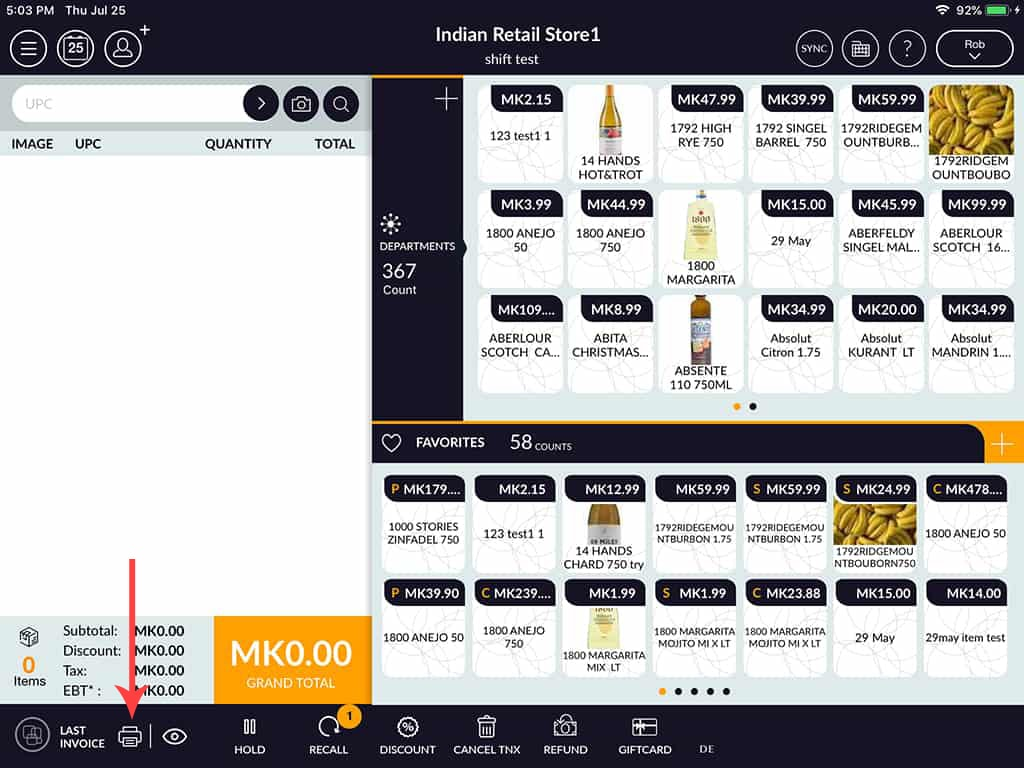
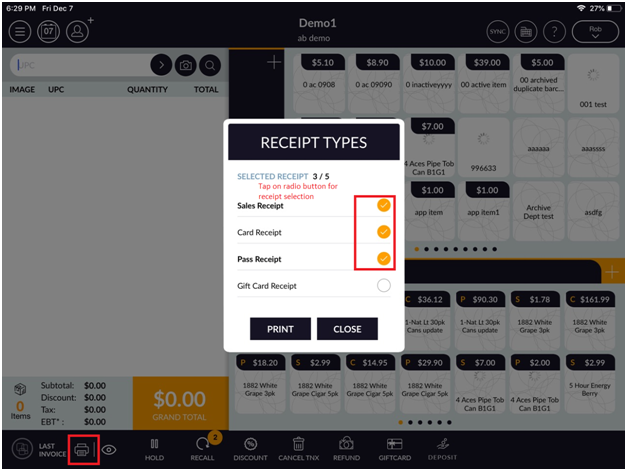
- At there, you will see Receipt types popup for print.
- At that popup, you can setup receipt setting.
- Tap on any options which you want to select and after selection, it will automatically save the setting.
- Same functionality in change due screen and invoice screen.