Support Document
 Support Document
How to settle CC batch?
- Open rapid RMS application.
- Go to daily report module.
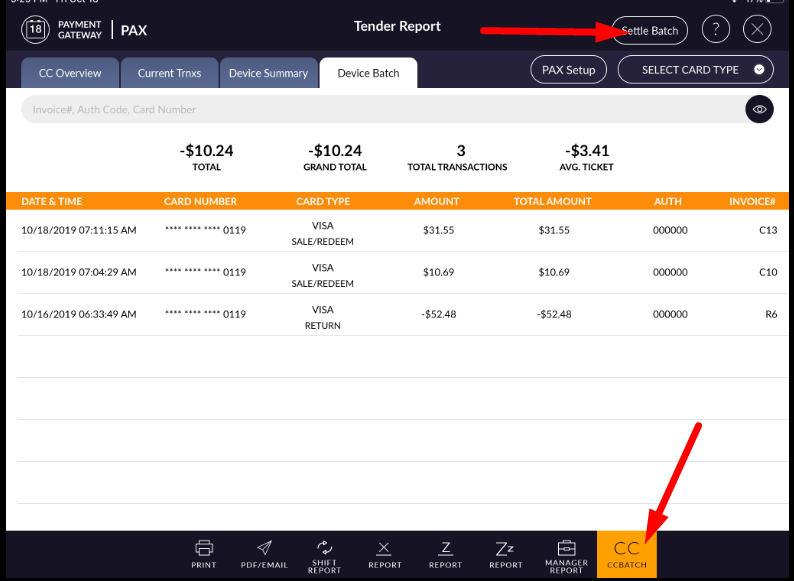
- Tap to cc batch.
- At the top right corner, there is one button “settle batch”.
- Hit that button.
- Give yes.
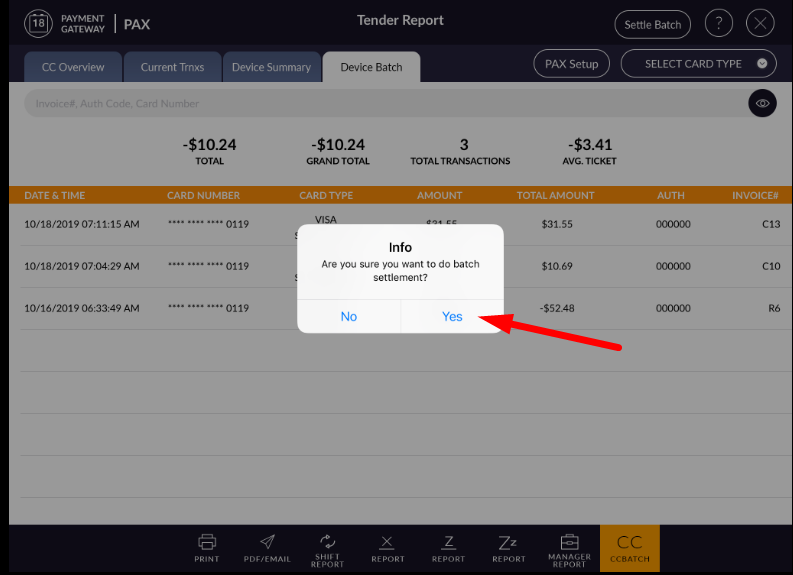
- Batch settlement successful alert display and if from setting print option is ON and the printer is connected then directly it will print the receipt and if not ON then when giving command print then it will print cc batch settlement receipt.
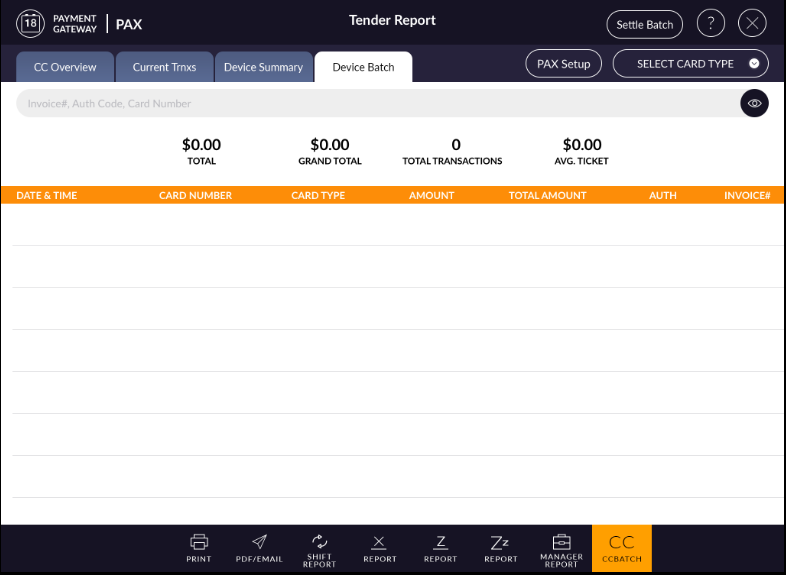
- When batch settle then all previous entry remove from pax and page display blank.