Support Document
 Support Document
How to set quantity in reorder?
In purchase order qty which we want to order in our store need to set that qty in reorder at the time of new
order creation.
- Go to rapid RMS application.
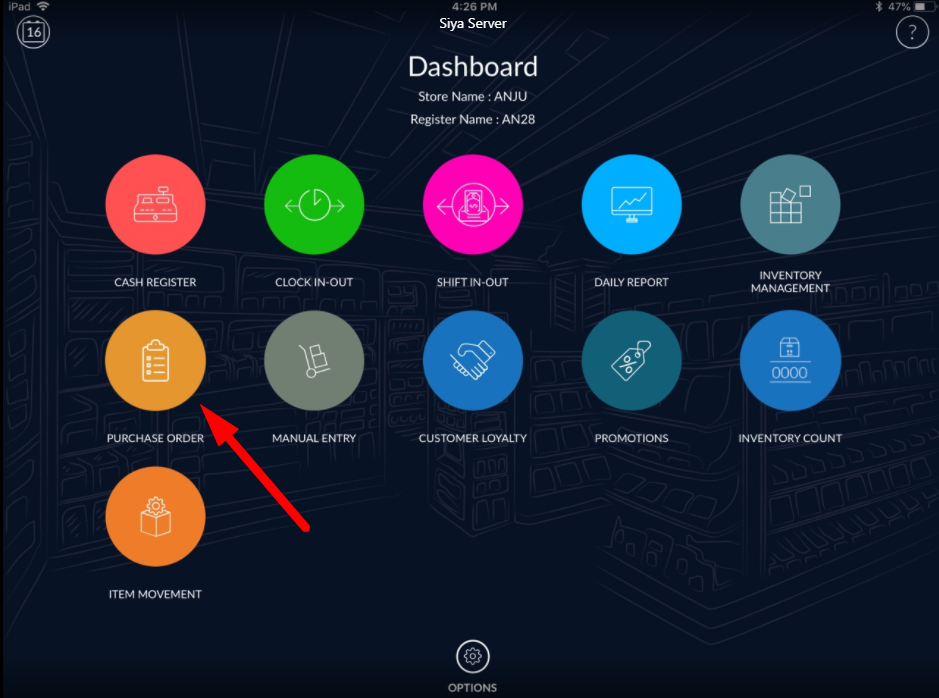
- Open purchase order module from the dashboard.
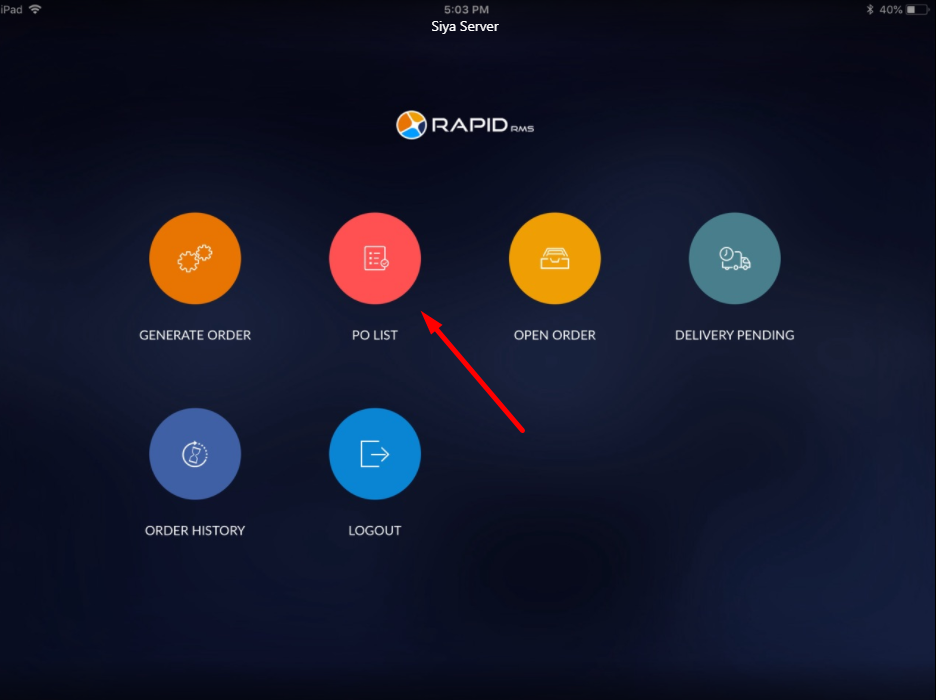
- Click on PO list.
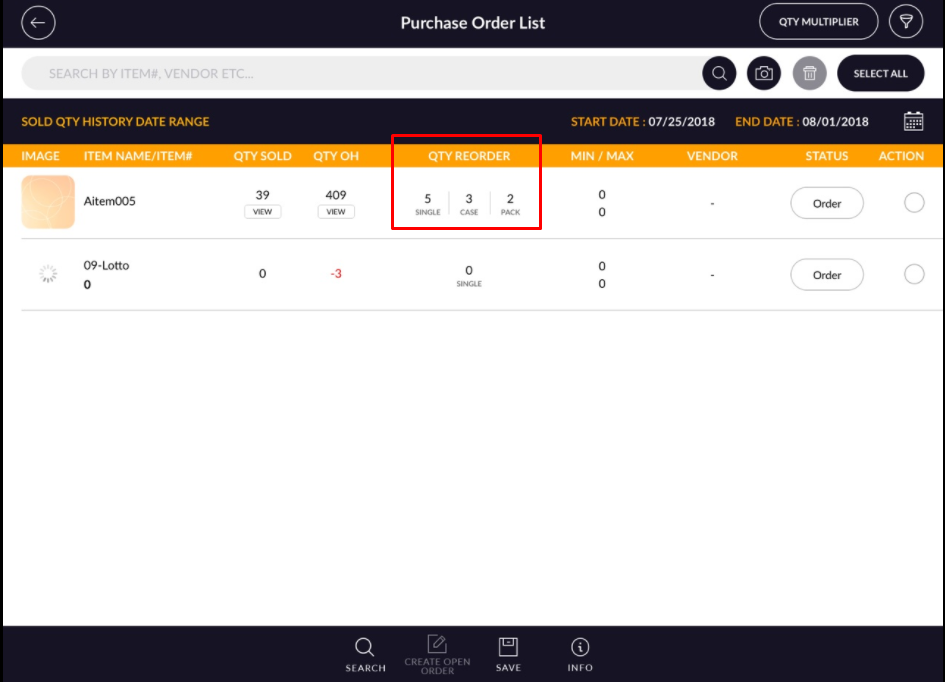
- Add some items in PO list.
- Select item from list which you want to add in order.
- There should be one column for entering qty for reorder. If in item case/pack define then qty reorder display in form of single/case/pack and if case/pack does not define then the only field for single is display.
- Click on item reorder field in which you want to set reorder quantity.
- Set reorder quantity.
- Apply on done button.
- Click on PO list.
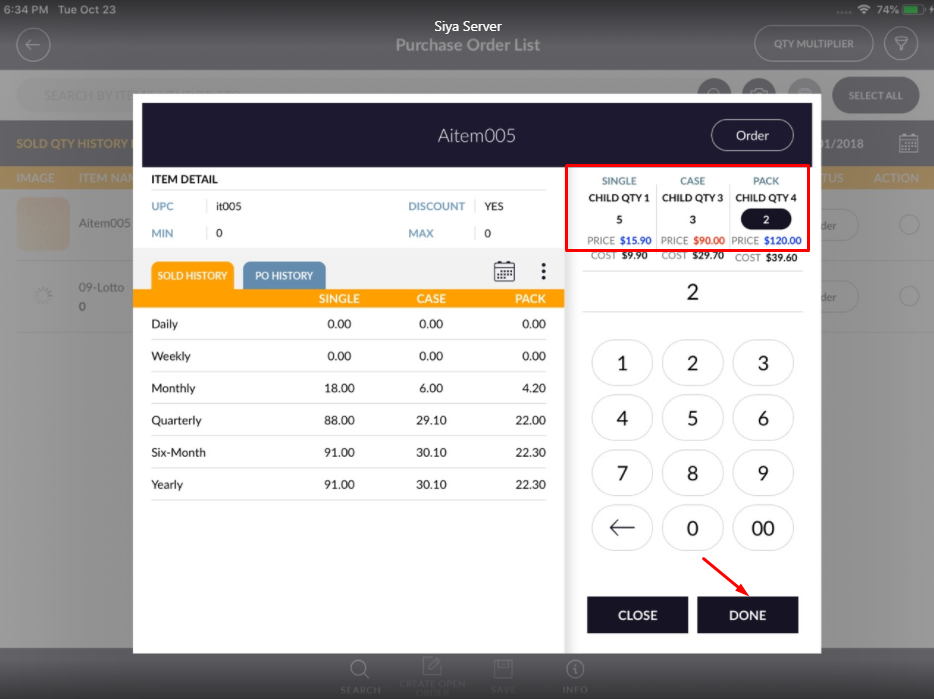
- Entered quantity will set it item.
- After set reorders quantity to save the changes.
- When create open order then item will process further with reordered quantity.
- Same as this module reorder qty can be set in open order module.