Support Document
 Support Document
How to set CC batch receipt printing?
In rapidrms when user wants to settle batch and without giving a command to print if directly want to print
batch receipt then rapid give facility of that.
- Open rapid RMS application.
- Go to the setting module.
- Open tender configuration.
- Set print cc batch receipt option ON.
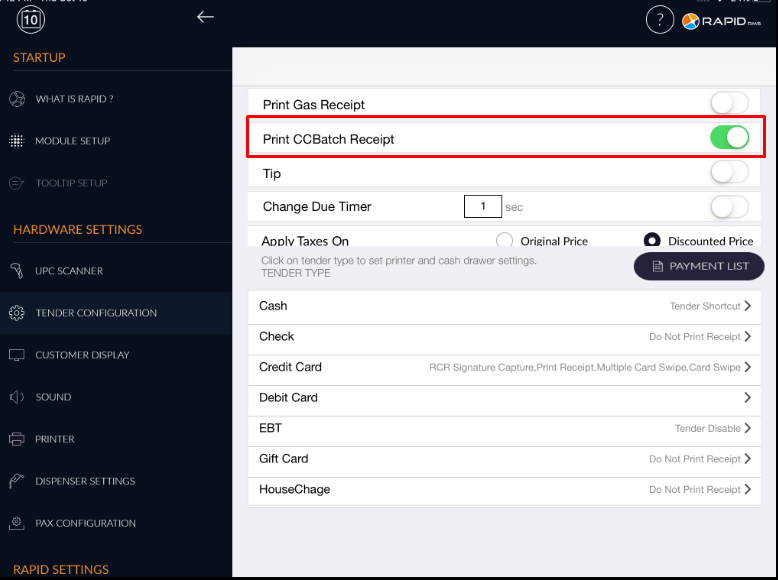
- When settle batch and a printer is connected with the application then directly receipt will print.
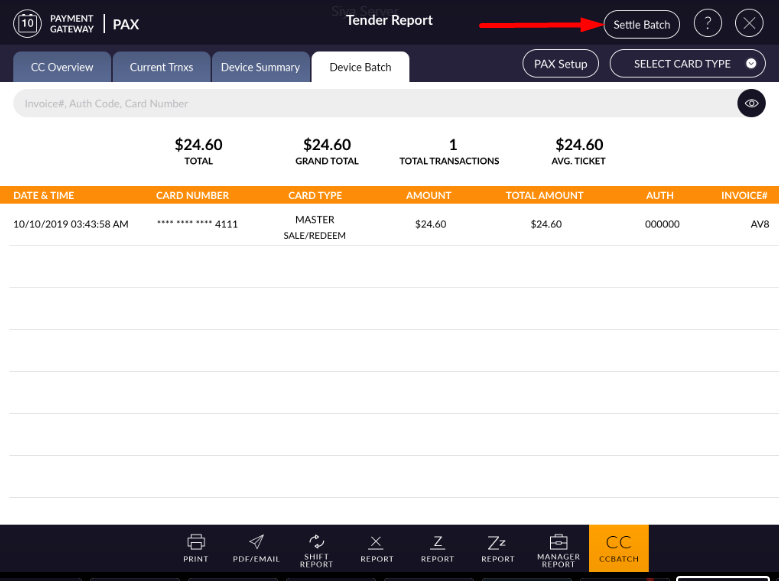
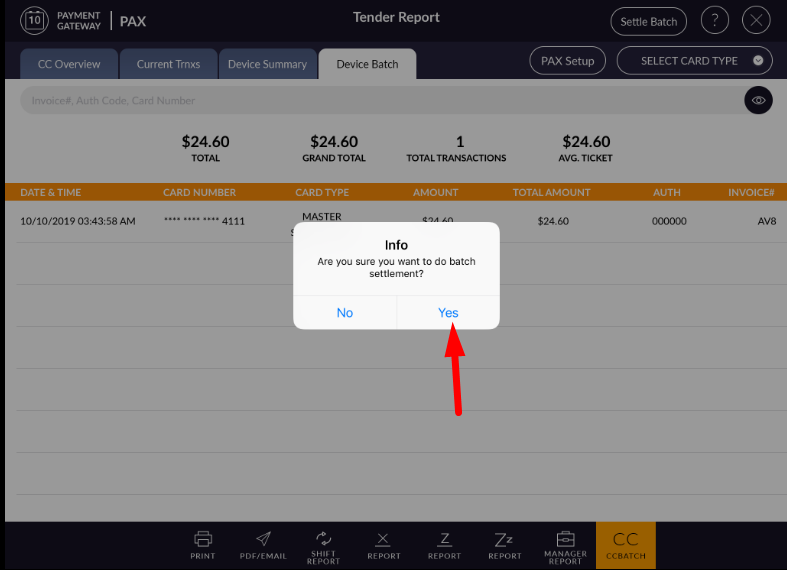
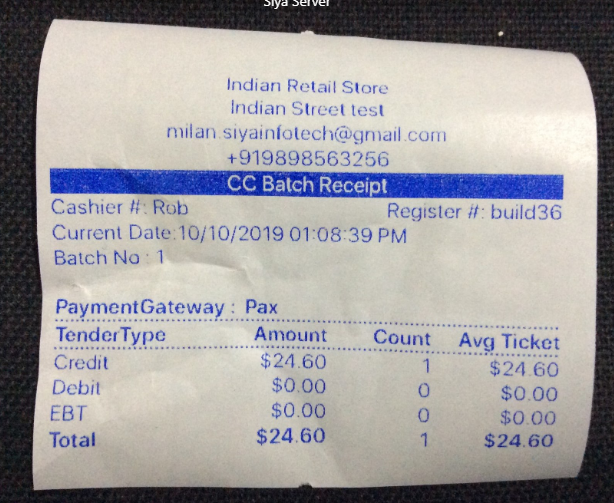
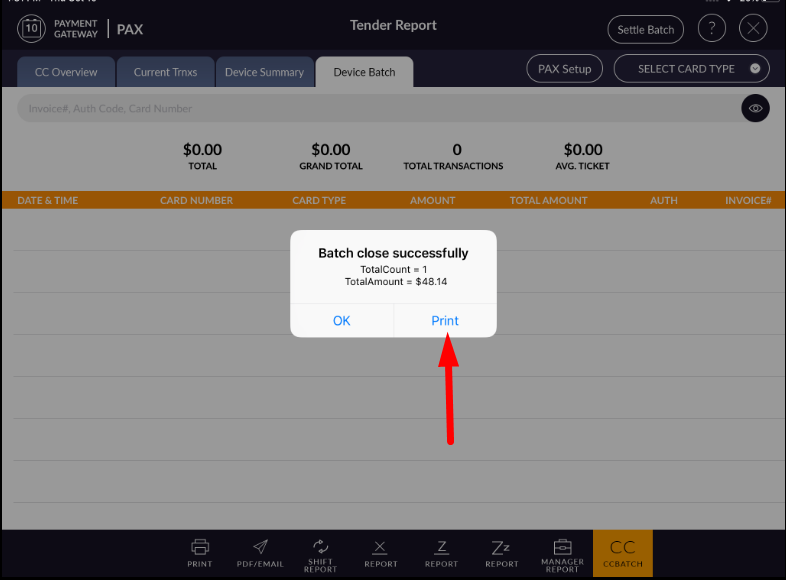
- If option off for cc batch print report then manually need to apply the print option to print a
receipt.