Support Document
 Support Document
How to see history in a manual entry?
In manual entry to view all details of the purchase item order, there is a history section.
- Open rapid rms application.
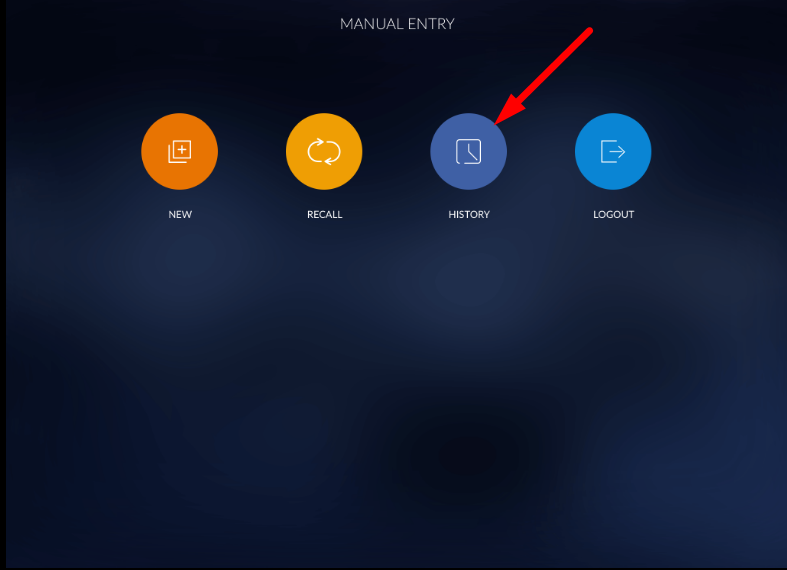
- Go to manual entry module.
- Open the history section.
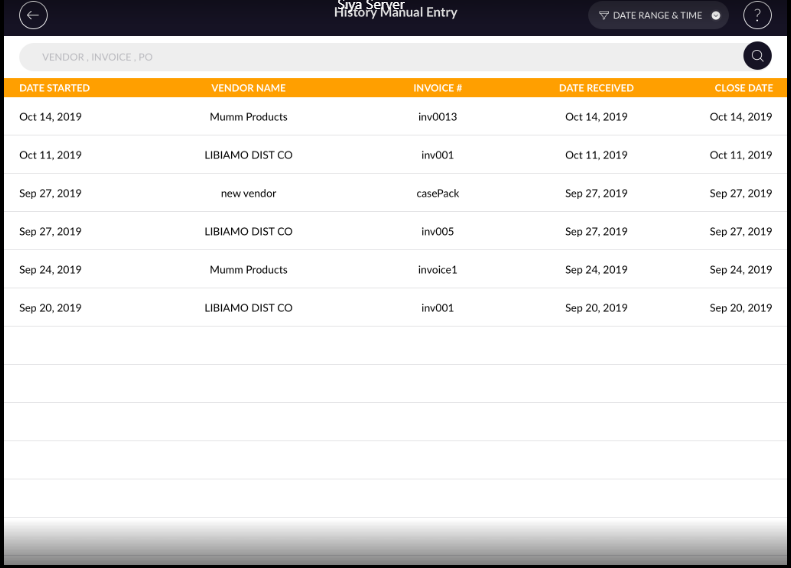
- All the records display in the list.
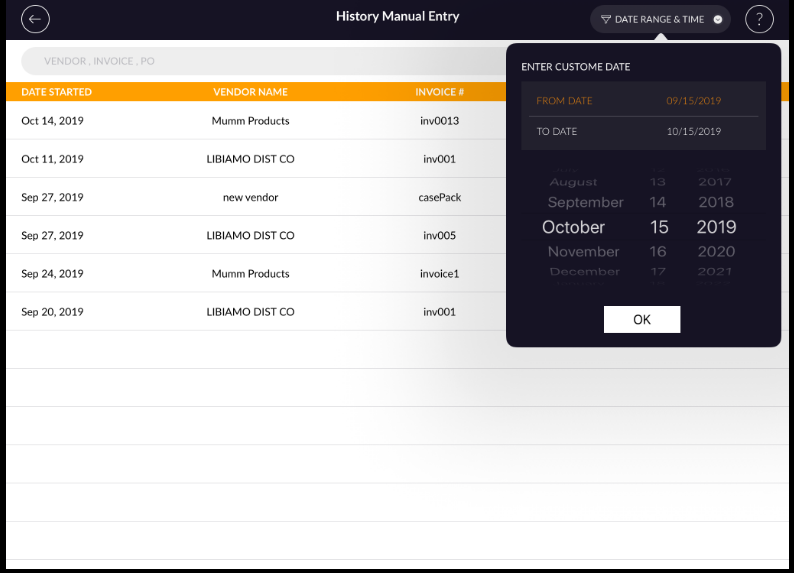
- History can be searched by date range also.
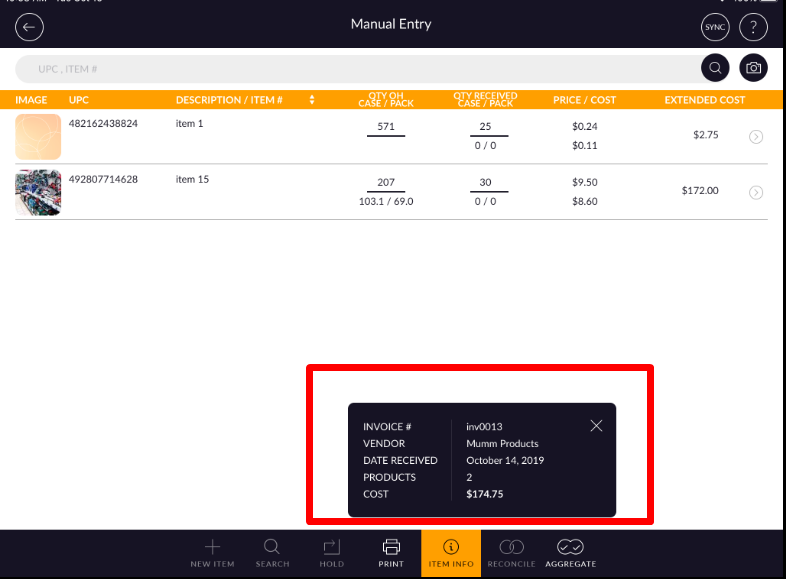
- When opening any entry then all item list of that particular invoice will display.
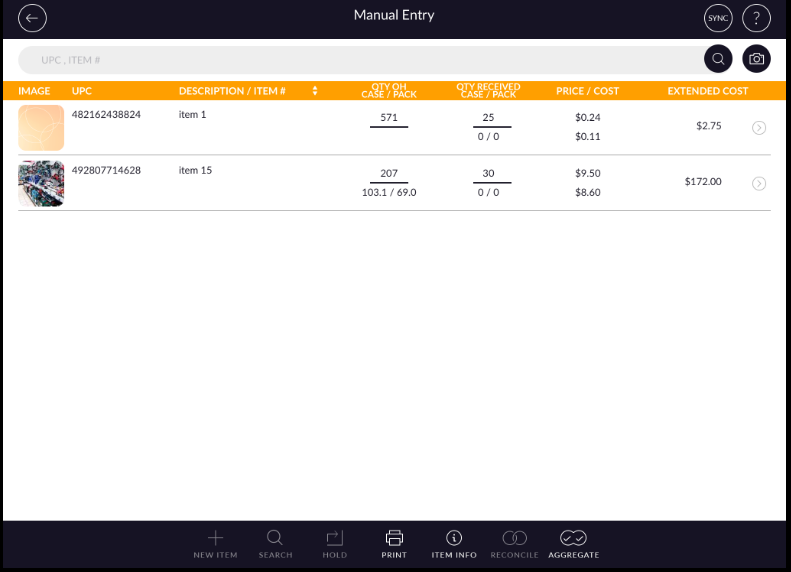
- Item display with UPC, description, and price/cost.
- From print option preview of an invoice can be seen.
- In item info detail of all item-total qty and price/cost will display.