Support Document
 Support Document
How to see history in clock in-out?
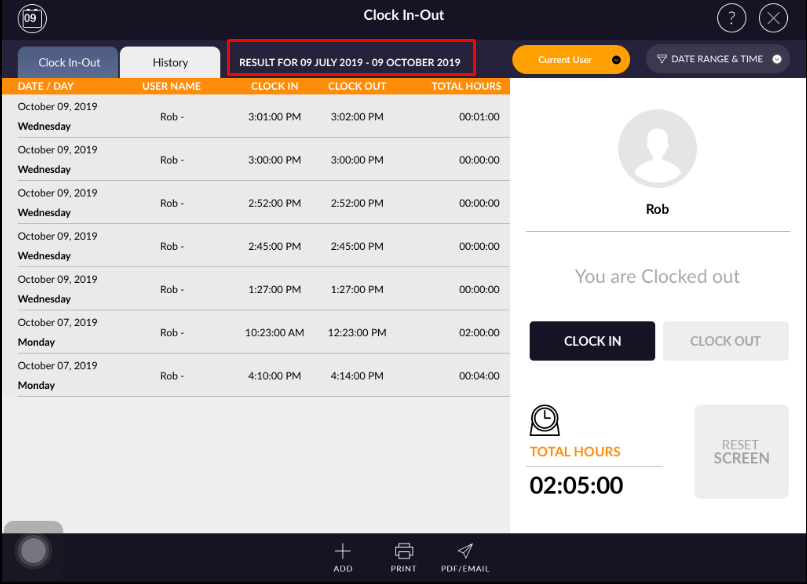
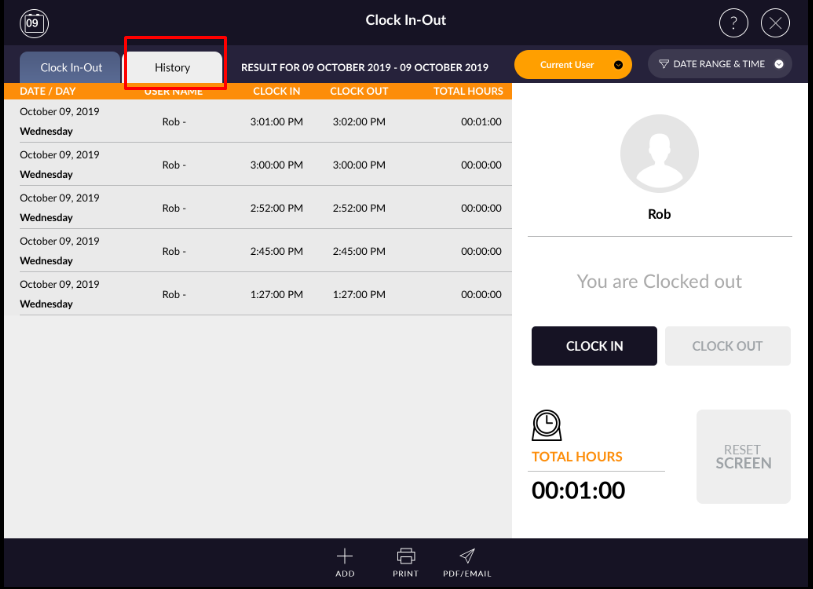
In clock in-out, if you want to see history of all entries then you can see all in the history page.
When Reset screen then all the entries will move to history.
When Reset screen then all the entries will move to history.
- Open rapid RMS application.
- Go to clock in-out module.
- Open history section.
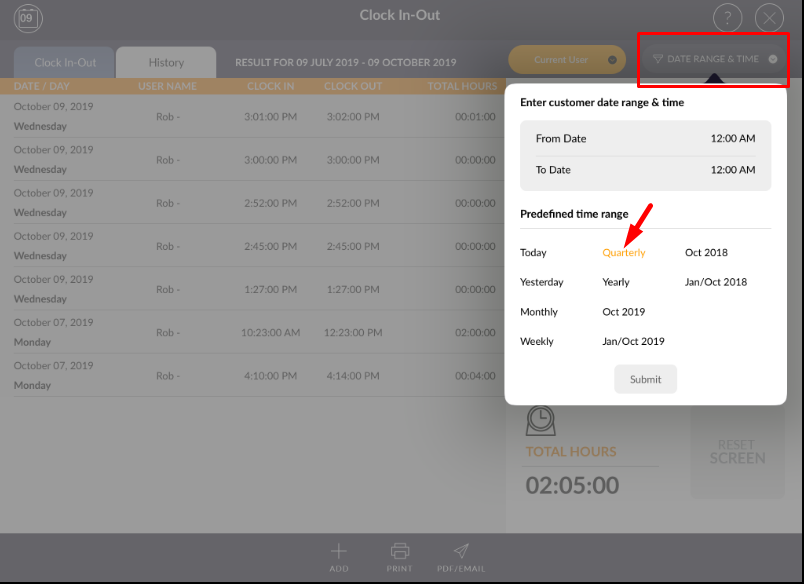
- History can be filtered according to time duration. From date range and time menu.