Support Document
 Support Document
How to search item/ invoice from invoice page?
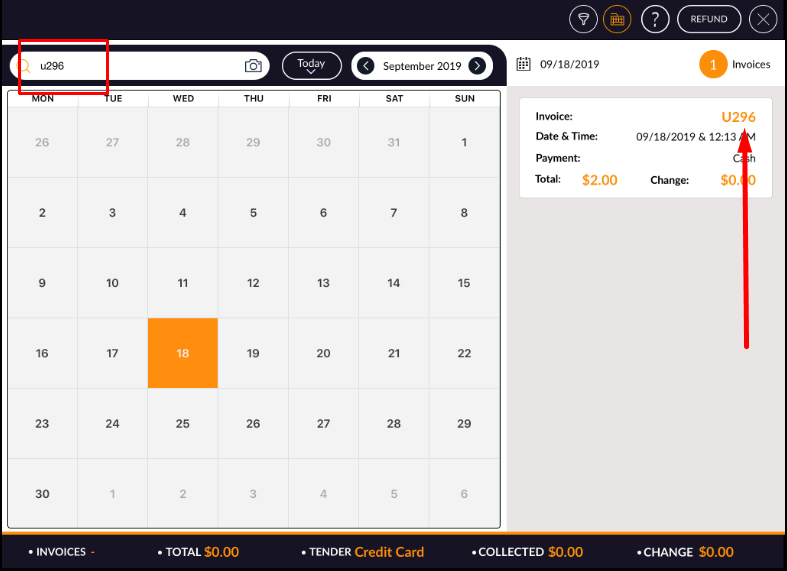
In any of invoice if the item is available then the item can be search by UPC, item name. Also, an invoice
can be searched by invoice #.
- Open rapid RMS application.
- Go to the cash register module.
- Go to the invoice page list.
- There is one search bar available.
- Item can be search by UPC or item name.
- The invoice can be searched by invoice number.