Support Document
 Support Document
How to search item from item master?
When a user wants to search item from inventory management then this functionality is used.
Keyword
- Open rapidrms application.
- In Dashboard, Select Inventory Management module and enter 4 digits quick access.
- In the item list, User can select either ABC shorting or keyboard option.
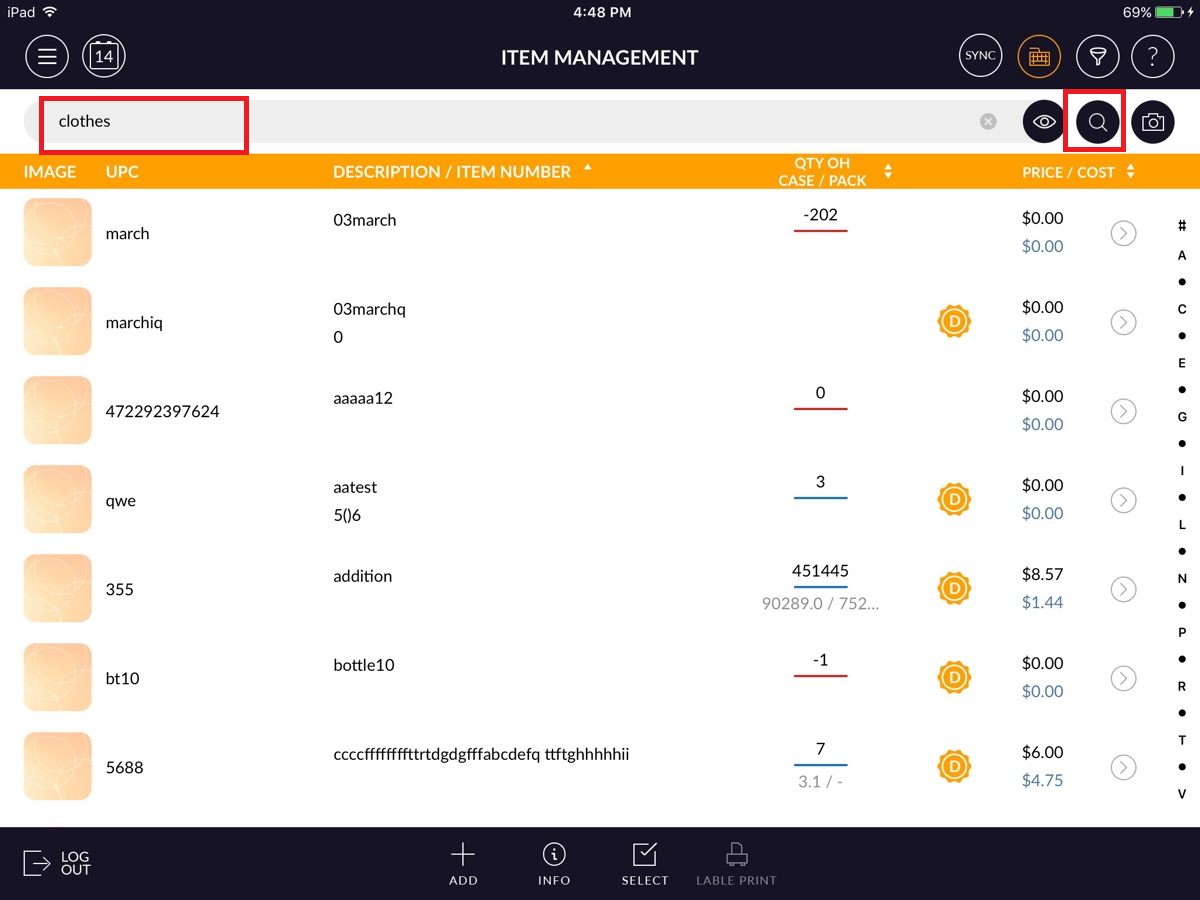
- After select ABC shorting option type text in the search box and click on the search button.
- After click on search button item display with typed text name according to ABC shorting.
Keyword
- After selecting the Keyword option type text in the search box and click on the search button.
- If typed text is available in item list then searched item appear otherwise the message will prompt ‘No Record fount for item’.