Support Document
 Support Document
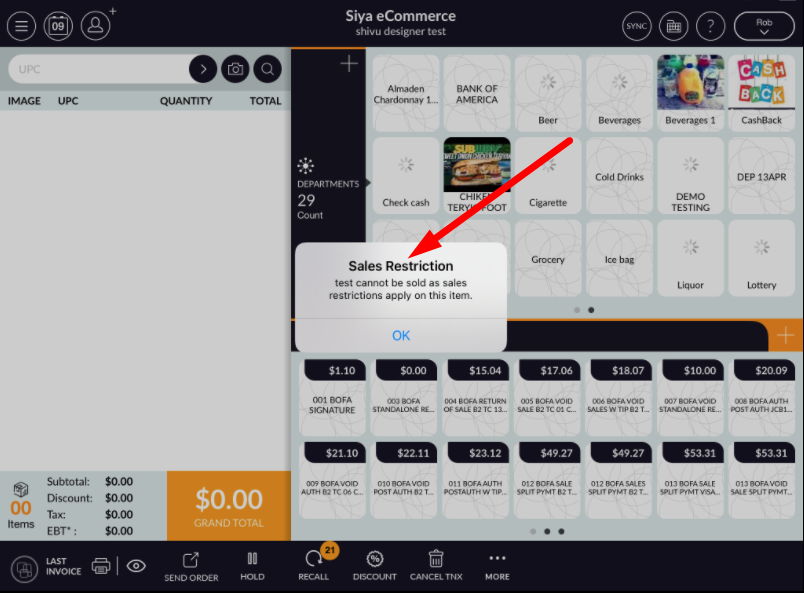
How sales restriction will apply at POS side ?
When Store do not want to sell items then there is one facility is there that need to put that item(S) under
sales restriction.
Sales restriction need to set from BOF side.
For sales restriction adding follow below procedure.
Sales restriction need to set from BOF side.
For sales restriction adding follow below procedure.
- Log in with BOF web URL.
- Make sure e commerce option should ON in store.
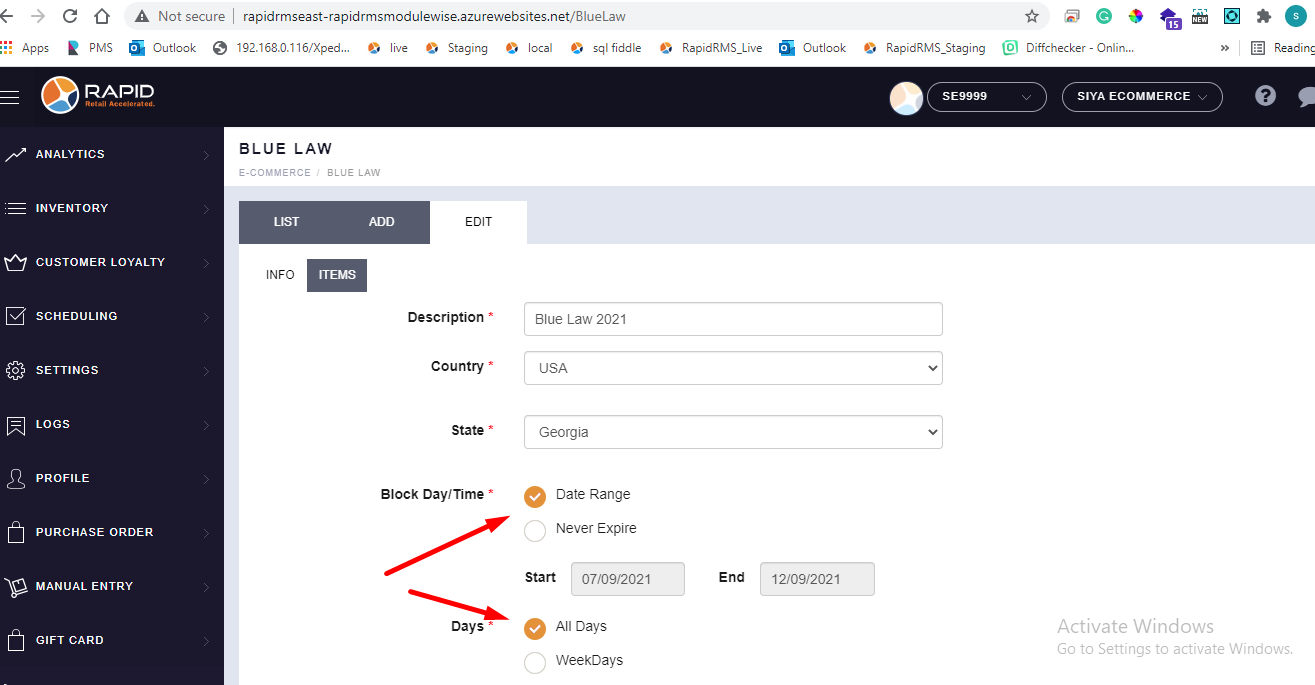
- Go to blue law tab.
- Create one entry for sales restriction.
- Set proper date. I.e today's date
- Select all days in day.
- Save changes.
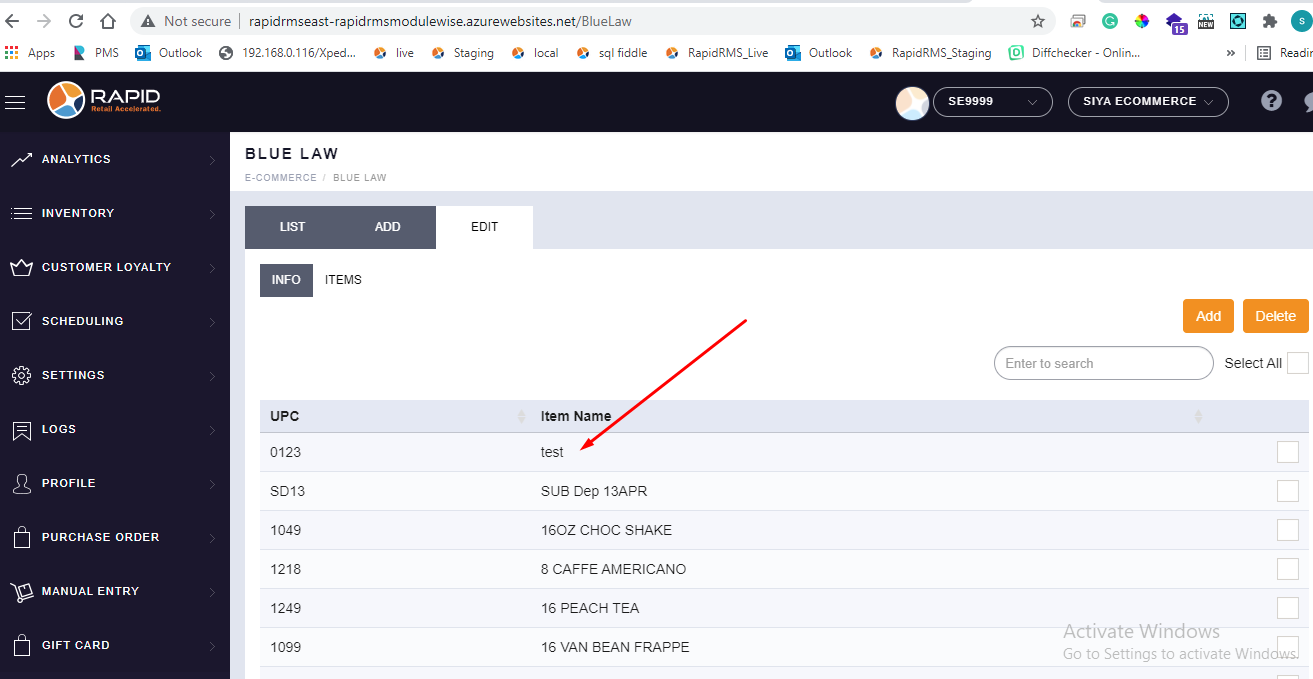
- Now from items tab add items in it.
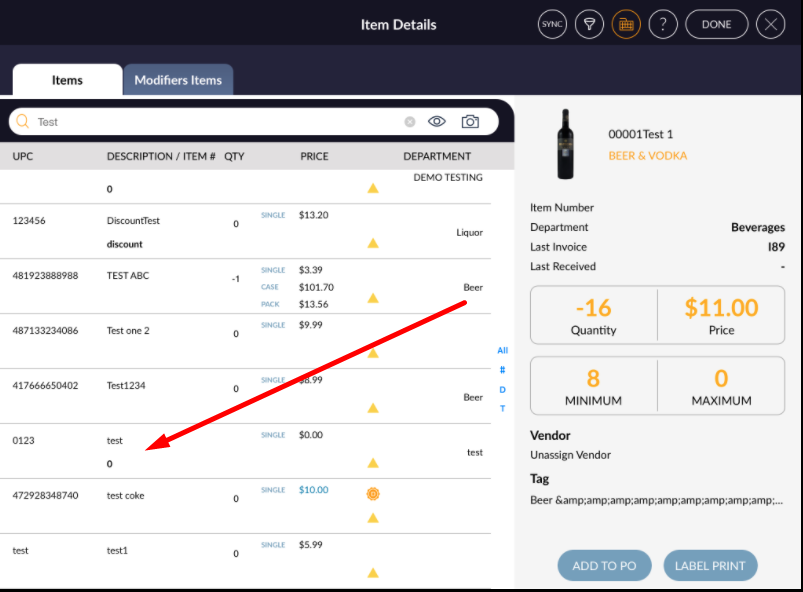
- Now open rapid rms application.
- Go to cash register module.
- From item try to ring up that item.
- Item will not ring up and validation display that item is under sales restriction.