Support Document
 Support Document
How to restock items from sales history ?
In restock report sales history all the items which are sold will display. If a store wants to again enlist
sold item(S) then restock report module is used.
- Open rapid RMS application.
- Go to restock report module.
- Open sales history.
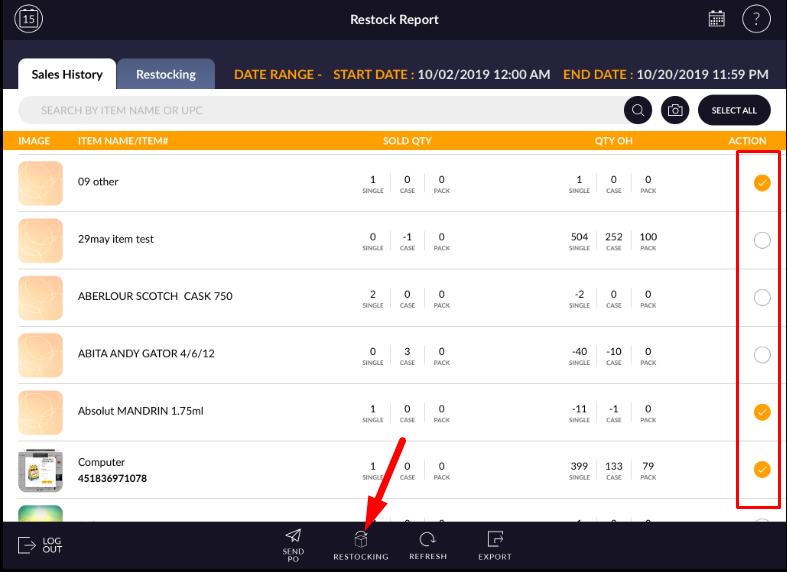
- All the items which are sold during a particular time duration will be listed in sales history.
- Select item(S) which you want to enlist for restocking.
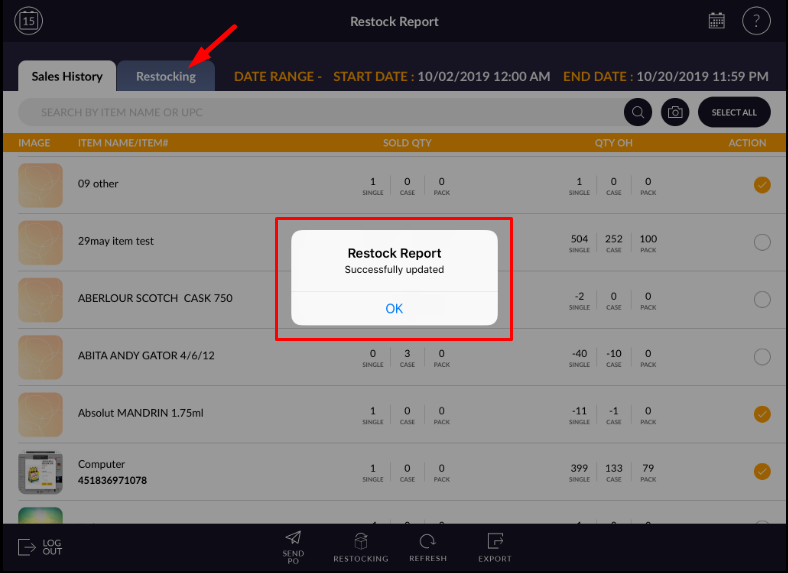
- Items which are restocking from sales history will move into restocking list.
- When an item is restocked then it will remove from the sales history.