Support Document
 Support Document
How to reset in clock in-out?
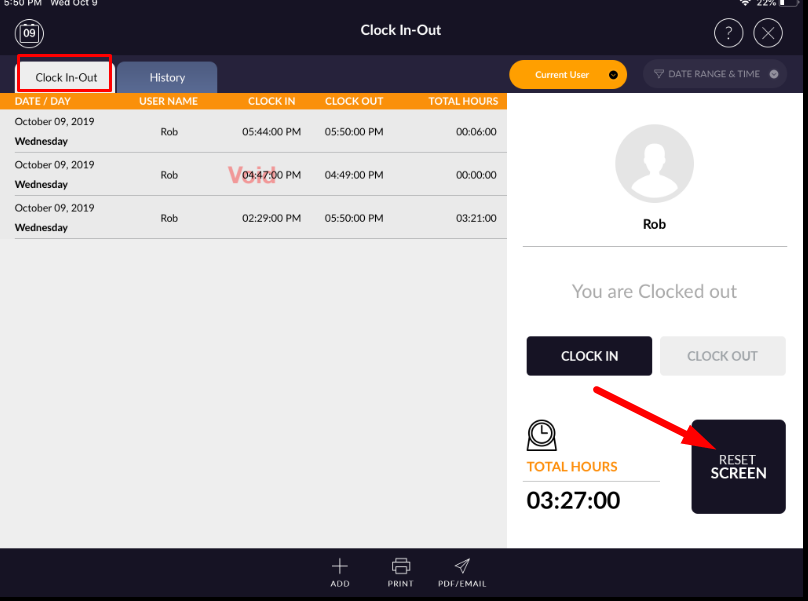
When the user wants to clear screen then there is a reset button in click in-out module.
- Open rapid RMS application.
- Go to click in-out module.
- In clock in-out, there is all entries display.
- Apply the reset option.
- Confirmation for a reset will display.
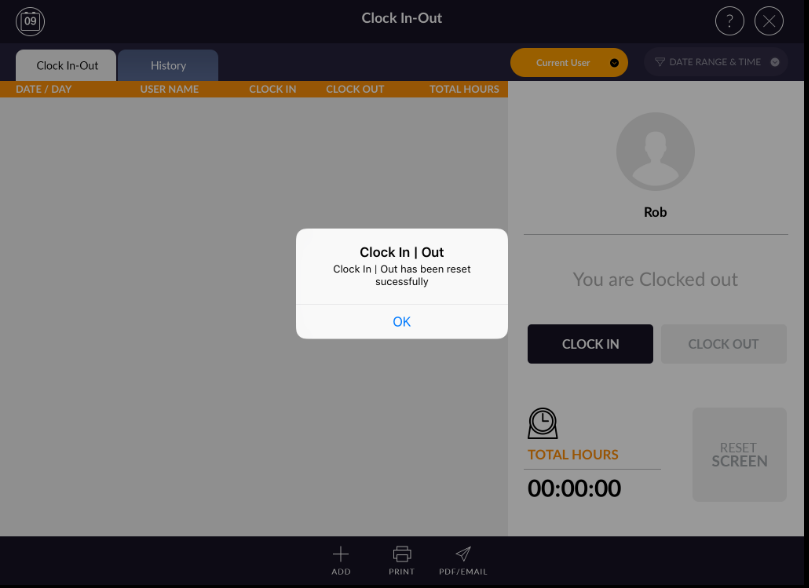
- The screen will clear and all records move to the history section.