Support Document
 Support Document
How to remove items from sales restriction?
When item need to remove from sales restriction and want to sell in store the need to remove from blue law
in BOF.
For item remove follow below process.
For item remove follow below process.
- Log in with bof office web url.
- Make sure e commerce option should ON in store.
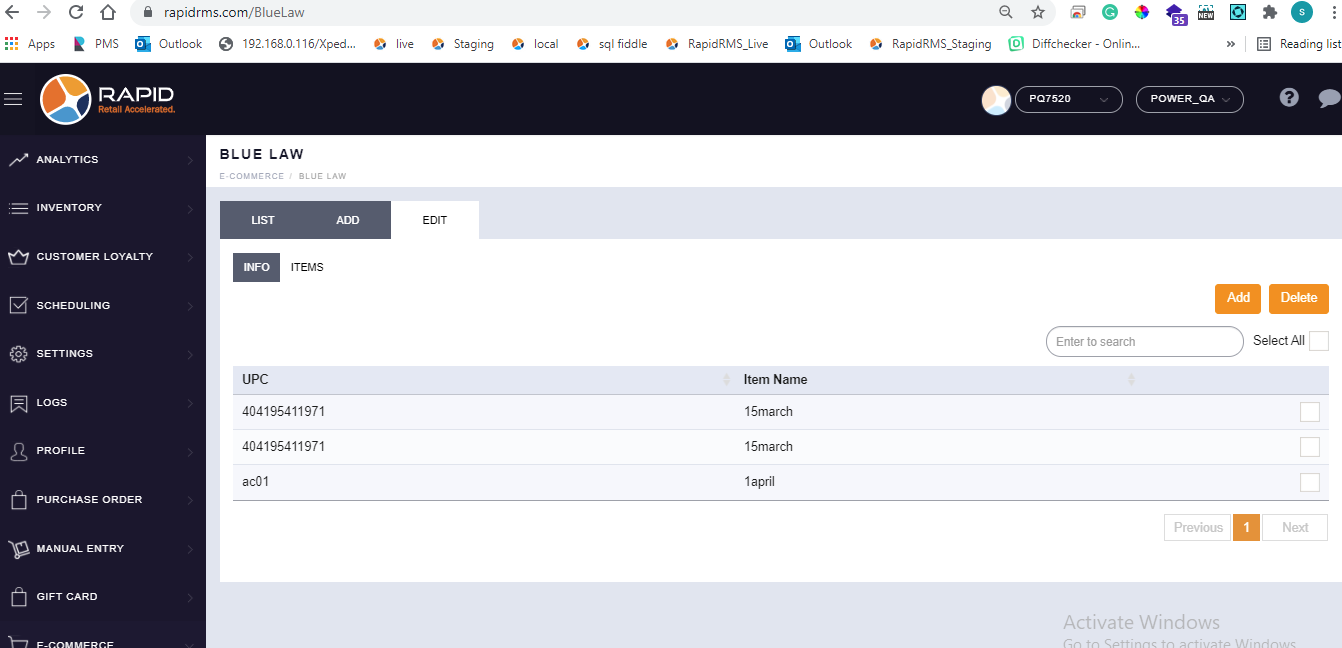
- Go to blue law tab.
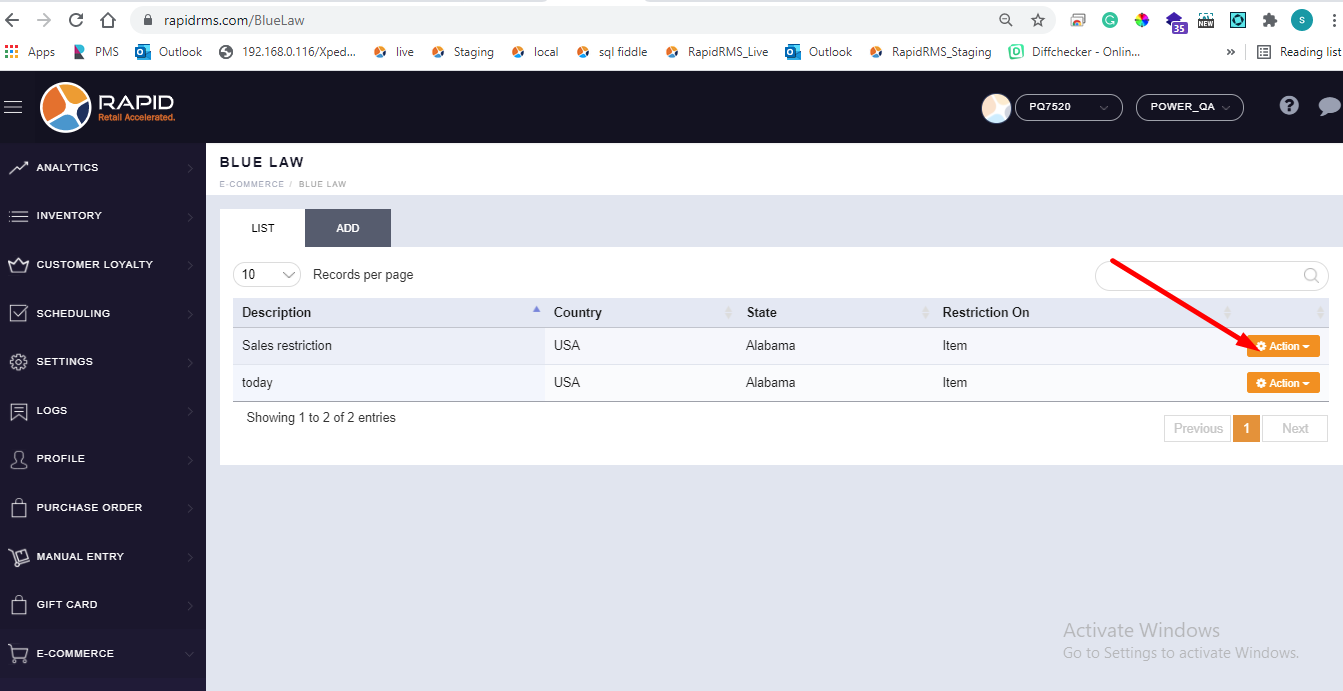
- Open any one entry in edit mode by action button.
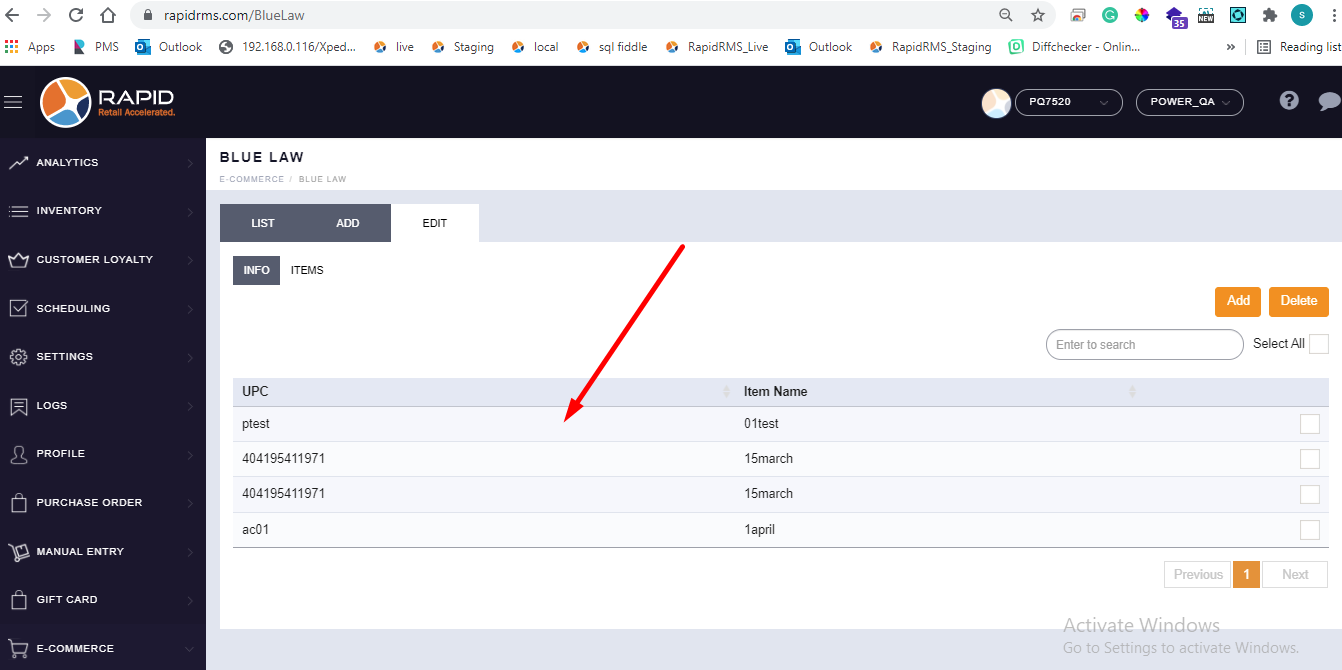
- Go to items tab in it.
- All items which are under that sales restriction would display.
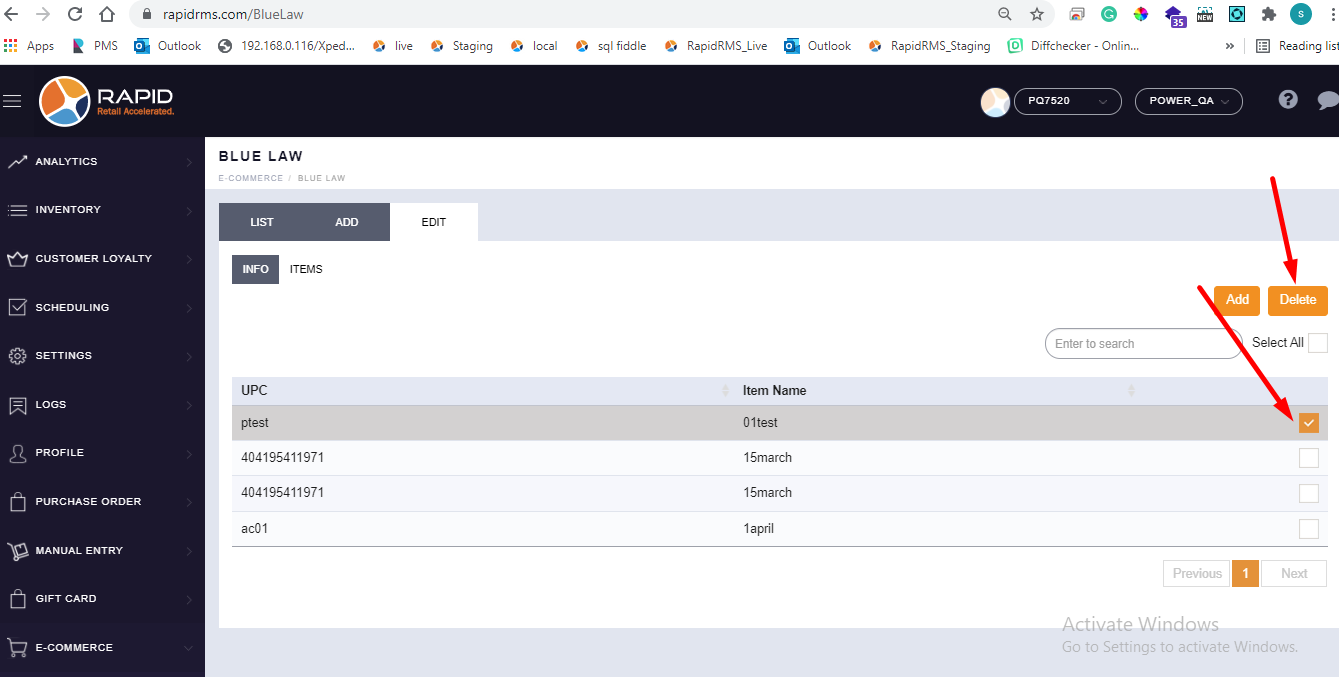
- Now select items which you want to remove from list.
- Click on delete.
- Selected item(S) will remove from list.