Support Document
 Support Document
How do I release and reactive register?
Release a register
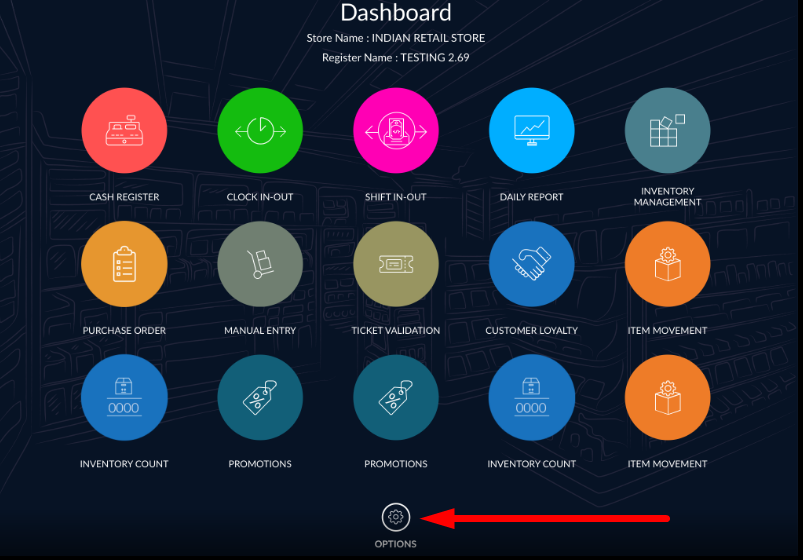
- On the dashboard, tap on the setting icon at the bottom of the screen.
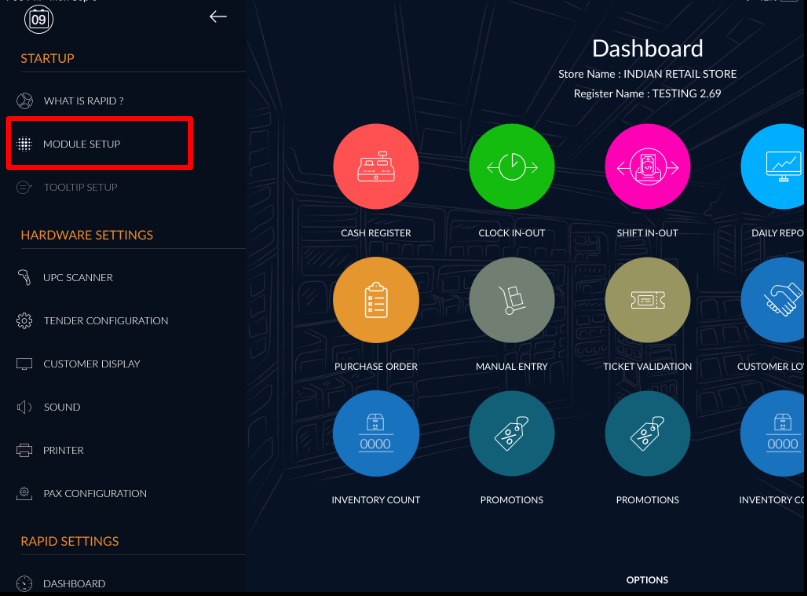
- A left-hand sidebar will appear, click on module setup.
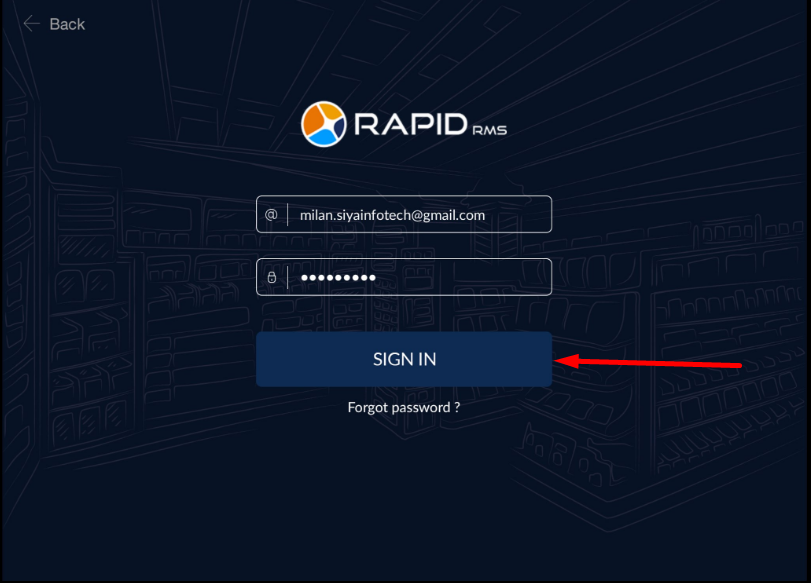
- For security reasons, you will need to log in again.
- You will now see the module activation screen. On the right, click on Active Register. Then, select which register you would like to release.
- On the left, you will see the register details. Click the red button to release this register.
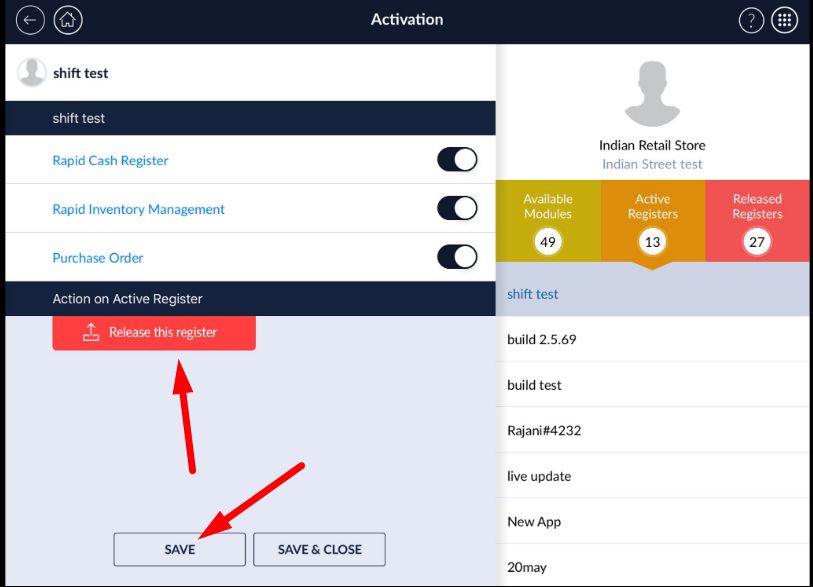
- It will ask you to confirm, and then your register will be released.
Reactive or replace a register
- Open the app and enter your username and password.
- Select the store for this device.
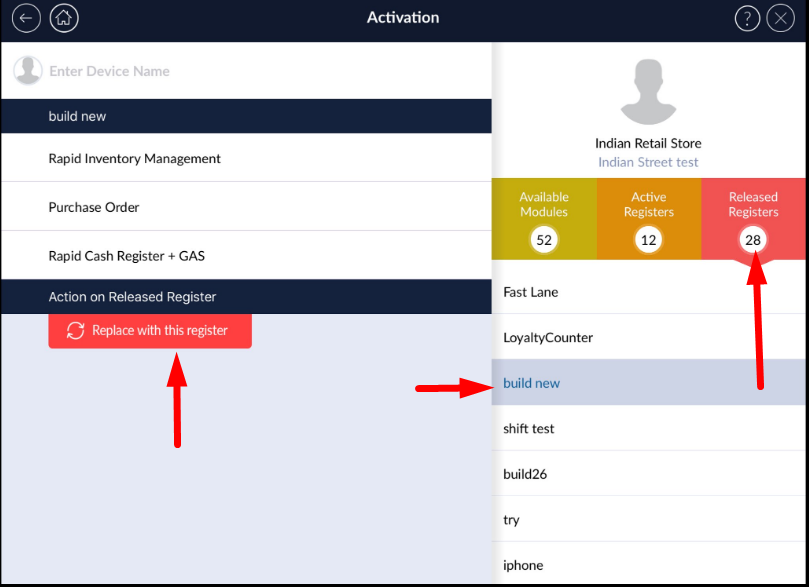
- You will now see the module activation screen. On the right, click on released register. Click on the name of the register you would like to reactivate.
- On the left, you will see the register details. Click the red button to replace with this register.
- It will ask you to confirm and then your register will be replaced.