Support Document
 Support Document
How to reconcile invoice in inventory count?
In inventory count when from one or other places counting complete then from that individual place want to
stop counting then invoice can be reconciled.
For reconcile invoice follow below steps :
For reconcile invoice follow below steps :
- Open rapid RMS application.
- Go to the inventory count module.
- Open recall module.
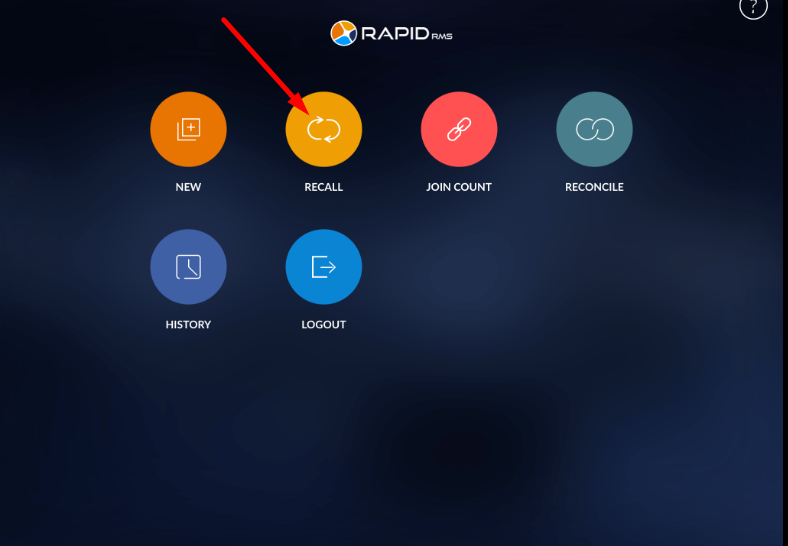
- All the invoices which are on hold display in the recall module.
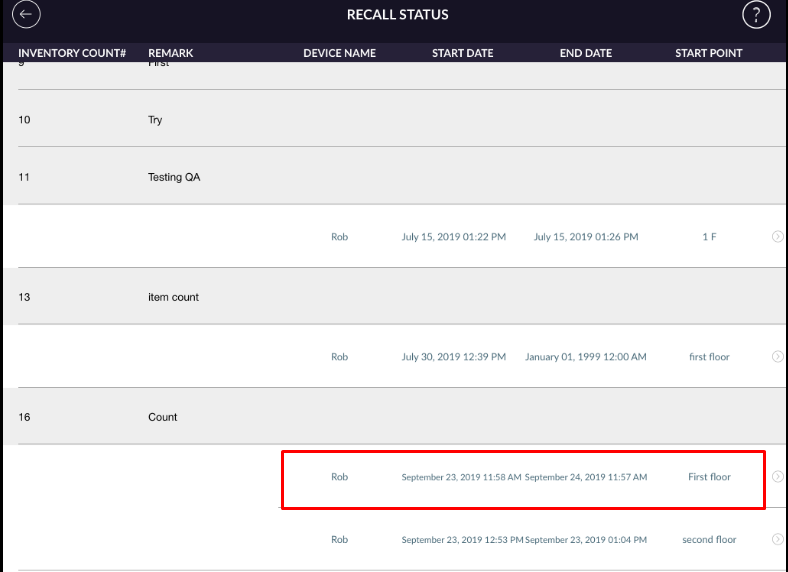
- Open any of invoice which individual counting is complete.
- In the recall list, in one invoice all the places display from where counting is started.
- Now apply to reconcile. If you want to change in item qty or want to add item in counting then also
you can add and after then you can reconcile.
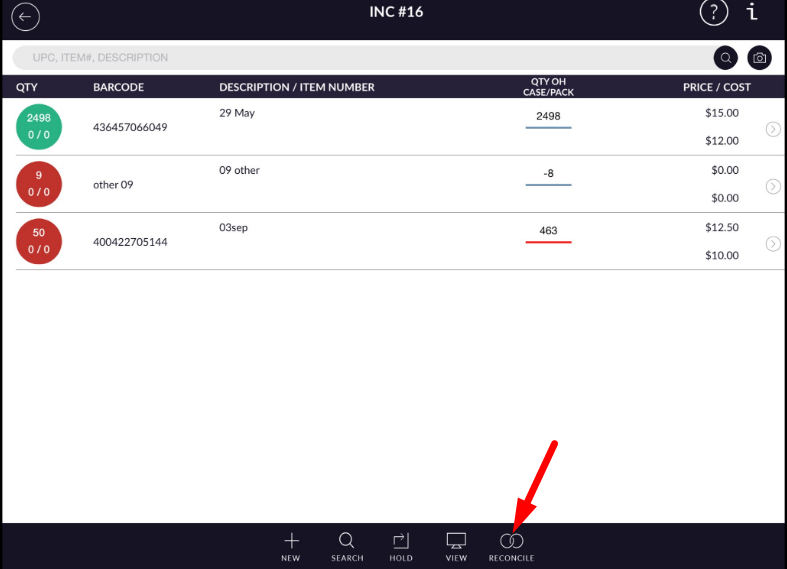
- Give yes.
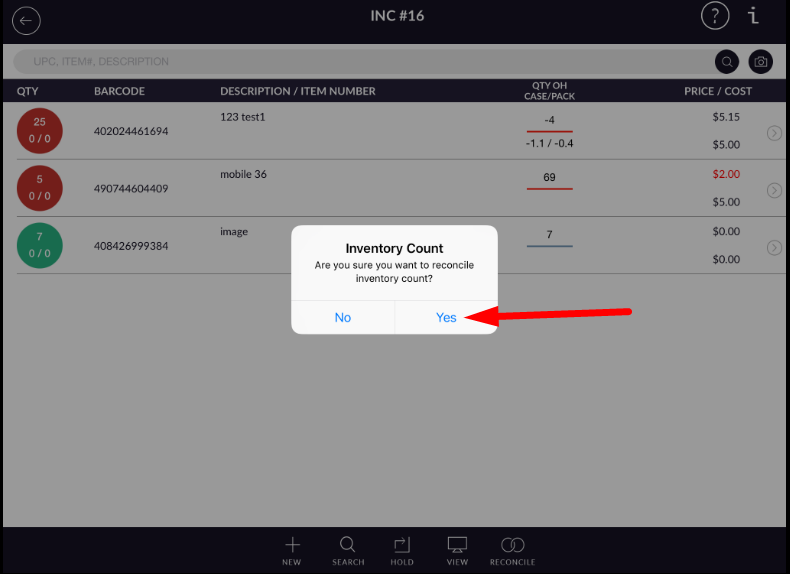
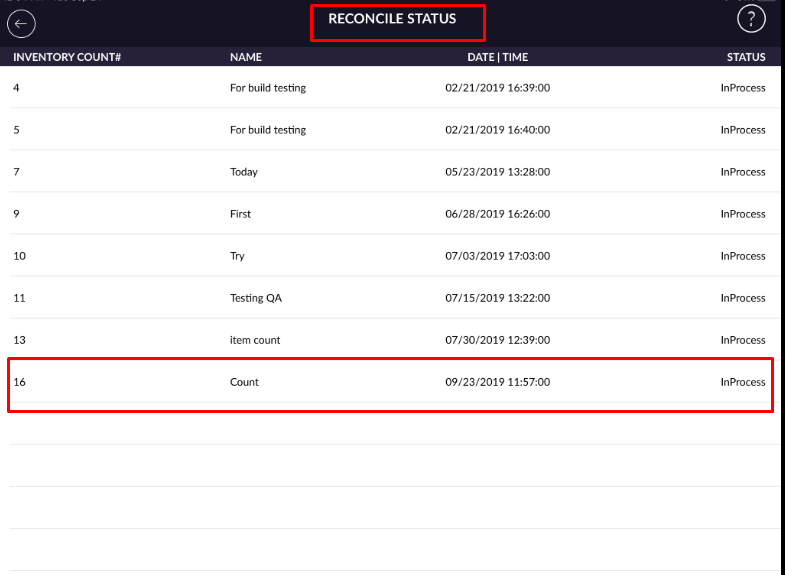
- After complete reconcile, an invoice will move to reconcile list.
- Go to reconcile module.
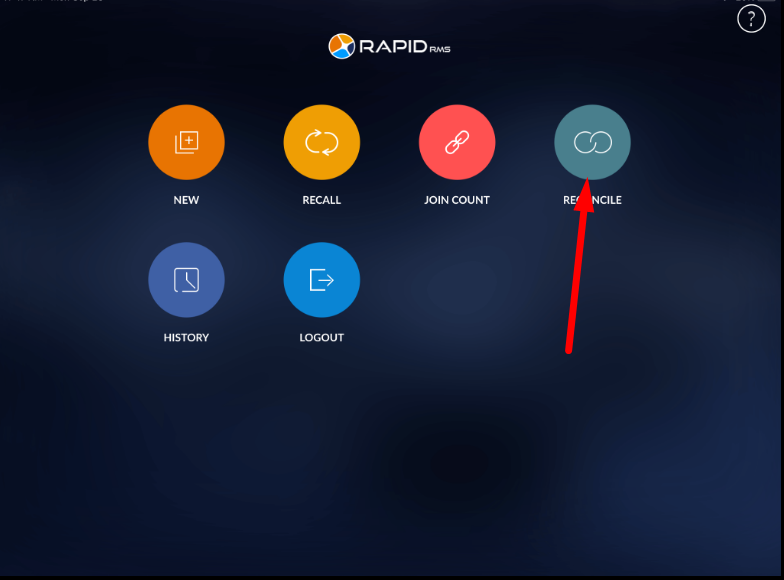
- In reconcile, list invoice is added with status as incomplete.
- From reconcile, you can complete invoice, BUt is there is still from somewhere counting is not complete till then you can not complete invoice.
- After complete all places counting, the invoice can complete.