Support Document
 Support Document
How to recall hold invoice?
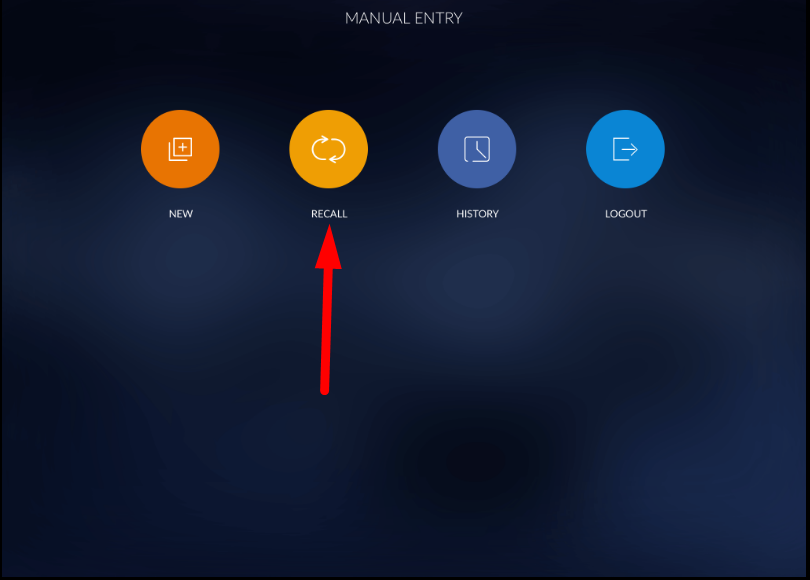
- Open manual entry module.
- Click on recall.
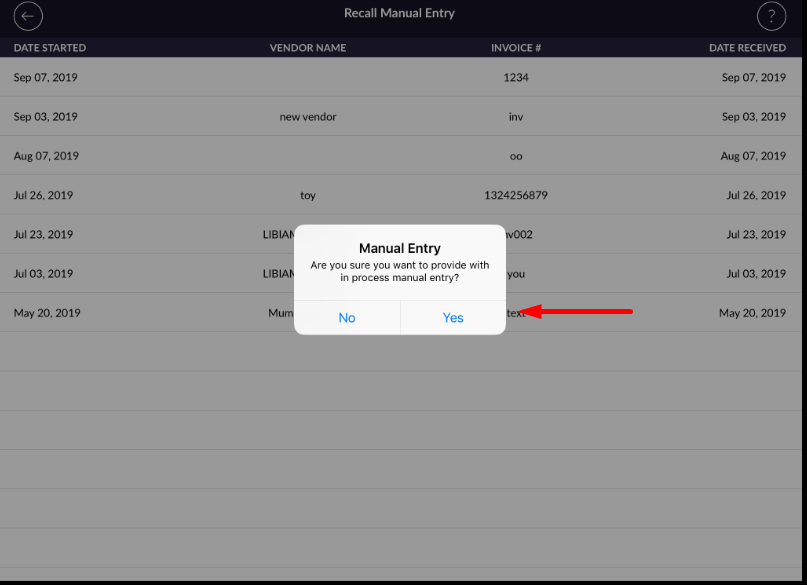
- List of invoices which has put on hold will open.
-
You can see hold invoices with vendor name (if present), invoice number, Date received and date started.

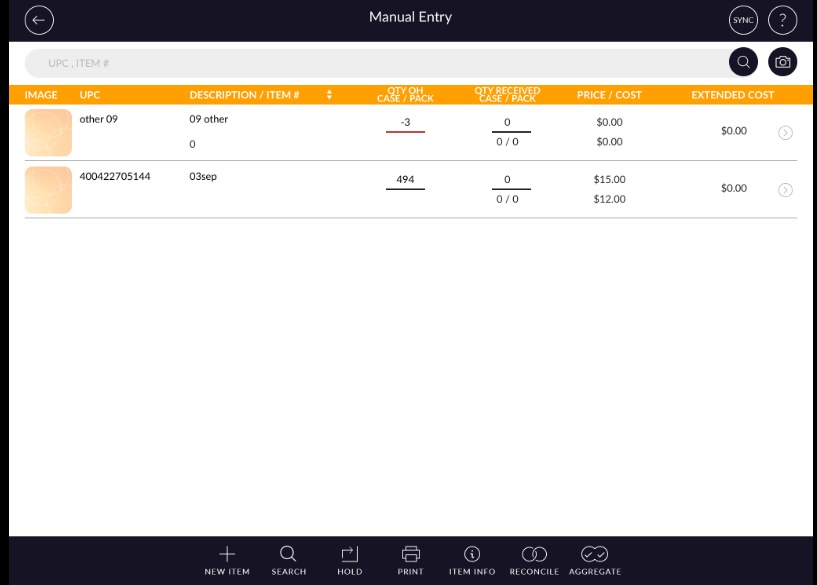
- If you want to process with hold invoices then click on the invoice and open it. Also, you can add
item in invoice and delete an item from invoice.
- You can not delete hold invoices.
- In history, List of all reconcile invoices will display. Close date is date at when invoice is
reconciled.
- Logout button is for log out from manual entry module.