Support Document
 Support Document
How to print and email shift report?
When the user wants to print a shift report then it can be print from the daily report.
Print shift report
Print shift report
- Open rapid RMS application.
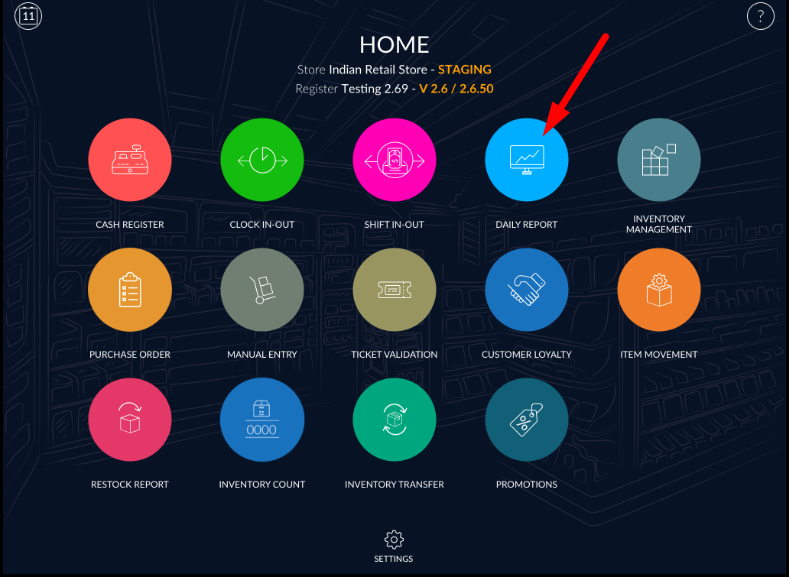
- Go to Daily report module.
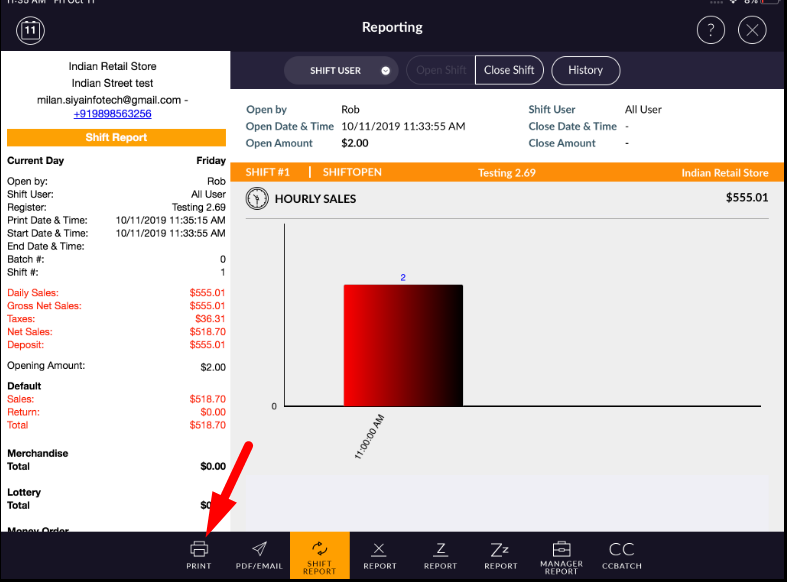
- When open daily report then defaults shift report open.
- For printing shift report, the printer must be connected with the application.
- Click on the print button which is available at the bottom bar.
- Click on pdf/email option.
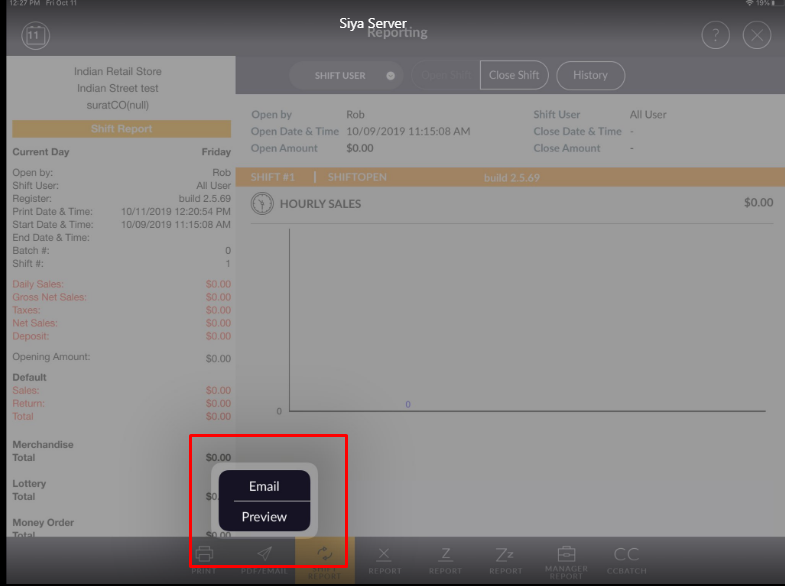
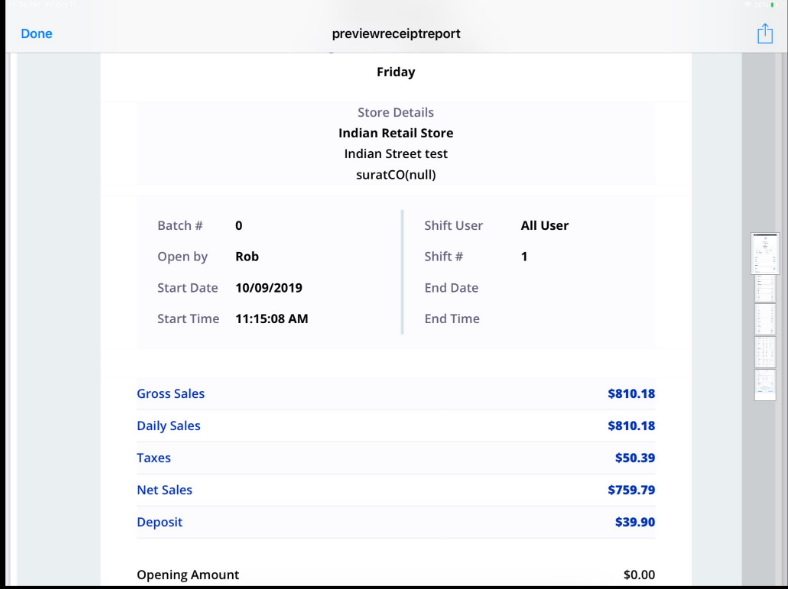
- When applying preview then preview of shift report display.
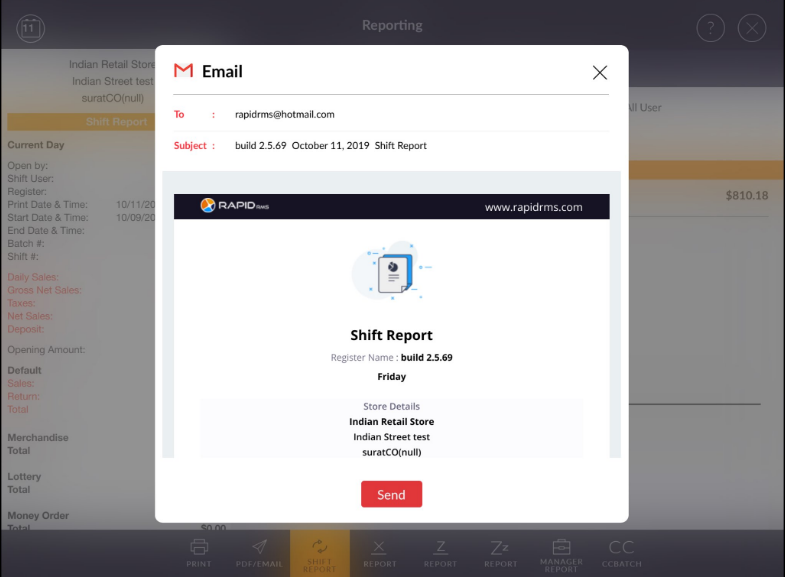
- And when enter email address then the email of shift report will be sent to regarding email address.