Support Document
 Support Document
How to out item in inventory management?
If you want to add item in open order for recording outgoing item then you can add via “OUT”.
- Open rapid RMS application.
- Go to the inventory management module.
- Select OUT section.
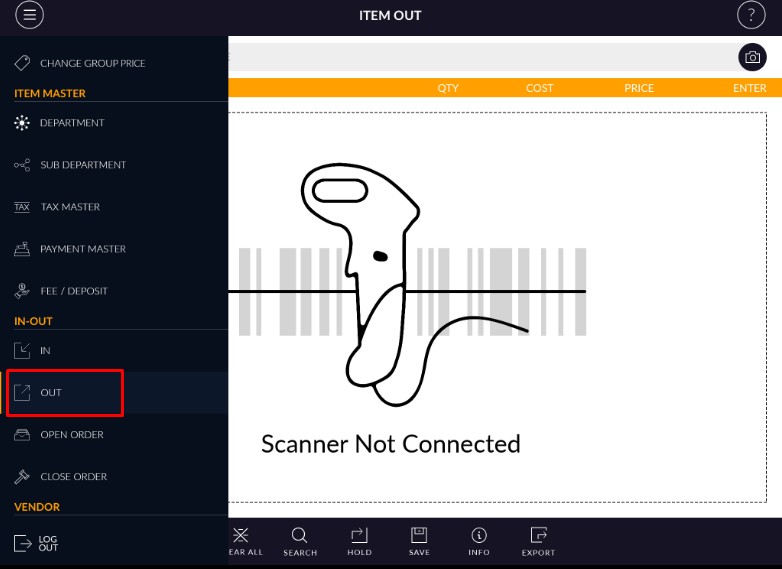
- In section display with clear all, search, hold save, info and export option.
- If you want to add item into in section then there two-three ways.
- From barcode scanning.
- From search option already available item you can add.
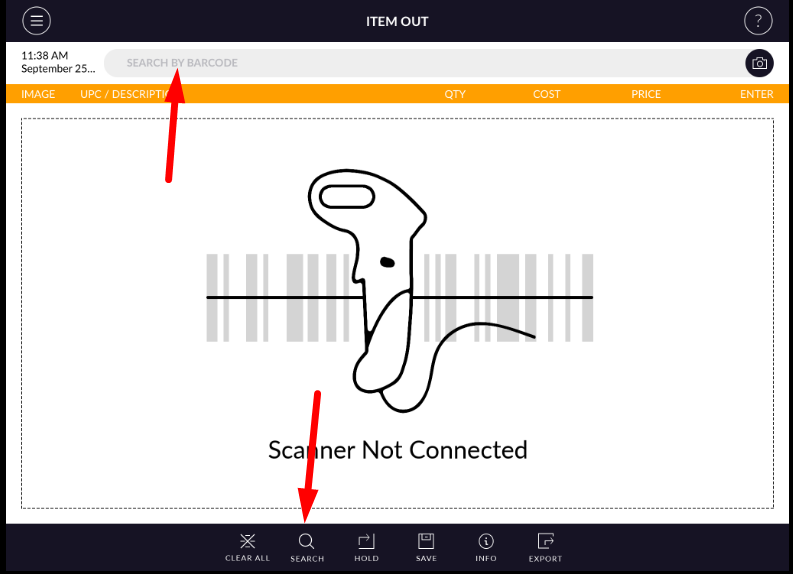
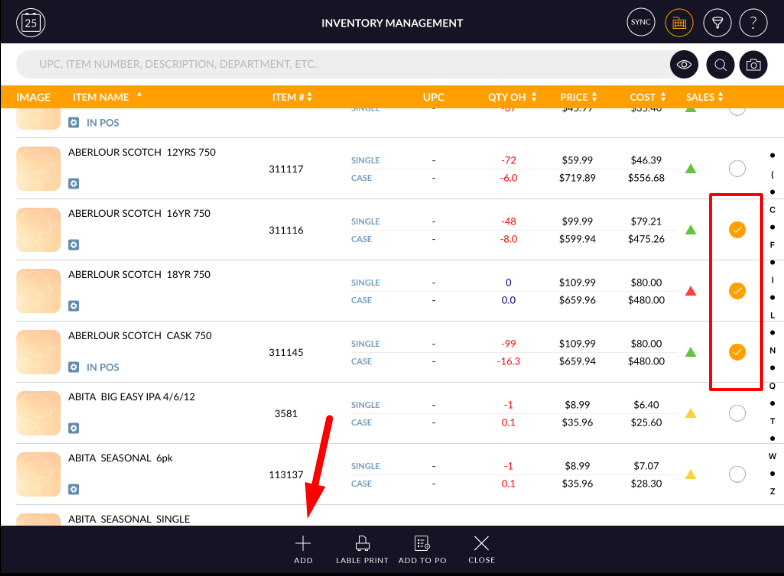
- After adding an item you can enter a quantity.
- After adding item quantity you can put an invoice on hold or can save that invoice.
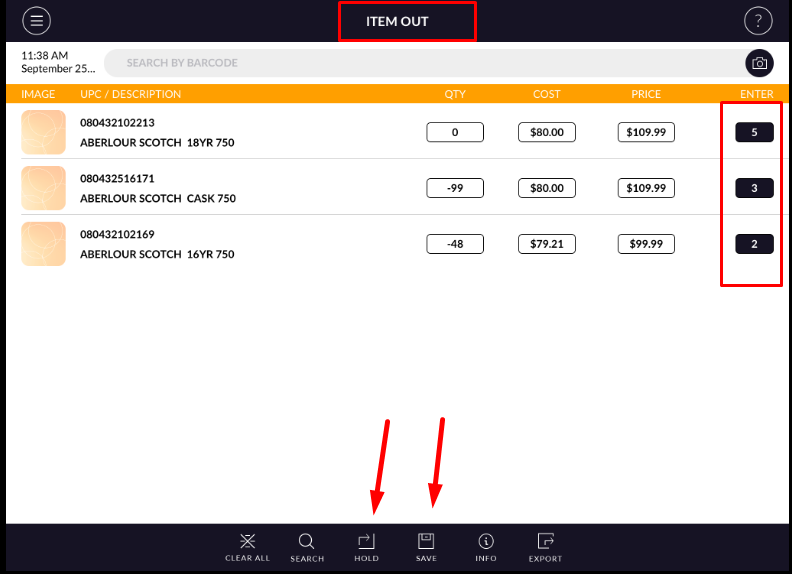
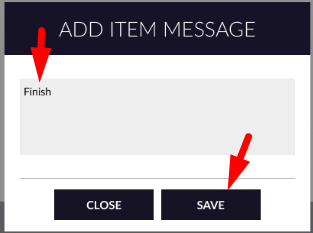
- When putting an item on hold or if save invoice then one pop up display.
- Enter text and save.
- When you hold invoice then it will move into open order.
- When you save then invoice goes directly into close order.