Support Document
 Support Document
Open order in inventory management
When entering items from in which are for the received record and put an order on hold then that order
display in open order.
- Go to the inventory management module.
- Hit open order.
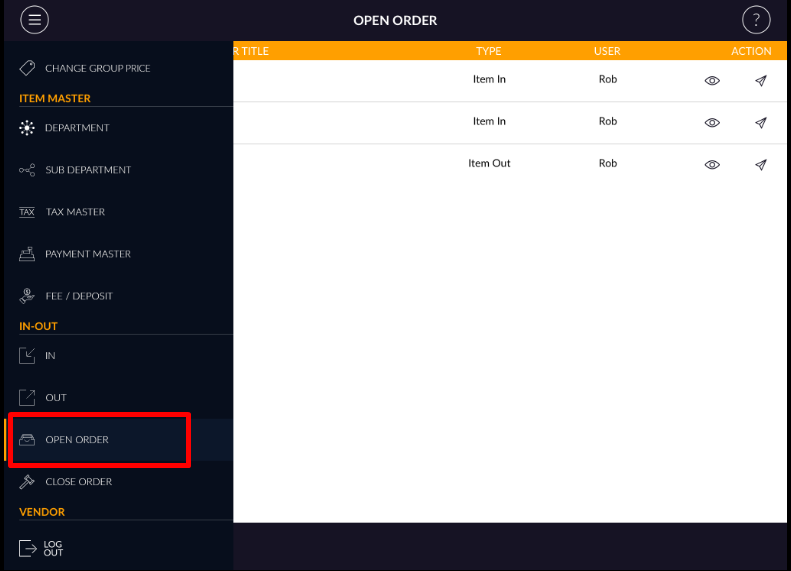
- All the hold invoices list display here, which are hold from IN/Out.
- You can view or email order by action button.
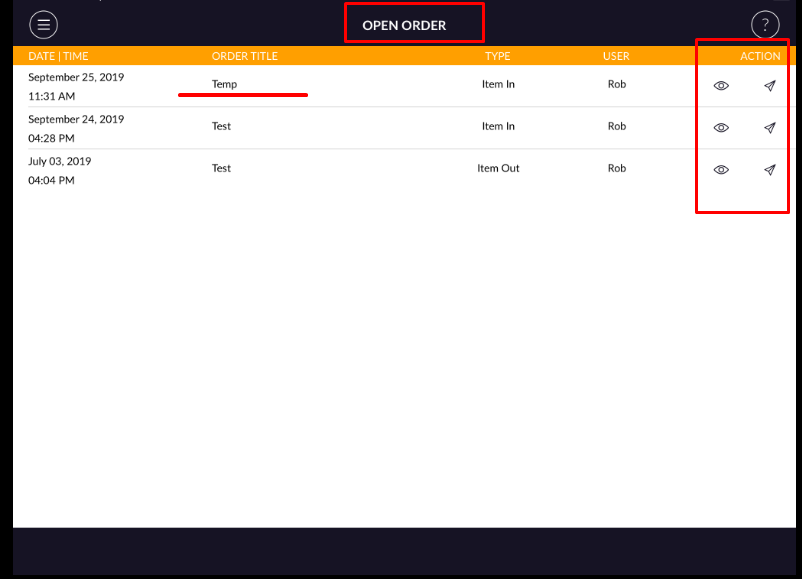
- In open order, it displays in type column that open order is from IN or OUT.
- Open any of order.
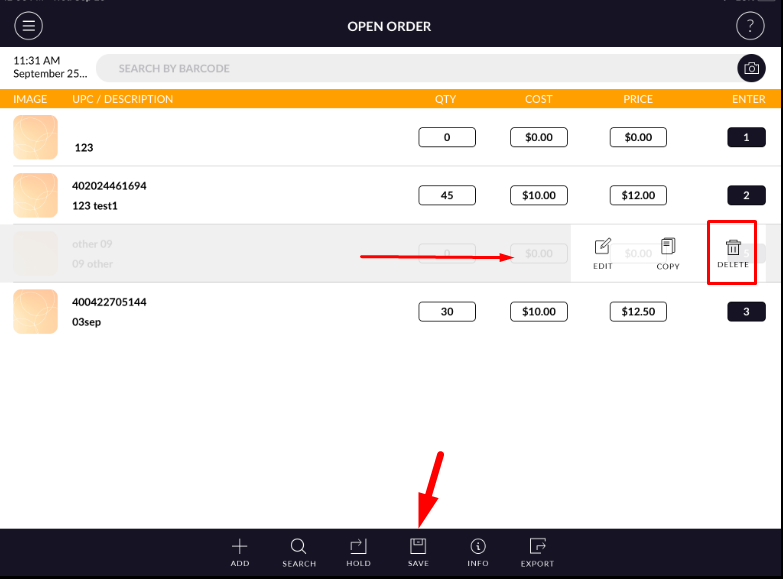
- In open order you can add an item and also added item can delete via swipe.
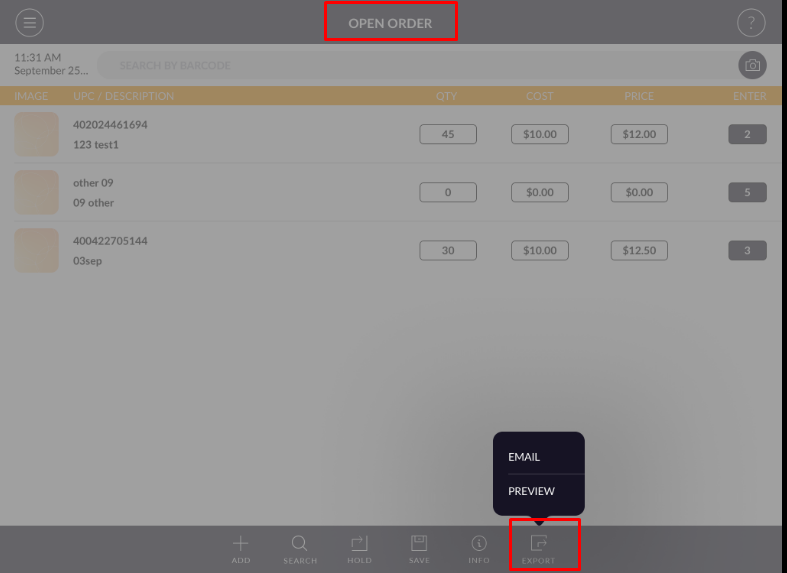
- The invoice can be preview and mail by export option.
- Now after change save that invoice.
- When saving invoice then pop up appear.
- Enter text and apply to save.
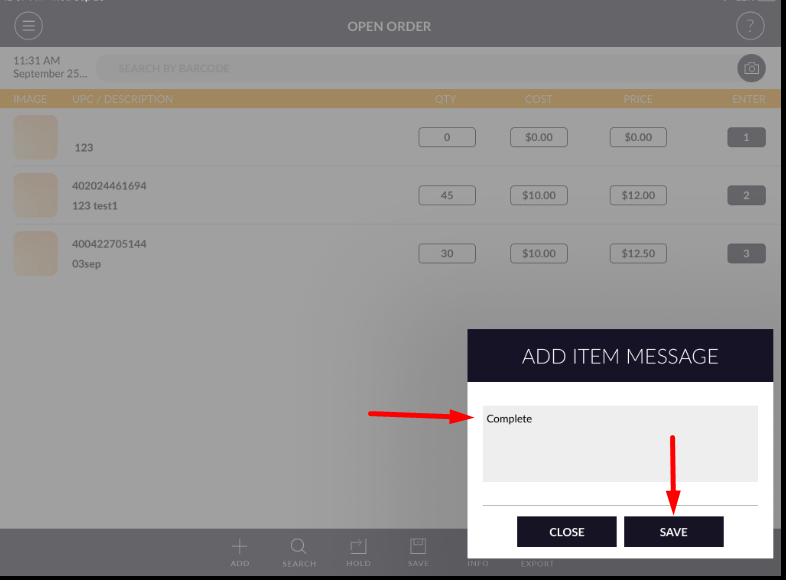
- When saving then that invoice goes into close order.