Support Document
 Support Document
How to open/close shift from daily report?
In daily report module, there is one shift report in which all detail display according to one shift open
and close.
For shift, the report follows the below procedure.
For shift, the report follows the below procedure.
- Open rapid RMS application.
- Go to Daily report module.
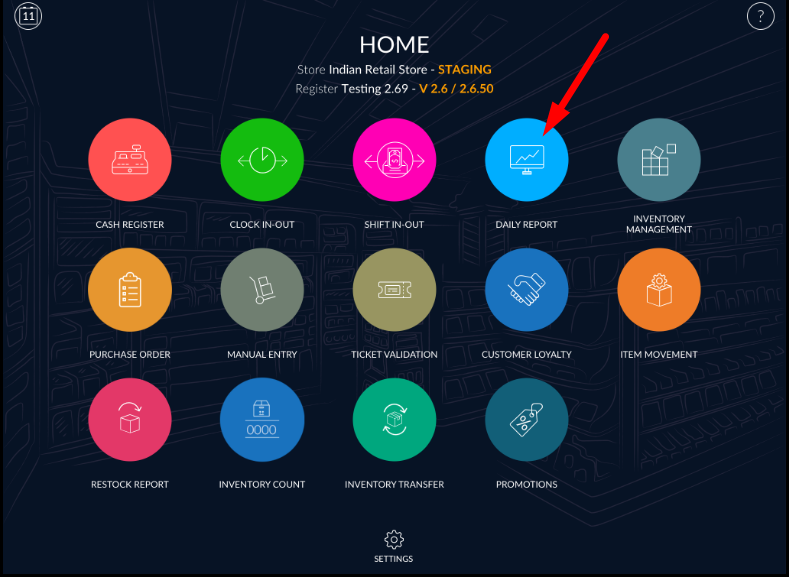
- When open daily report then defaults shift report open.
- If the shift is already close then all data display and open shift button display enable.
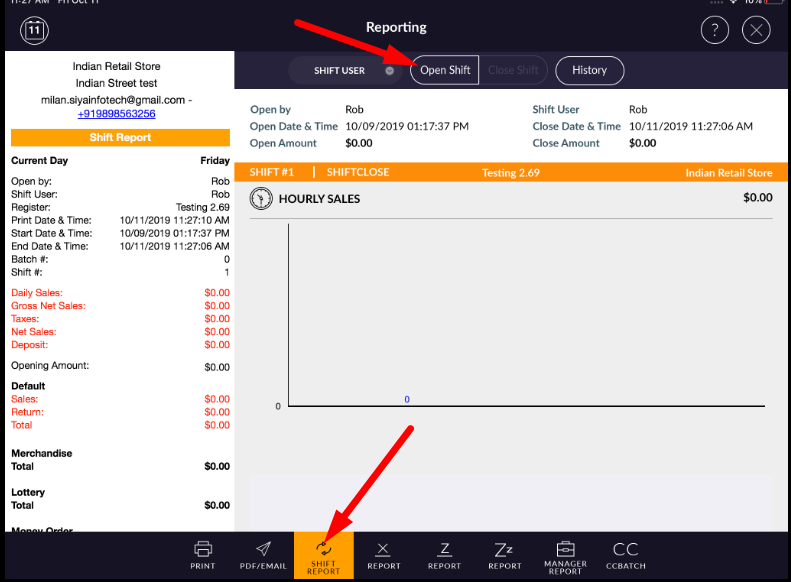
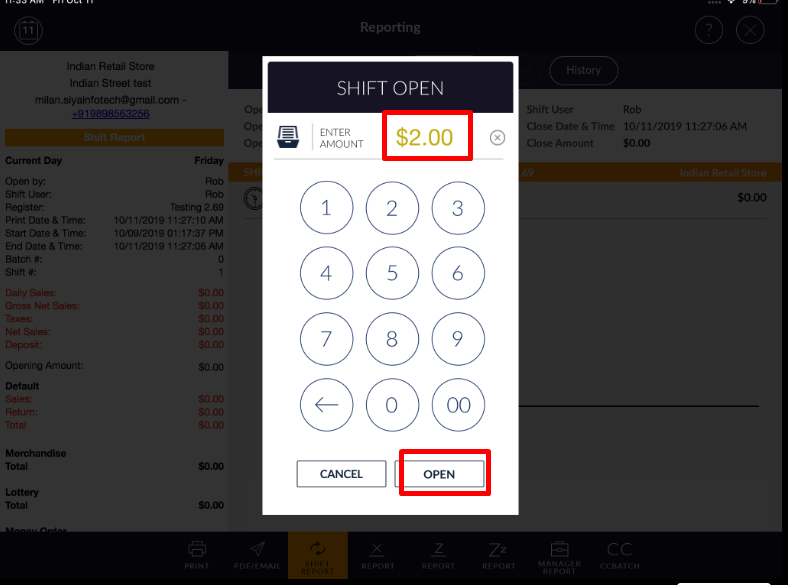
- When open shift then Pop up for opening amount would display. If you want to enter the opening amount then you can enter at the time of opening shift.
- You can open shift at zero amount also.
- When the shift is open then close shift option display enables. In shift all transaction data display.
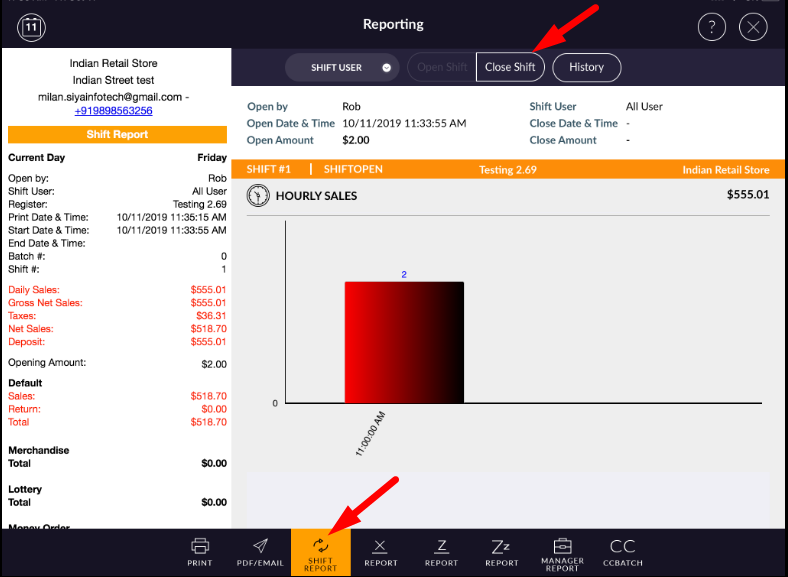
- For close shift, apply close shift button.
- At the time of close shift, the closing amount can be entered.
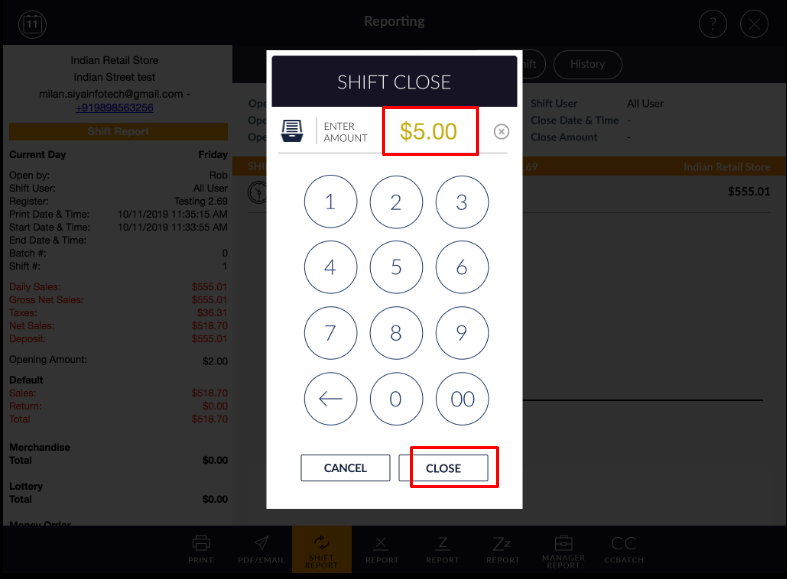
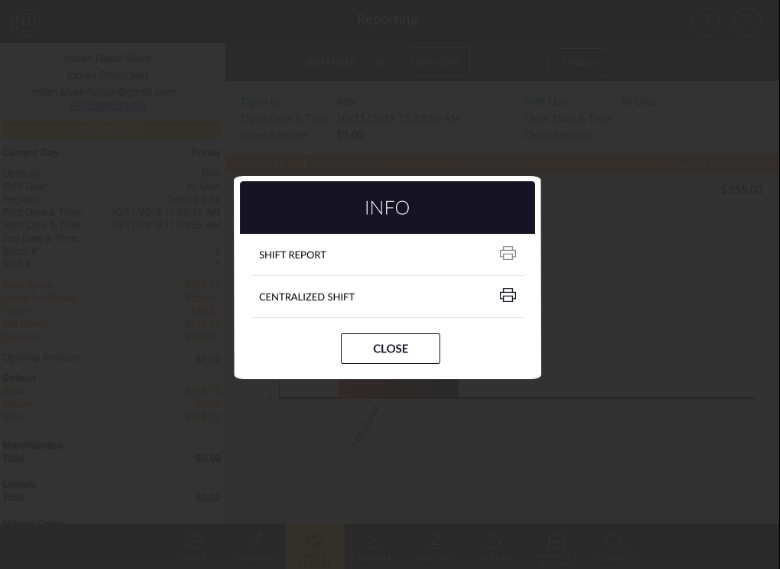
- At the time of shift close it will display pop up for print shift report.