Support Document
 Support Document
How to logout from manual entry?
- Click on Arrow
 button to get out from the report on which you are right now.
 - It will appear options of manual entry.
- Click on the Logout option available next to the History option.
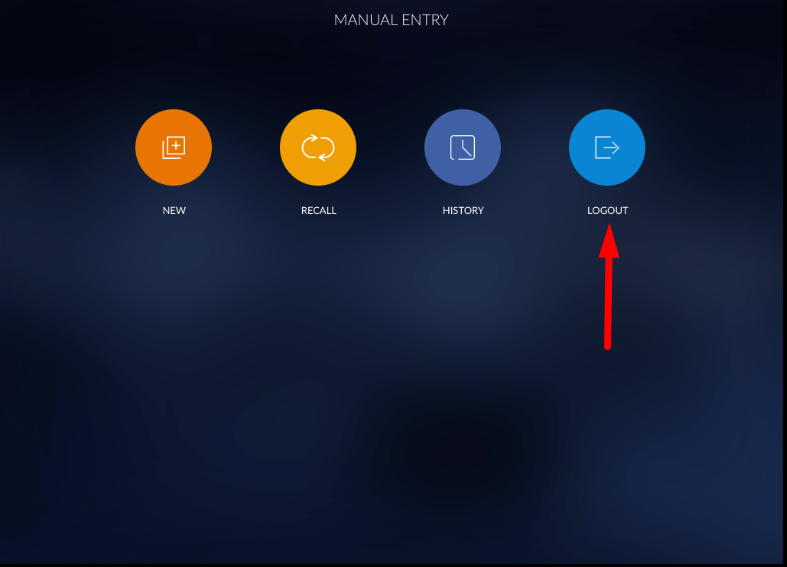
- When you click on the Logout option, It will move to RapidRMS Dashboard.