Support Document
 Support Document
How to view history?
When in inventory count, the count is complete then completed invoices can view in history.
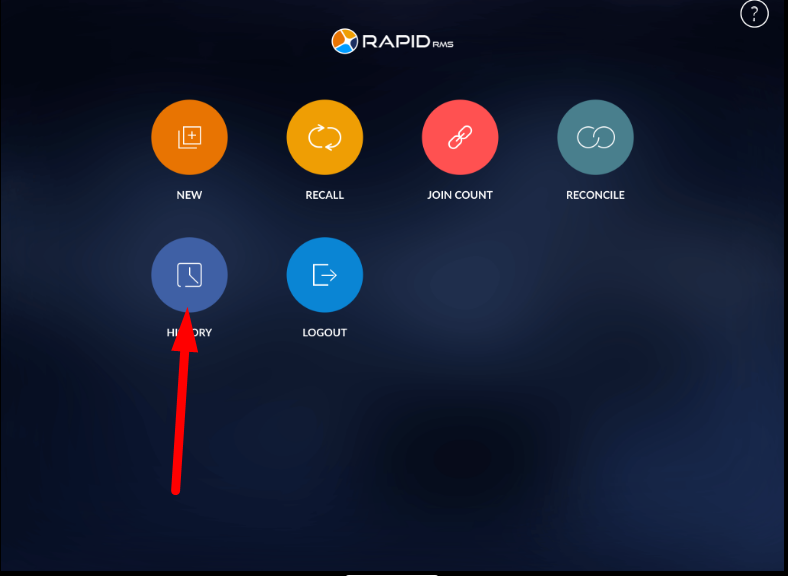
- Go to the inventory count module.
- Open history.
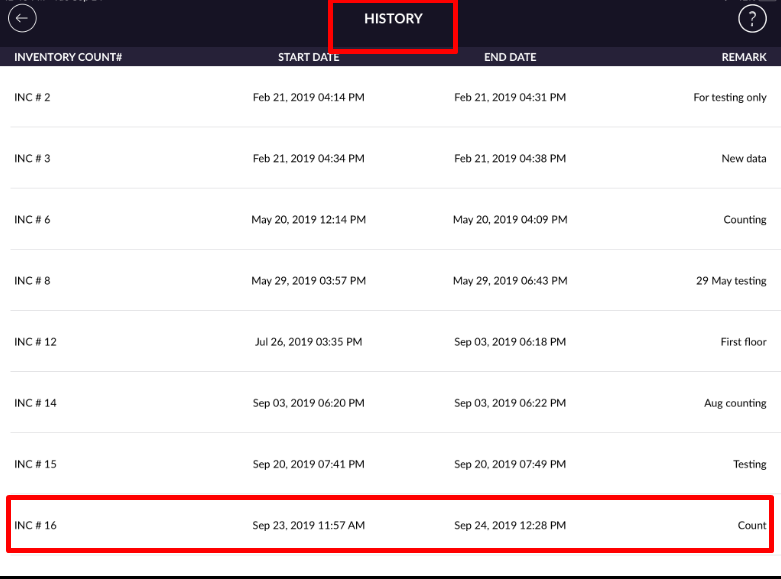
- In history, invoice display with inventory count #, start date, end date, and with remarks.
- Select invoice.
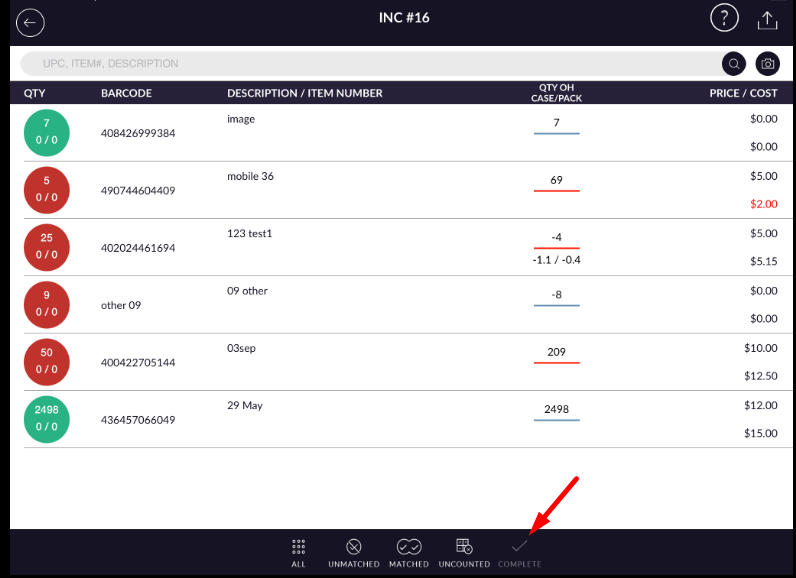
- Invoice display with counted data.
- In history, the complete button is disabled.
- Only you can view(All, unmatched, matched, uncounted).
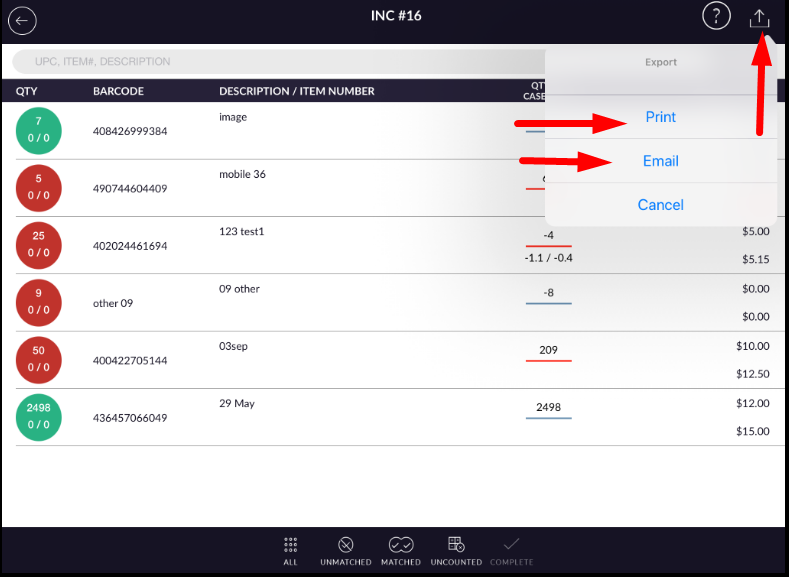
- You can print and email history.