Support Document
 Support Document
How to turn on the Age restriction Scan from Settings?
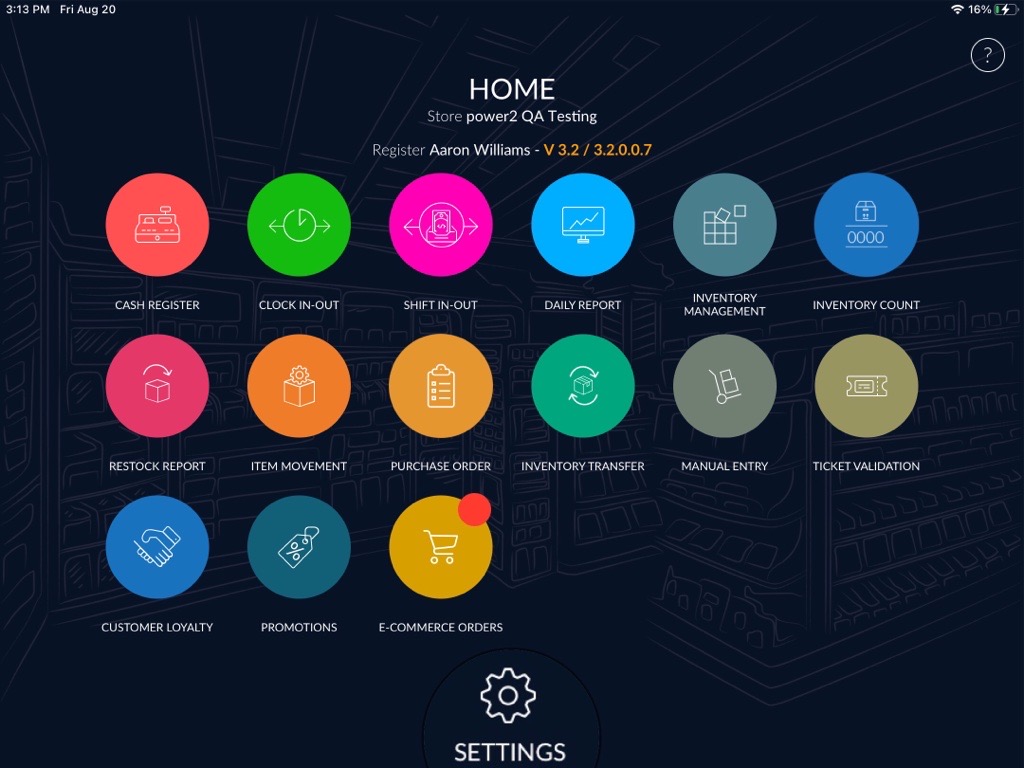
- Go to DashBoard.
- Click on the settings option
 available at the bottom of the DashBoard.
- Enter your quick access password.
- Under Rapid Settings, click on options.
- Turn on the toggle button for the Driver License Scan option.
- Now, go to the Cash register module and ring up the item is associated with Age verification.
- Click on Driver’s License option beside the DOB Tab.
- Scan the QR barcode of the document.
- Item will ring up, after scanning the identity document of the customers.