Support Document
 Support Document
How to set up a gateway from Back-office?
A gateway is a network that provides a connection between networks and contains hardware
devices such as Pax, Ingenico, Bridgepay, etc.
Please follow the below steps:-
Please follow the below steps:-
- Login to BOS with your user credentials.
- Tap menu
 (located on the top right side)
 - Tap settings.
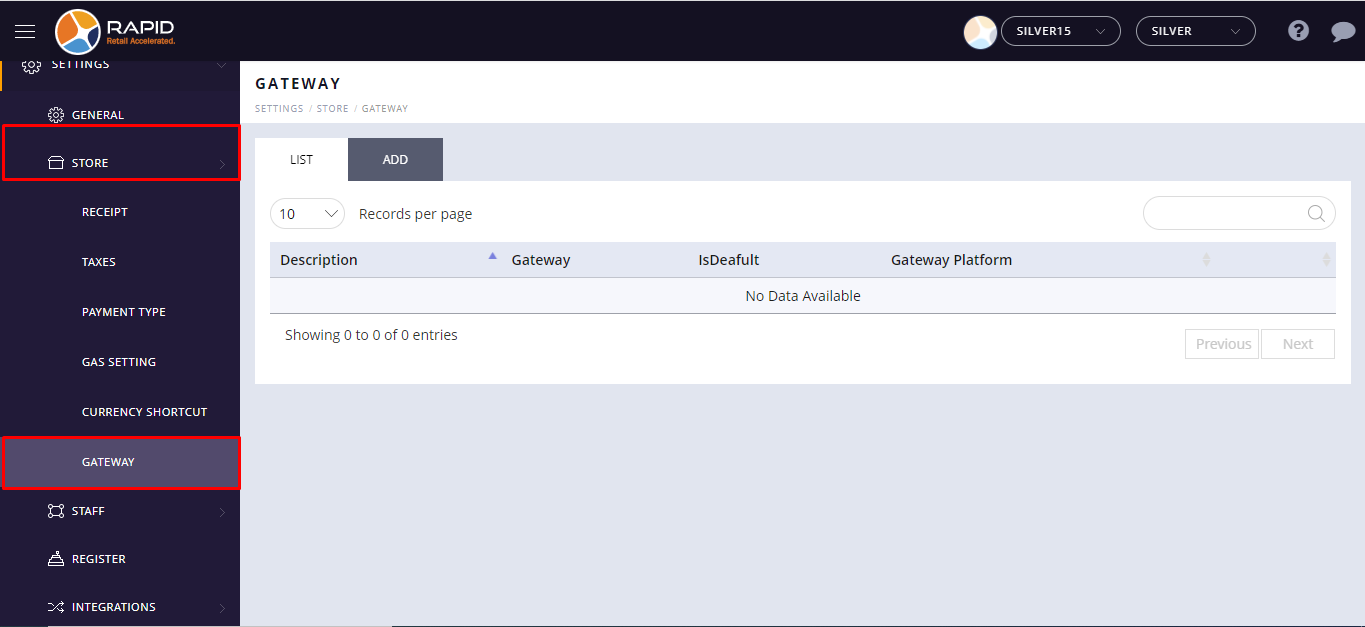
- Tap store.
- Scroll to see the Gateway option. Select the Gateway option.
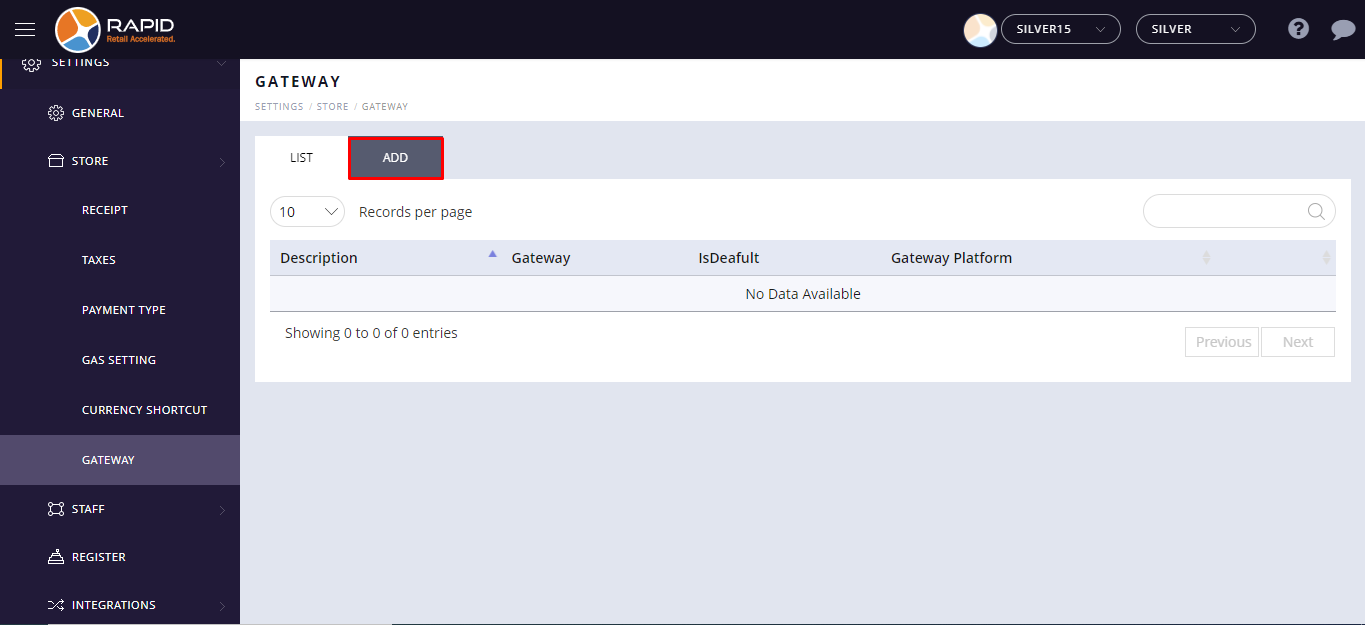
- Select the Add option.
- Click on the Payment drop menu to select a payment gateway. When you select payment from the payment
option, It will appear other fields details that you need to enter for the payment gateway.
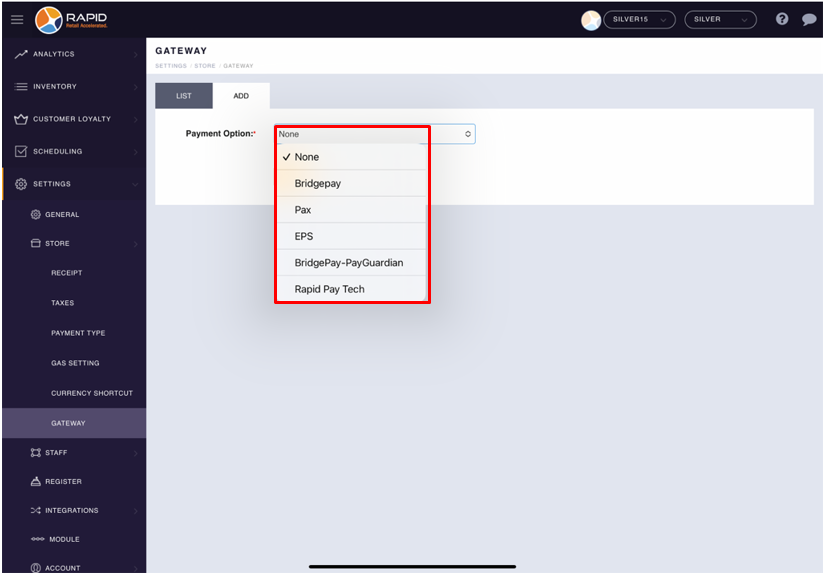
The different fields will appear automatically based on the selected gateway from the payment option.
For Pax, please click here.
For Bridgepay, please click here.
For Bridgepay guardian, please click here.
For EPS, please click here.
For Ingenico, please click here.
- Enter all details.
- Tap on the Save button.