Support Document
 Support Document
How to review Scan Data for the RJR group?
- Login to BOS with your user credentials.
- In the top right, click on the three-line hamburger
 menu.
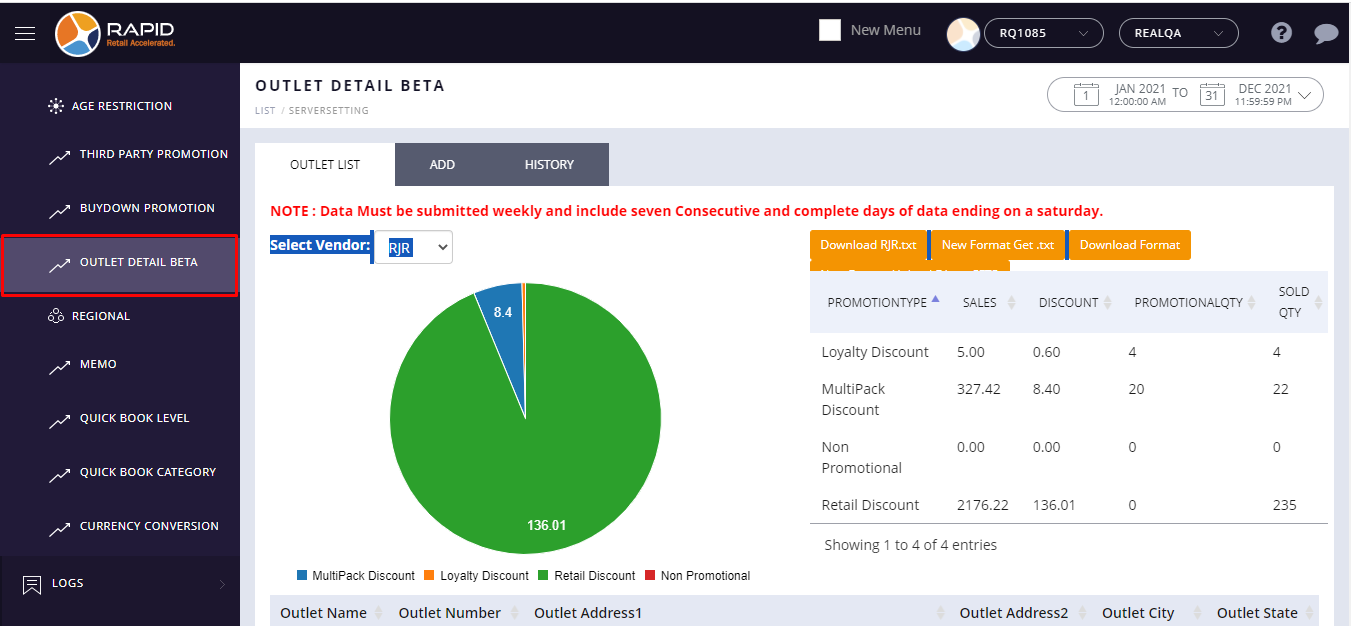
menu. - Choose the Outlet Detail Beta option from the settings.
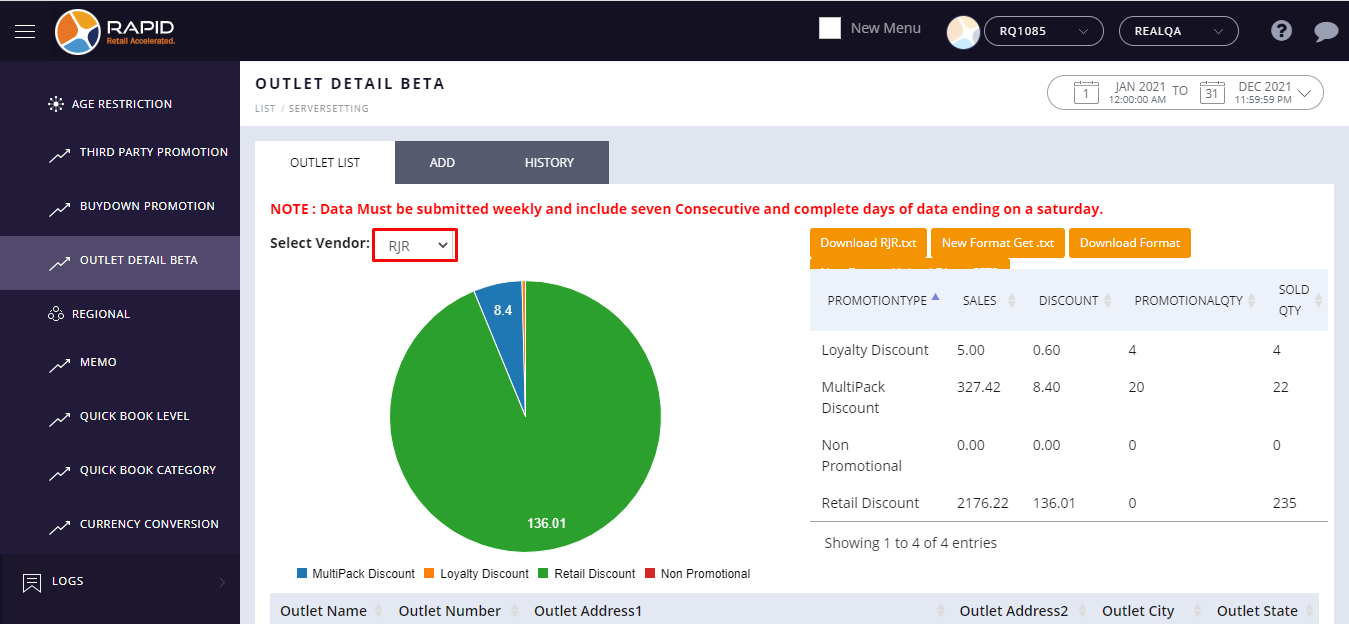
- At the top right side, select RJR vendor from the drop down list.
- At the top left side, select the weekly pre define option from the Date filter.
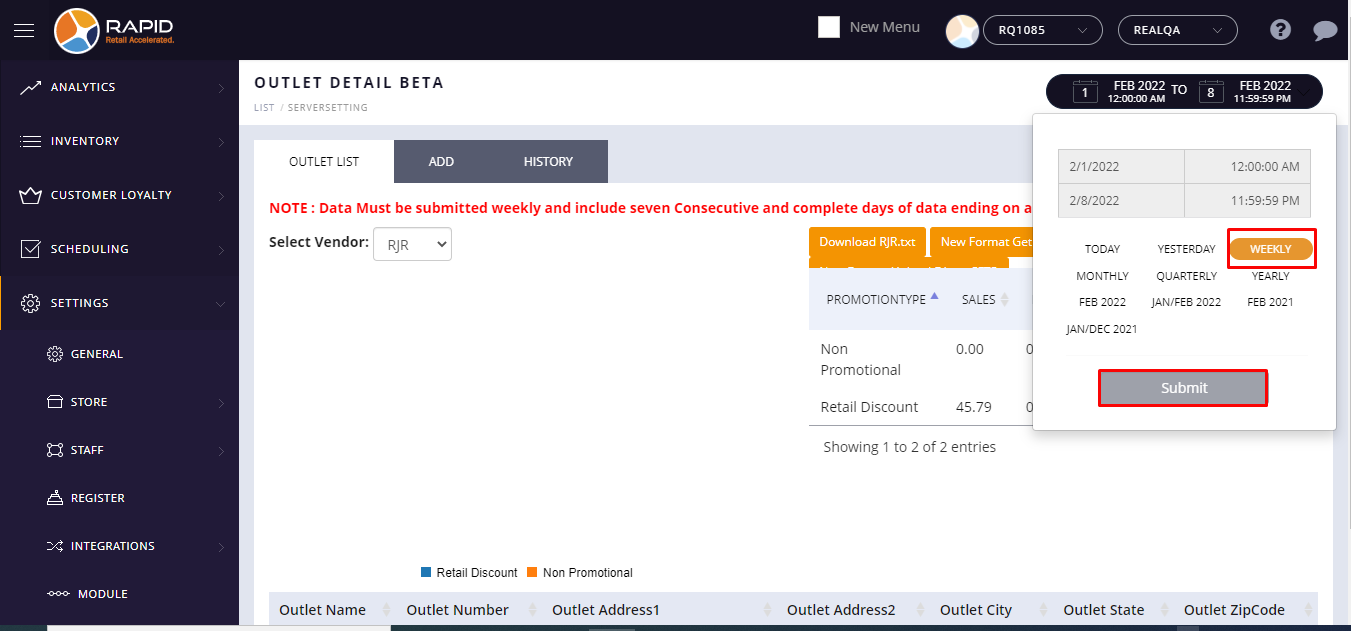
Note:- If you have taken any scan data transaction that will only appear every Sunday.
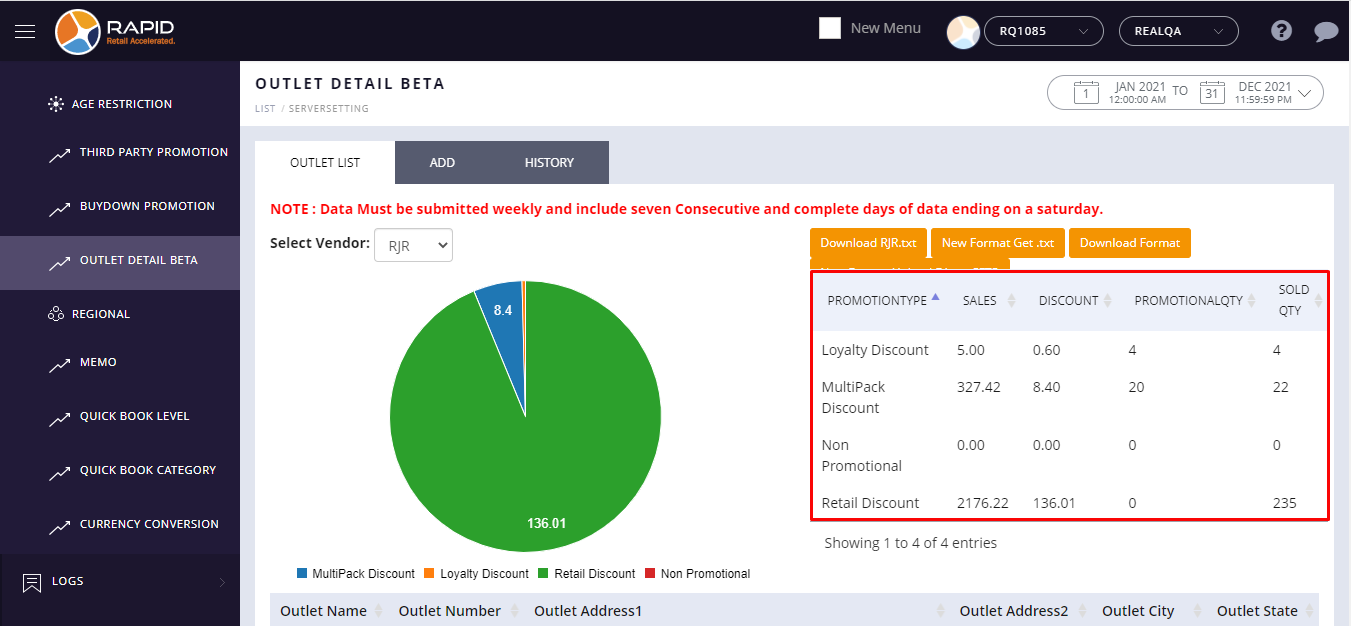
- After you select a filter, It will review all transactions of scan data sold items.
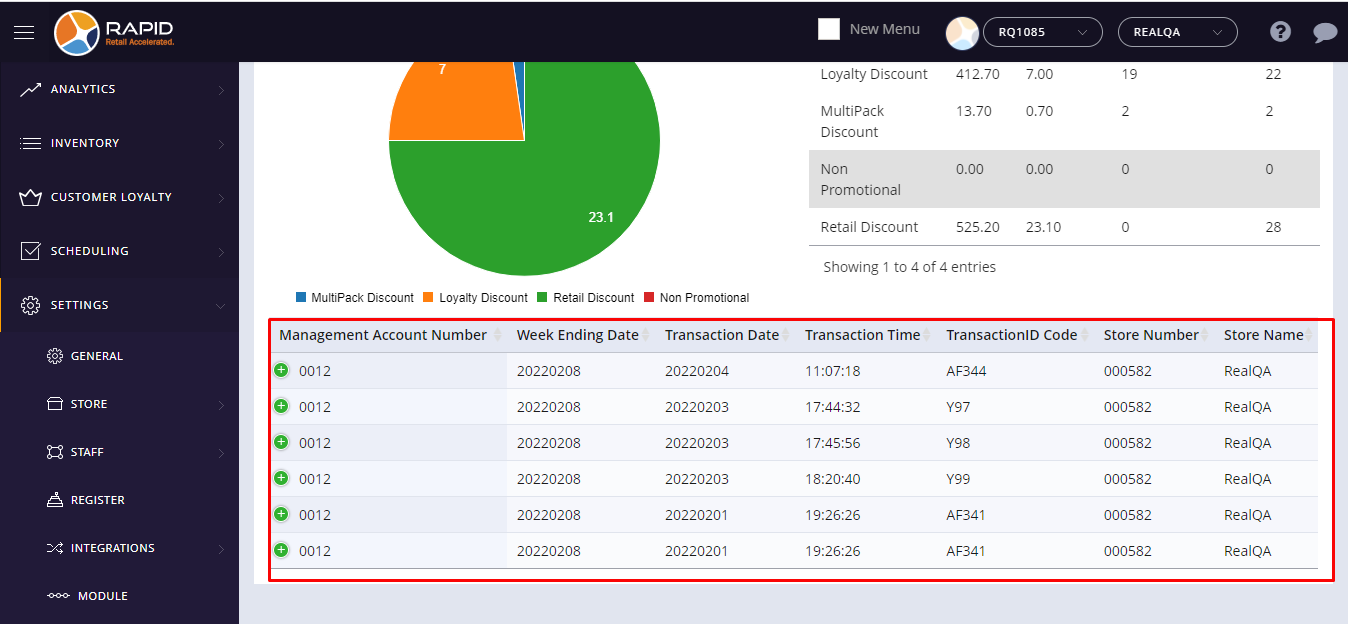
- It appears circular ORG flow chart for all created scan data types percentage wise.
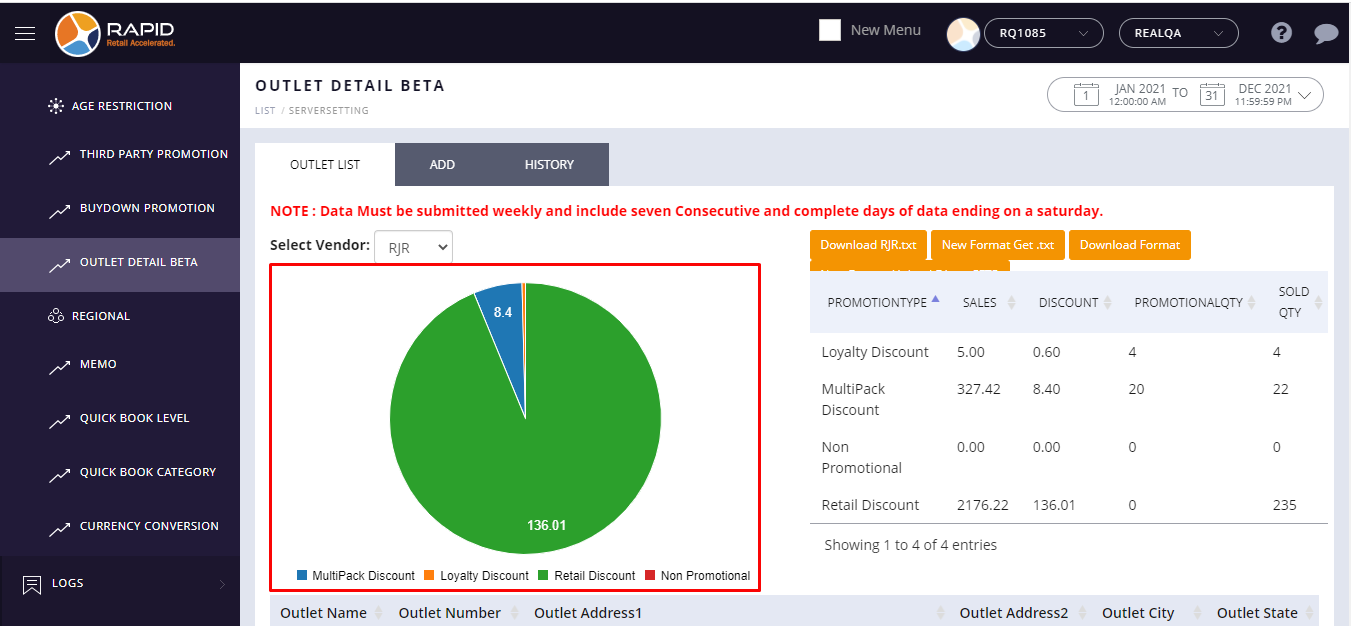
- It also appears a summary of different promotions sales and sold records.