Support Document
 Support Document
How to remove customer?
When a customer is available in the bill and wants to remove then it can be removed.
- Open rapid RMS application.
- Go to the cash register.
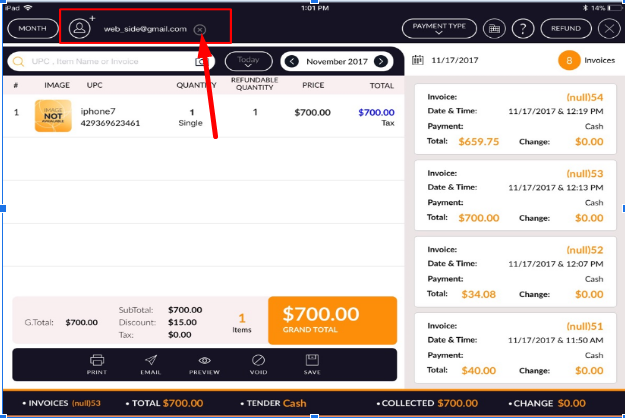
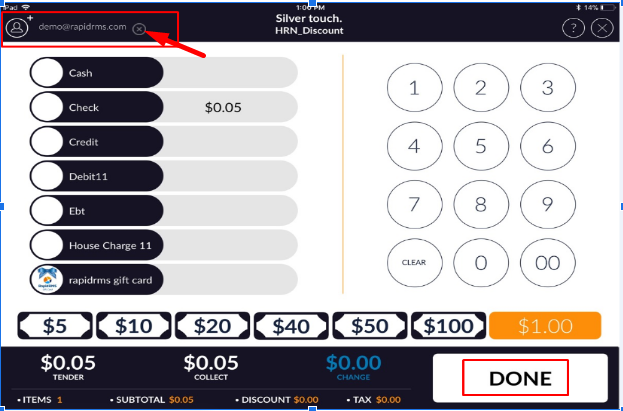
- In bill screen, in tender screen or in invoice screen if wherever the customer is available, there is “X” button available beside customer name.
- Apply that close option.
- Customer will remove from the bill or from a particular invoice.
From bill screen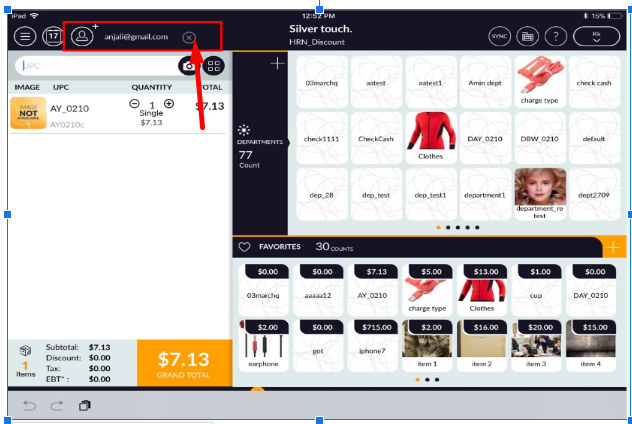 From tender screen
 From invoice