Support Document
 Support Document
How to reconcile Invoice?
The invoice can reconcile from two way.
Invoice reconcile from NEW.
Invoice reconcile from NEW.
- Open manual entry module.
- Go to new.
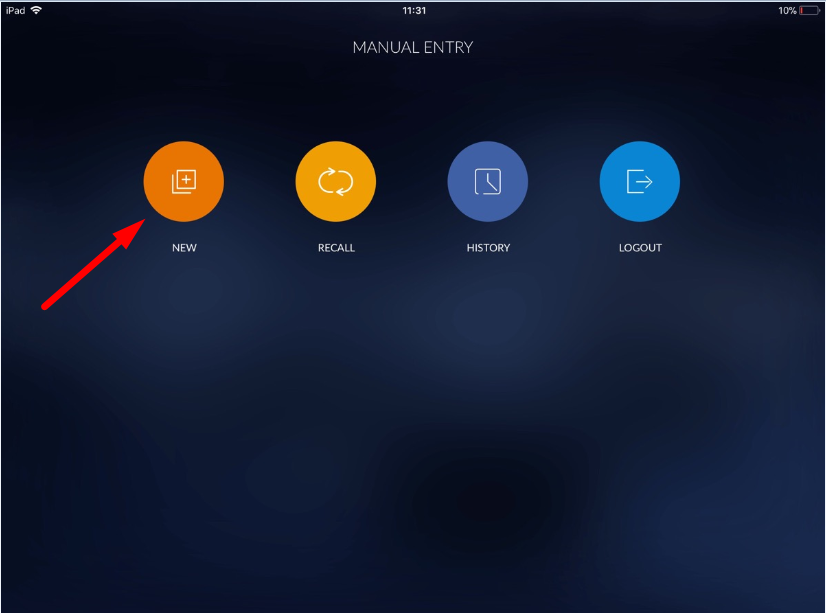
- When going to new then screen for adding items in manual entry invoice will open.
- Add items for stock in the manual invoice.
- If you don’t want to add more items and want to complete the process then need to reconcile invoice.
- Click on reconcile and apply yes in conformation message.
- The invoice would reconcile. And invoice would now consider in history.
- For reconciling invoice there should be at least one item available with defined stock.
- Open manual entry module.
- Go to Recall.
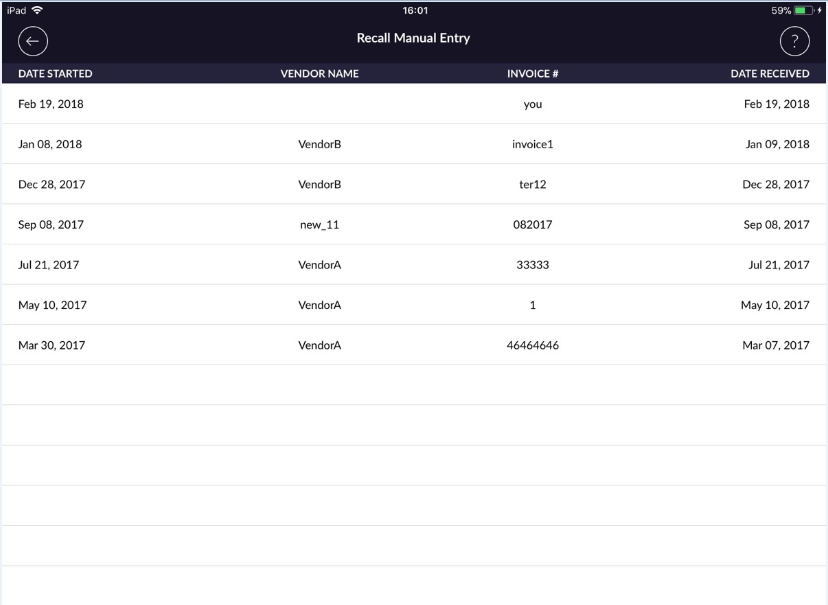
- All invoices which are put on hold will display in the recall list.
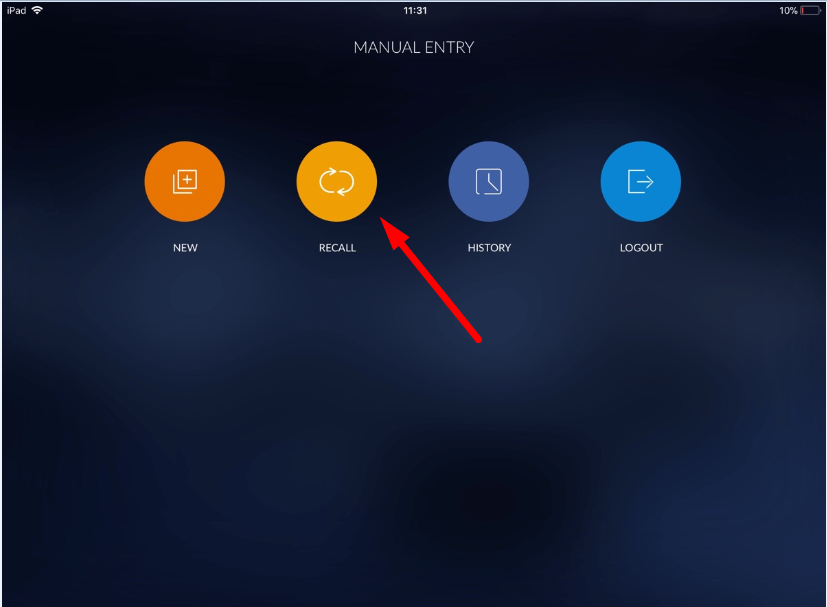
- Now open any of invoices.
- Change in any of item stock or in item(S).
- If you don’t want to add more items and want to complete the process then need to reconcile invoice.
- Click on reconcile and apply yes in conformation message.
- The invoice would reconcile. And invoice would now consider in history.
- For reconciling invoice there should be at least one item available with defined stock.
- After reconcile invoice will remove from the recall list.