Support Document
 Support Document
How to join the count?
In inventory count when counting of the item is already started and another user wants to join that counting
from another place in-store at that time join count module comes in the picture.
- Open rapid RMS application.
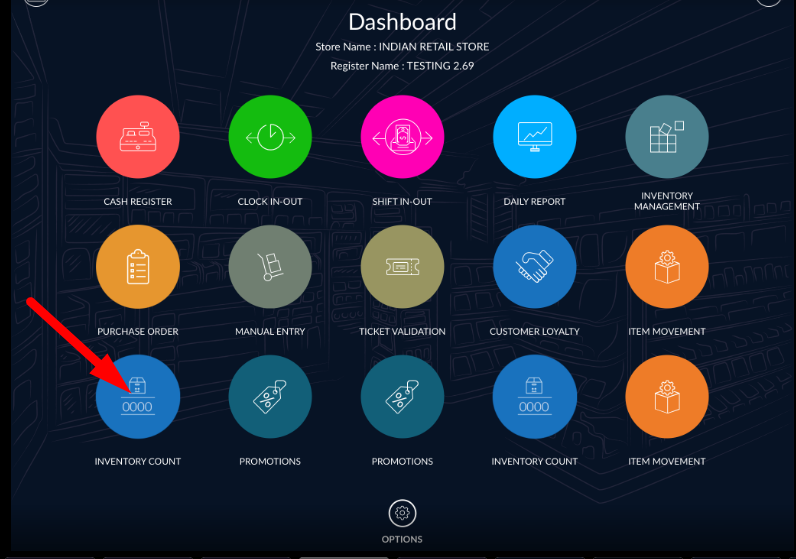
- Go to dashboard and select inventory count module.
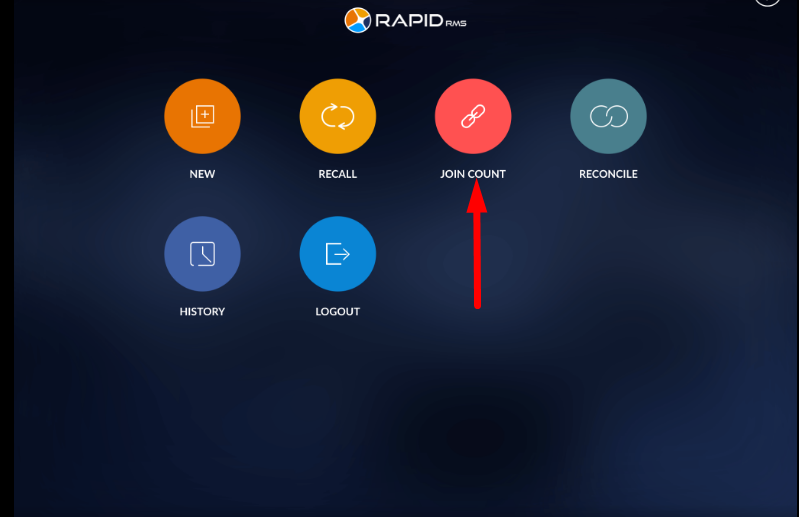
- On inventory count module dashboard click on join count.
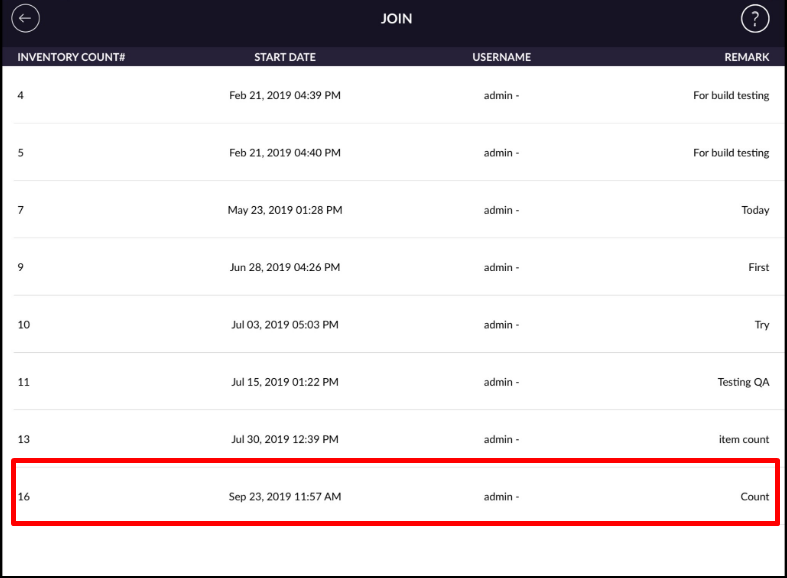
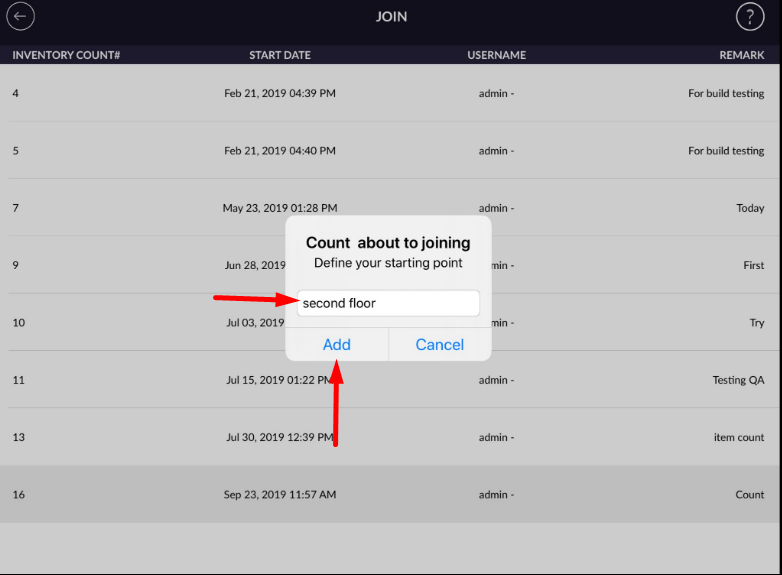
- Already started counting list display in join page.
- Open any of invoice in which you want to start counting.
- Enter the place name.
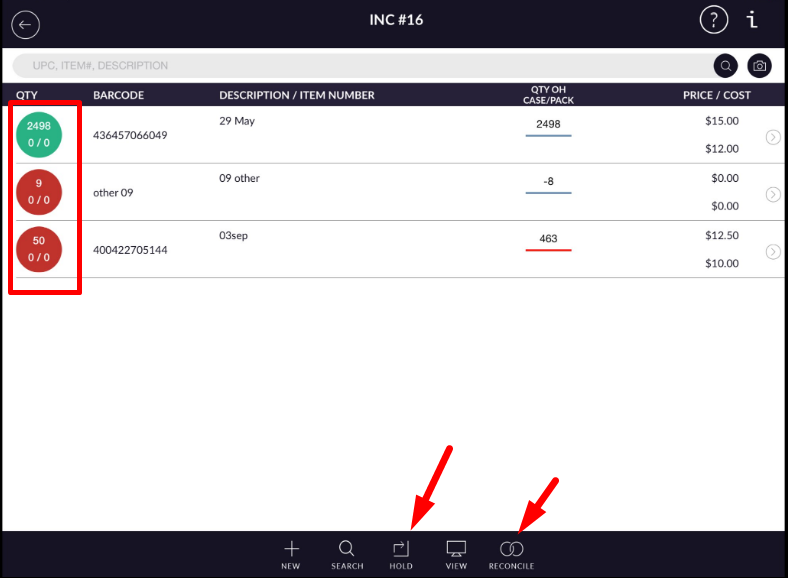
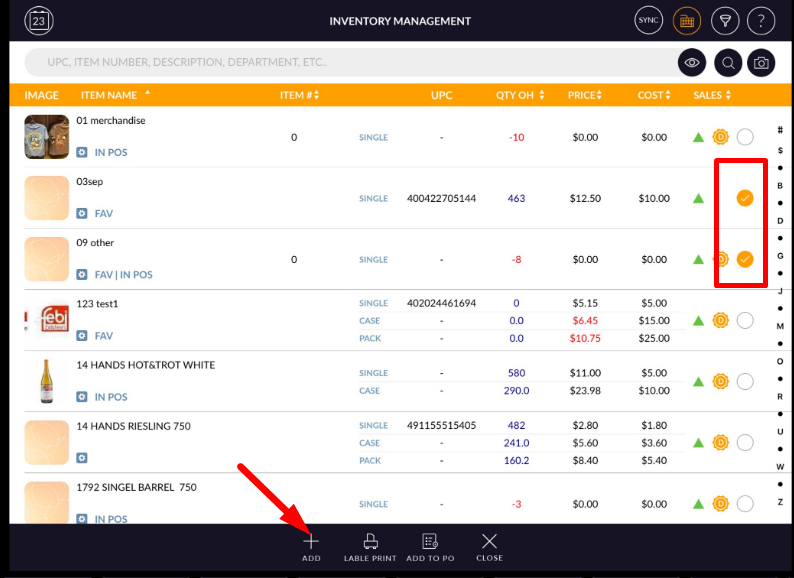
- Add the items which you have found from the store at the time of counting.
- Enter qty and put an invoice on hold or reconcile.
- By this way from differ places counting can be started.