Support Document
 Support Document
How to do the payment in RCR?
When selling/return any of item then need to do the payment. Rapid RMS application give facility to pay the
amount by various payment type.
For payment follow below procedure.
For payment follow below procedure.
- Go to the cash register.
- Ring up items and click on item total.
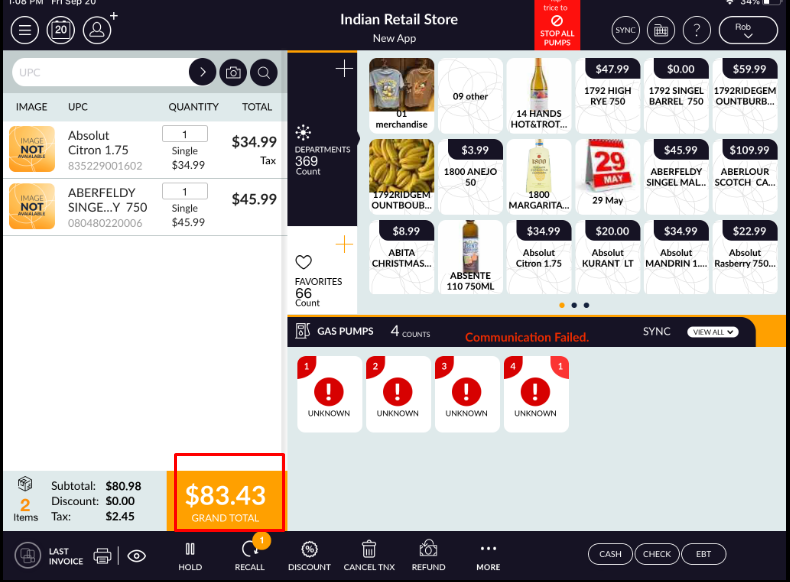
- It redirects to the tender screen.
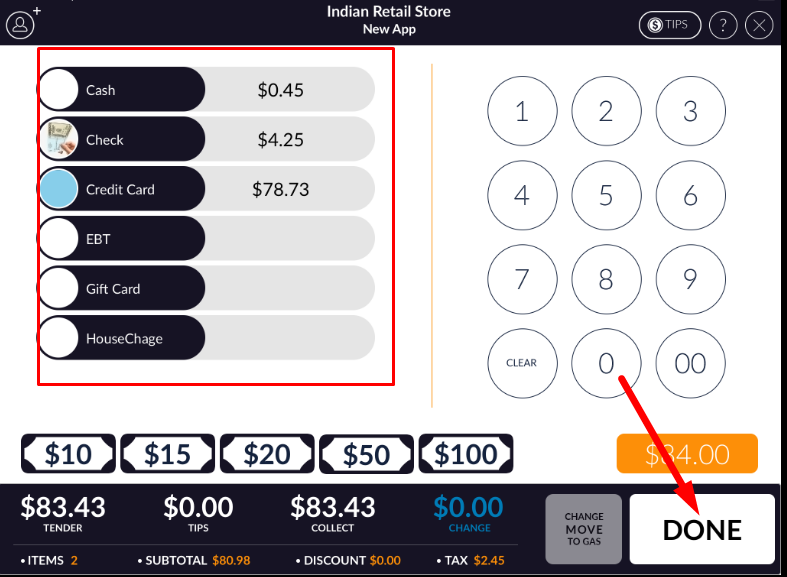
- There are payment types available like cash, check, credit, EBT, Gift card, House Charge, or any other which are set from payment master.
- In tender screen, payment is possible from more than one payment type.
- In credit card split payment can be done.
- In side panel, there is Numpad from there you can set amount in any of payment type manually.
- At the bottom bar, there is a fix option available which can be used directly and change amount will return.
- After set payment method click on Done.
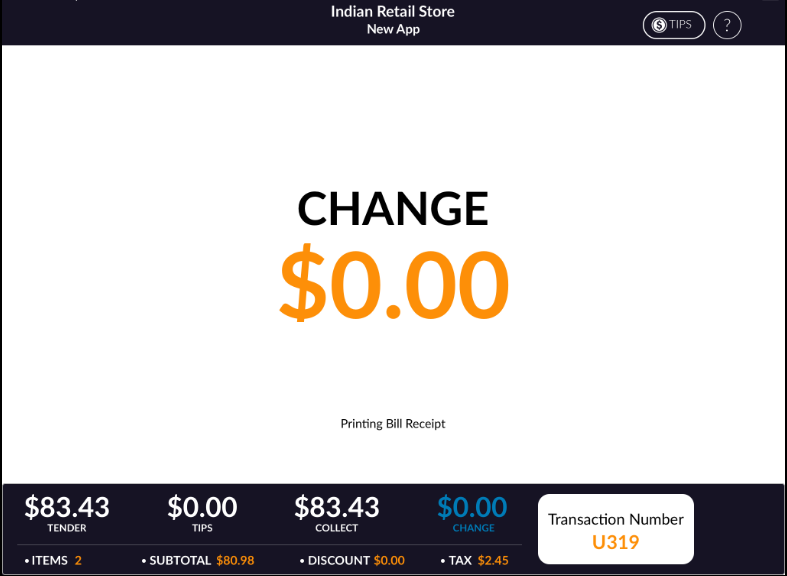
- The transaction will complete.