Support Document
 Support Document
How to delete an item from a Manual entry?
- Open the Manual entry module from DashBoard.
- Enter the Quick access password.
After opening an existing invoice from the recall option, when you need to delete an item from manual entry. Please follow the below instructions to delete an item from manual entry.
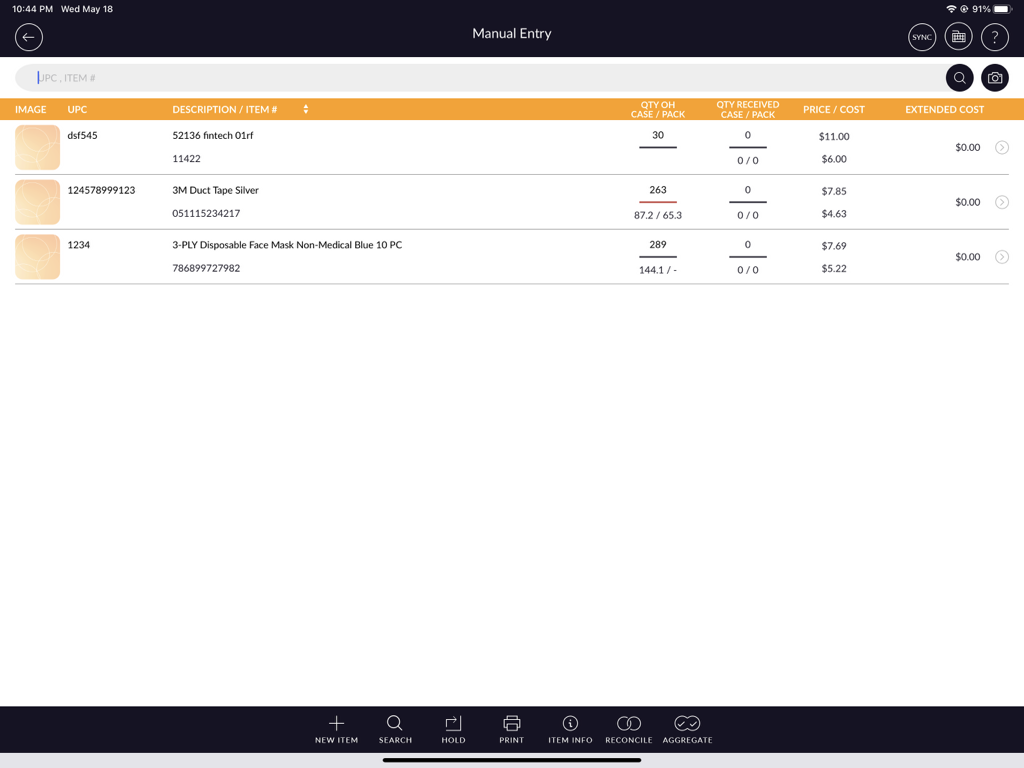
- Swipe on the right side of the item that you want to delete.
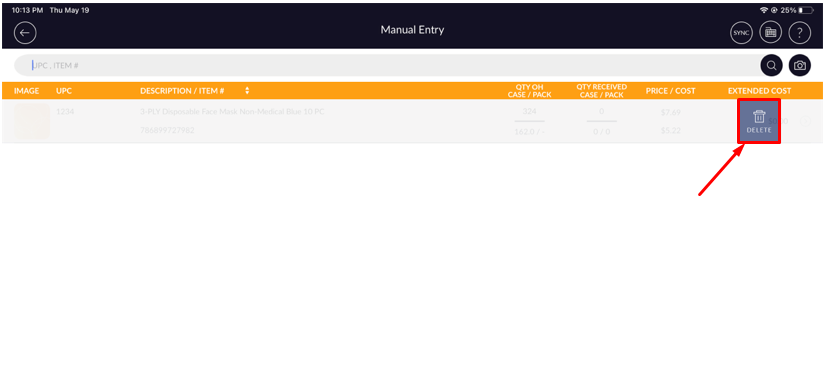
- It will appear the delete option at the end of the record.
- It will prompt the confirmation message.
- Select the Yes option.
- It will appear the successfully deleted message and item will be deleted from the manual entry.