Support Document
 Support Document
How to add a customer?
When a customer is added in the bill then all transactions of that customer include in customer loyalty.
For connecting customer, there are various different way as per the following.
Add customer from Bill.
For connecting customer, there are various different way as per the following.
Add customer from Bill.
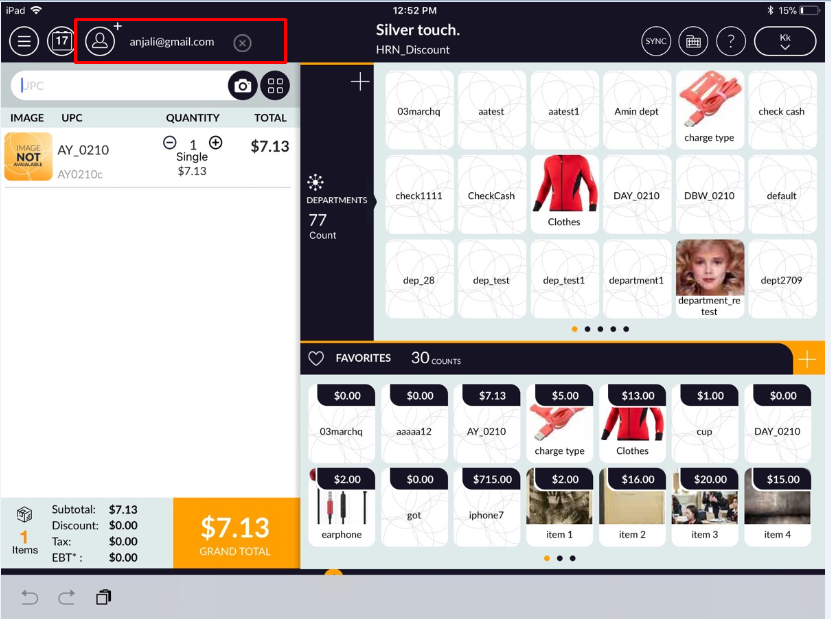
- Open rapid RMS application.
- Go to the cash register module.
- Click on Customer add option which is available at the top on the bill.
- When clicking on that option then customer list will open select any customer.
- Now complete transaction. Invoice Detail will display in customer loyalty.
- Open rapid RMS application.
- Go to the cash register module.
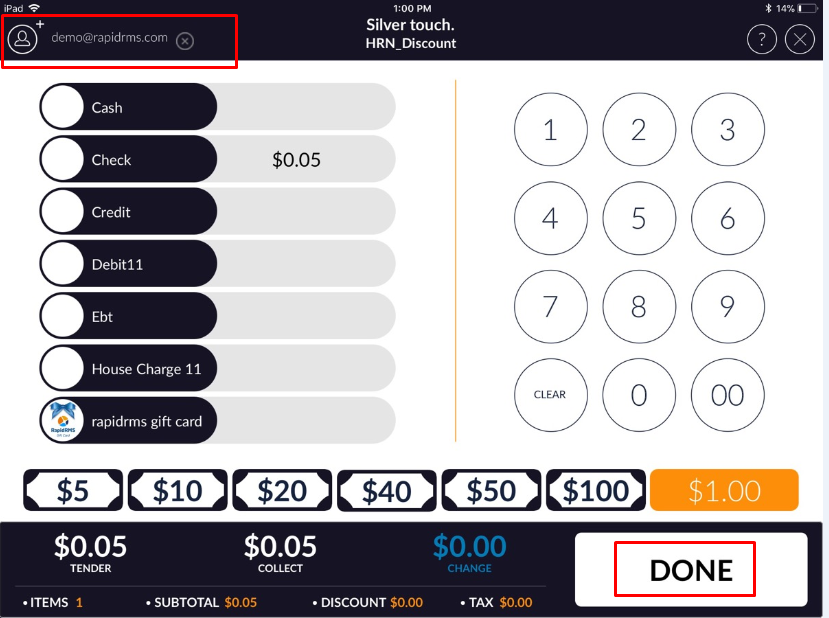
- In bill ring up items and go to the tender screen.
- Click on Customer add option which is available at the top left corner
- When clicking on that option then customer list will open select any customer.
- Now complete transaction. Invoice Detail will display in customer loyalty.
- Open rapid RMS application.
- Go to the cash register module.
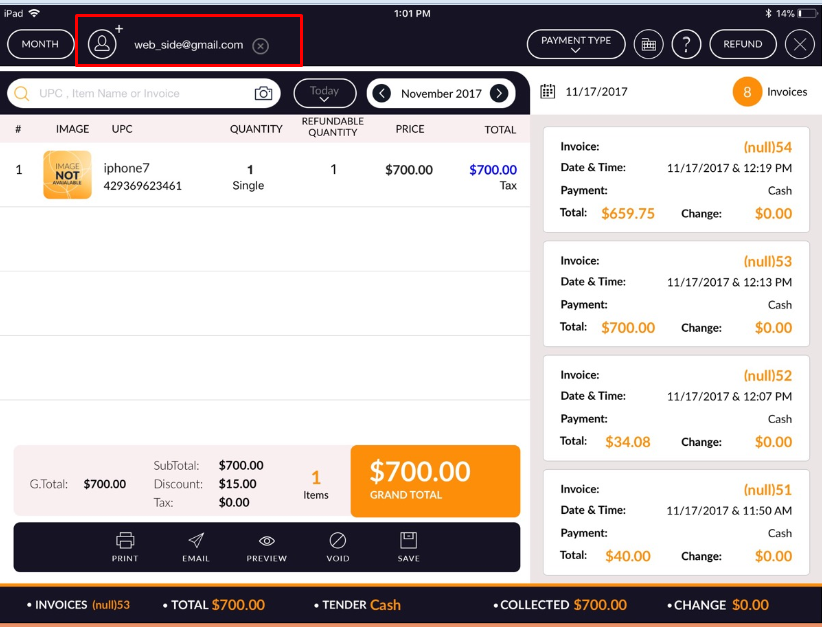
- Go to invoice screen.
- Click on Customer add option which is available at the top left corner.
- When clicking on that option then customer list will open select any customer.
- Particular Invoice Detail will display in customer loyalty.