Support Document
 Support Document
How do I e-mail invoice?
How do I e-mail invoice?
If the user wants to email invoice detail than the email option is available. In RCR, there is 2 way to email Invoice.
- In Dashboard, select cash register module and enter 4 digit quick access.
- Ring up items in ring up the screen.
- Now complete transaction by any payment mode.
- In the change screen, you will see ‘Email’ option for email invoice
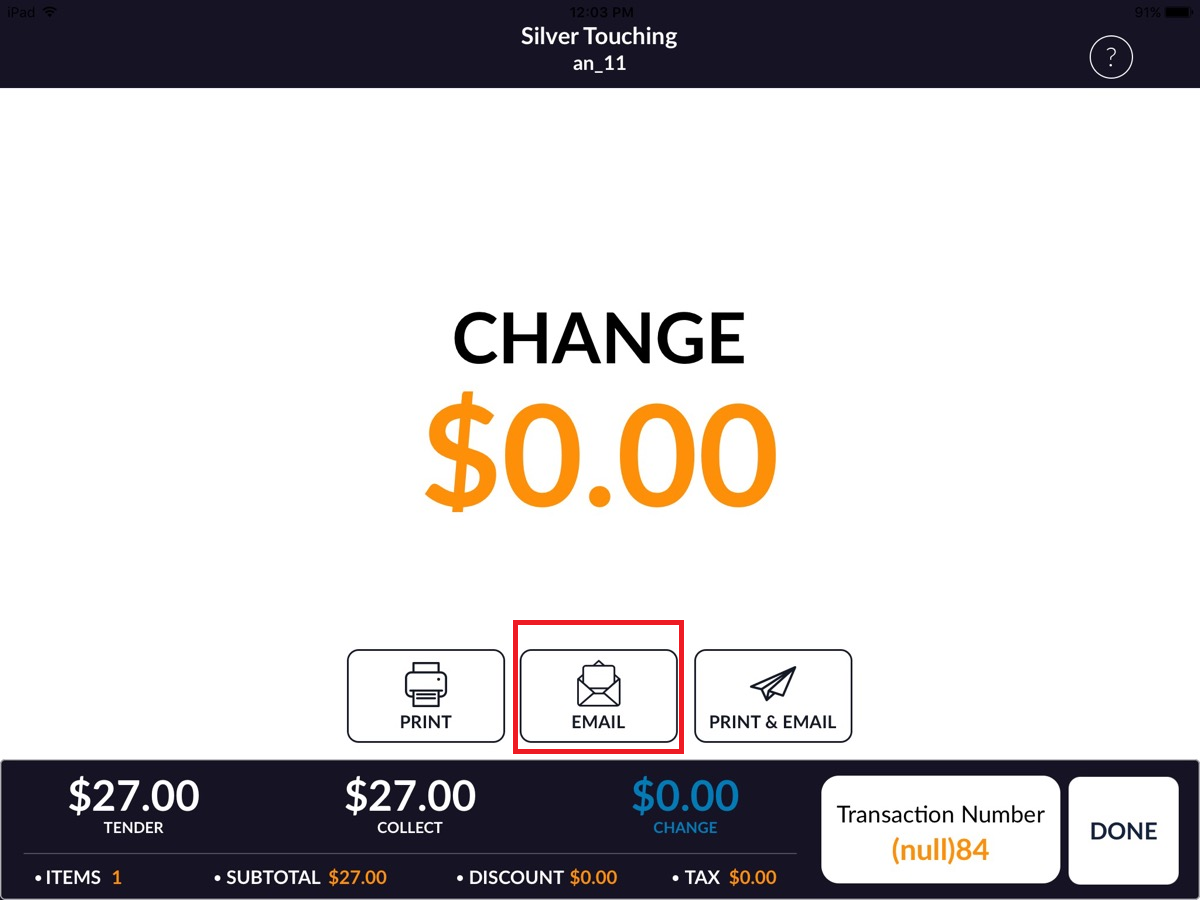
- Now click on Email option and enter user email in email address and click on send button.
Another way
- In Dashboard, click on cash register module
- In RCR screen, click on top left menu.
- Click on Invoice option.
- In the right side, in invoice list click on any invoice.
- Now you can see invoice detail with Email Option.
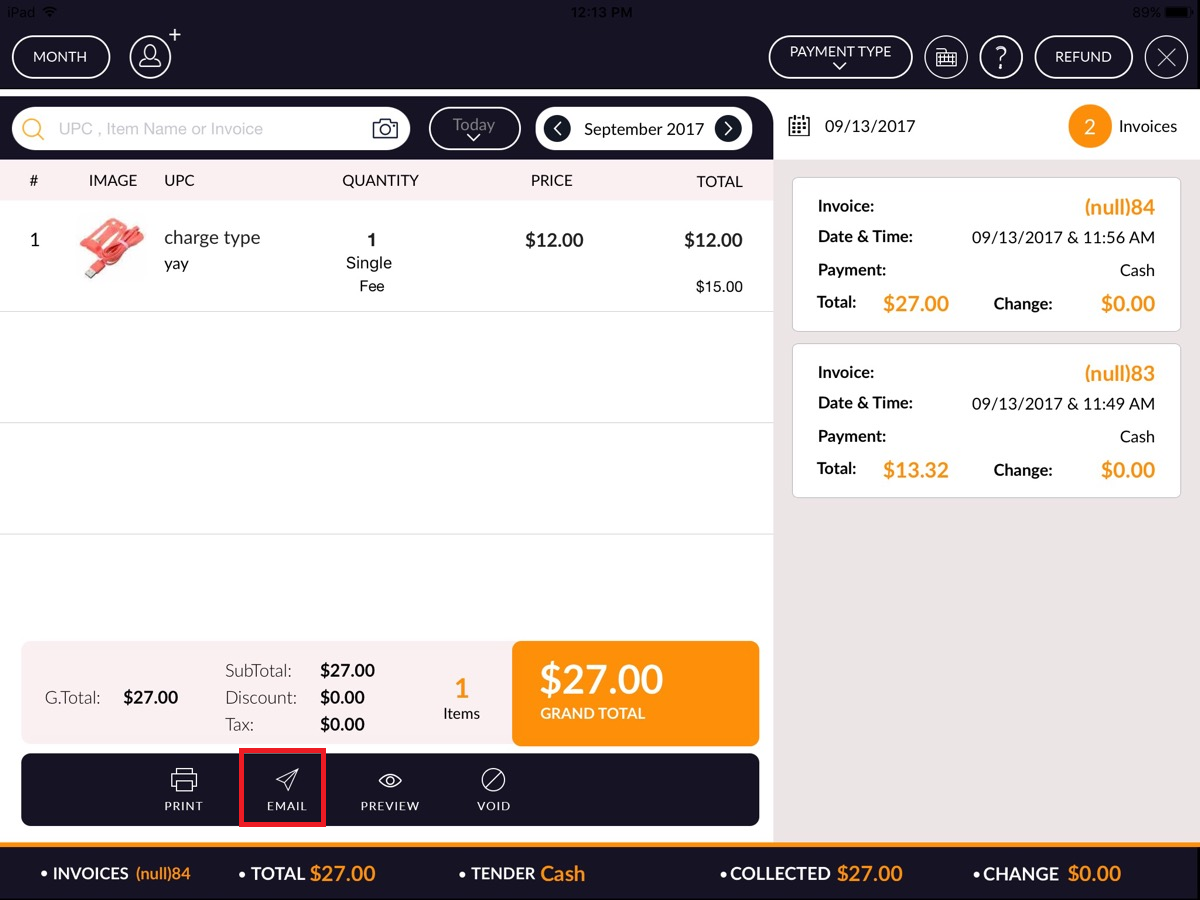
- Now click on Email option and enter user email in email address and click on the send button.