Support Document
 Support Document
How Can I update or edit Role from Role Management?
- Login into the Back office with your credentials.
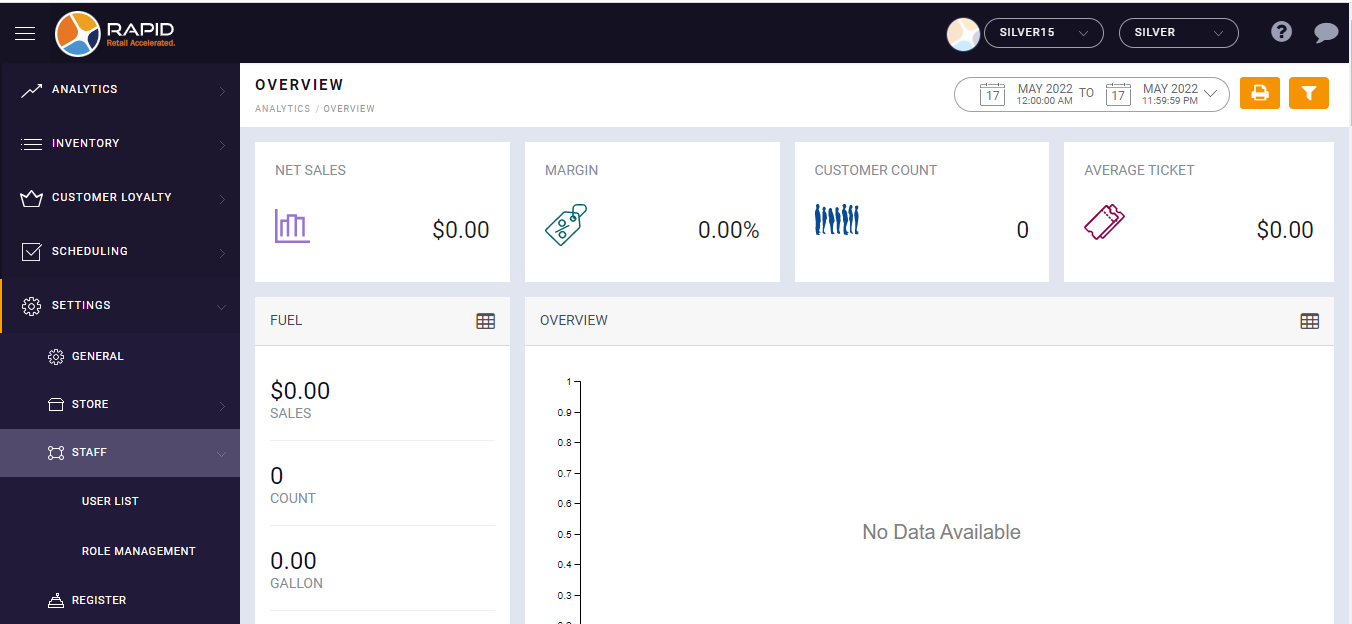
- Click on the Settings option.
- Click on the Staff menu.
- Select Role Management.
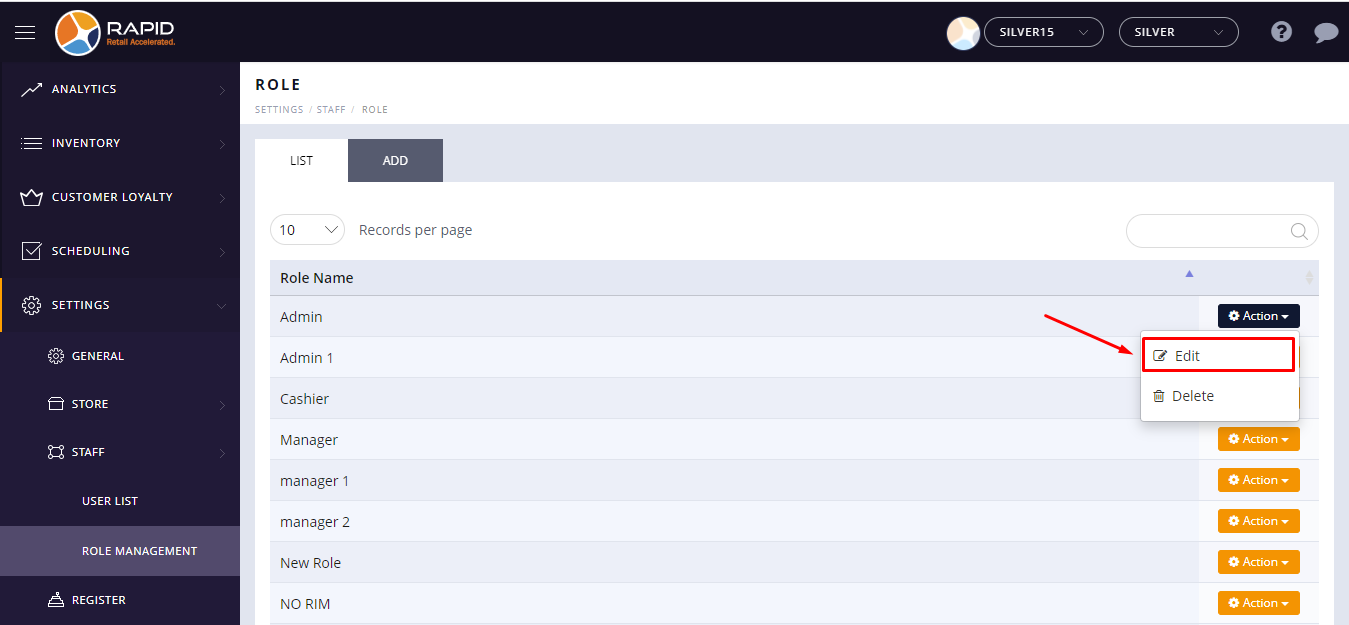
- Click on the Action menu button next to the role.
- Click on the Edit button.
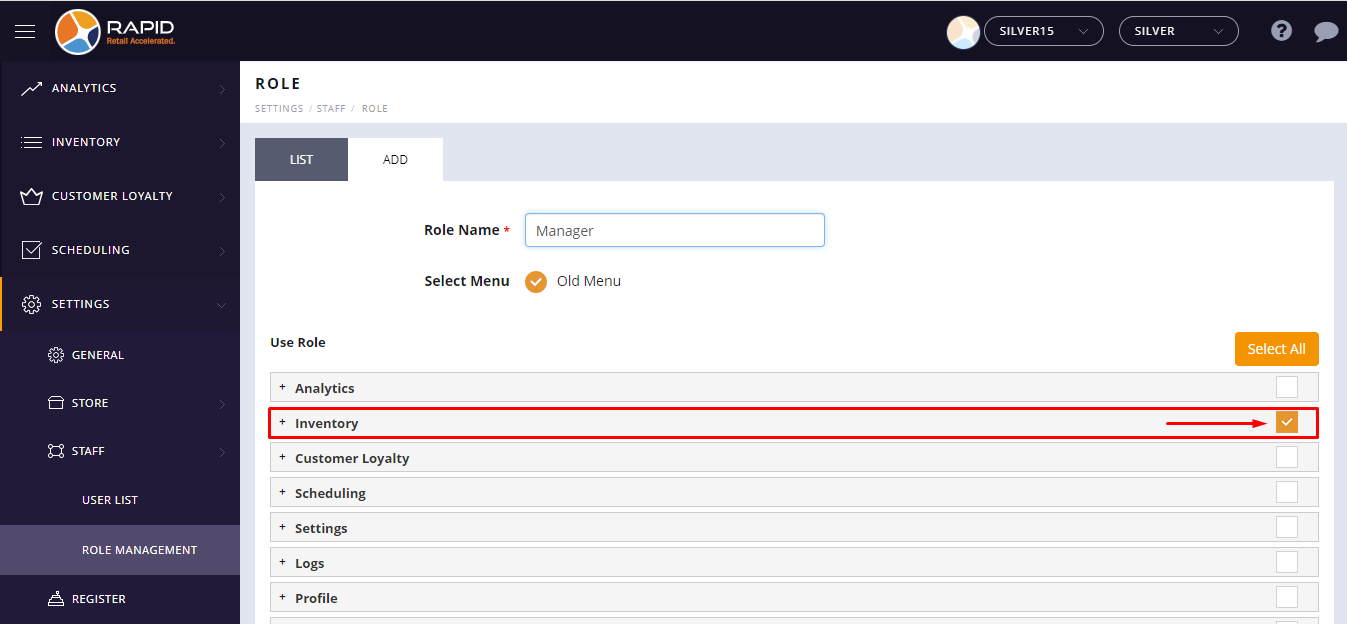
- Now, check the check box next to module, sub-module, and feature to access.
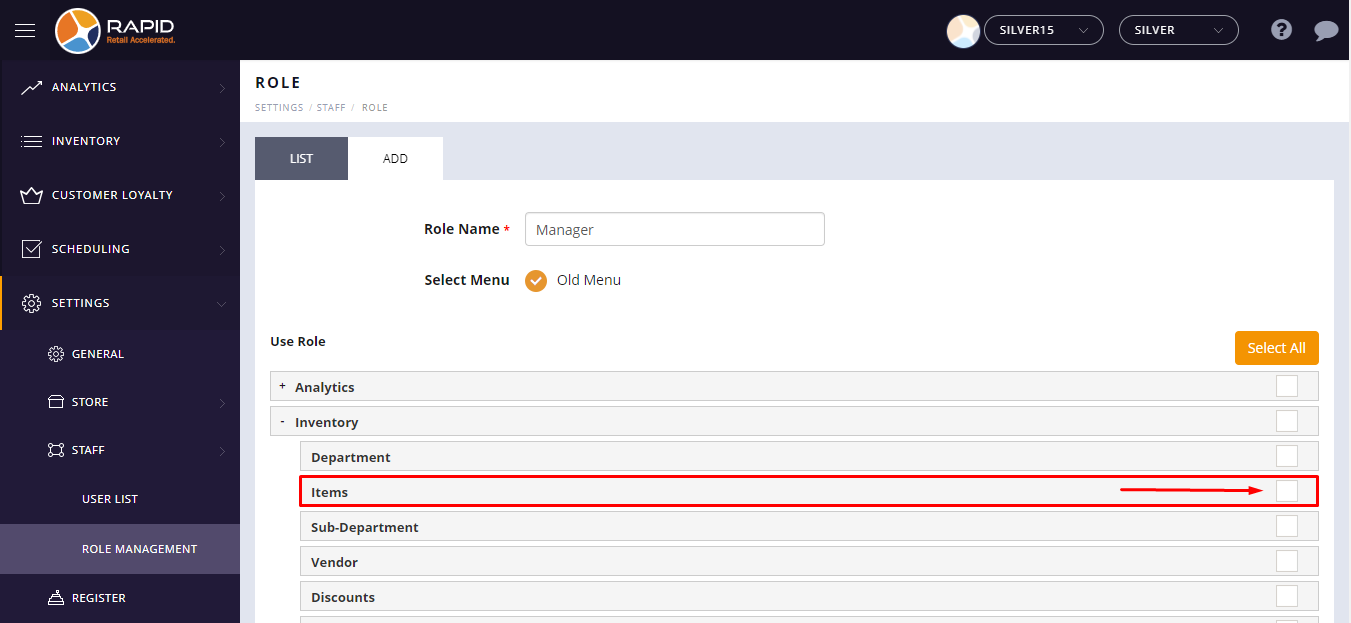
- If you do not want to let users access any module, sub-module, and feature uncheck the check box next
to the module.
- Tap on the Save button.