Support Document
 Support Document
How can I re-activate and replace the register from POS?
- Open Rapid RMS application.
- Open purchase order module from the dashboard.
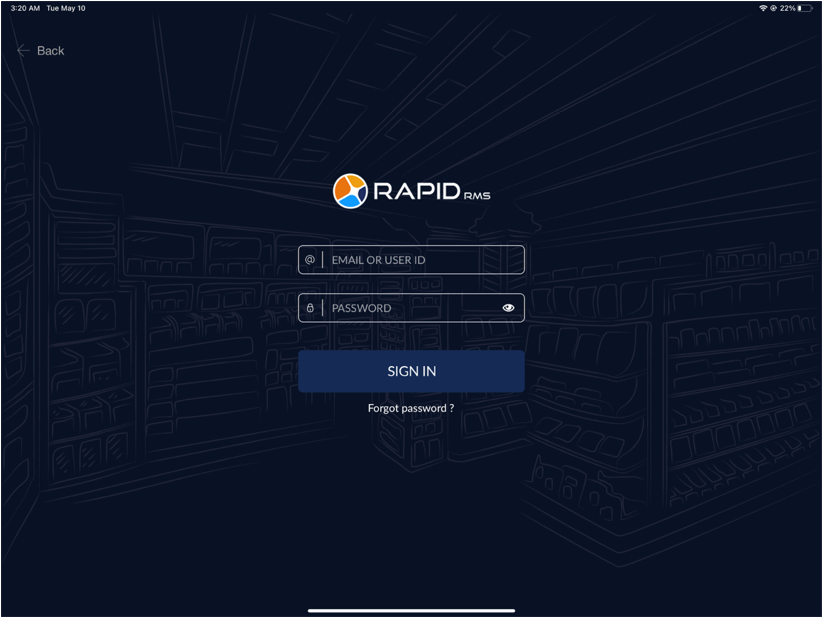
- Tap the Sign In button.
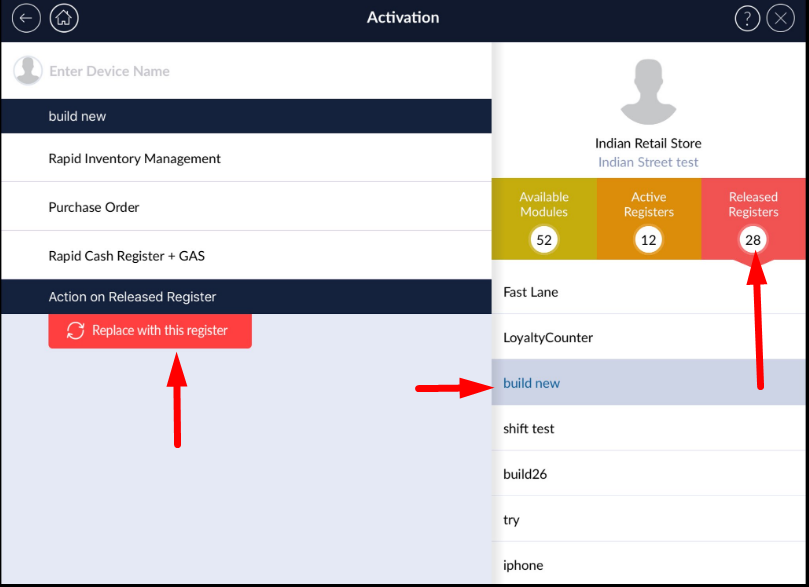
- On the right side, it will appear all released registers list below the Released registers tab.
- Click on the name of the register you would like to reactivate.
- It will appear register details on the left side of the screen.
- Click on Replace with this register red button from the right side corner of the screen.
- It will prompt a confirmation message.
- Select the ‘Yes’ button to release the register.