Support Document
 Support Document
How to get an invoice according to time duration?
This functionality is used to check all invoices according to time duration.
- In Dashboard, Select Cash Register module and enter 4 digits quick access.
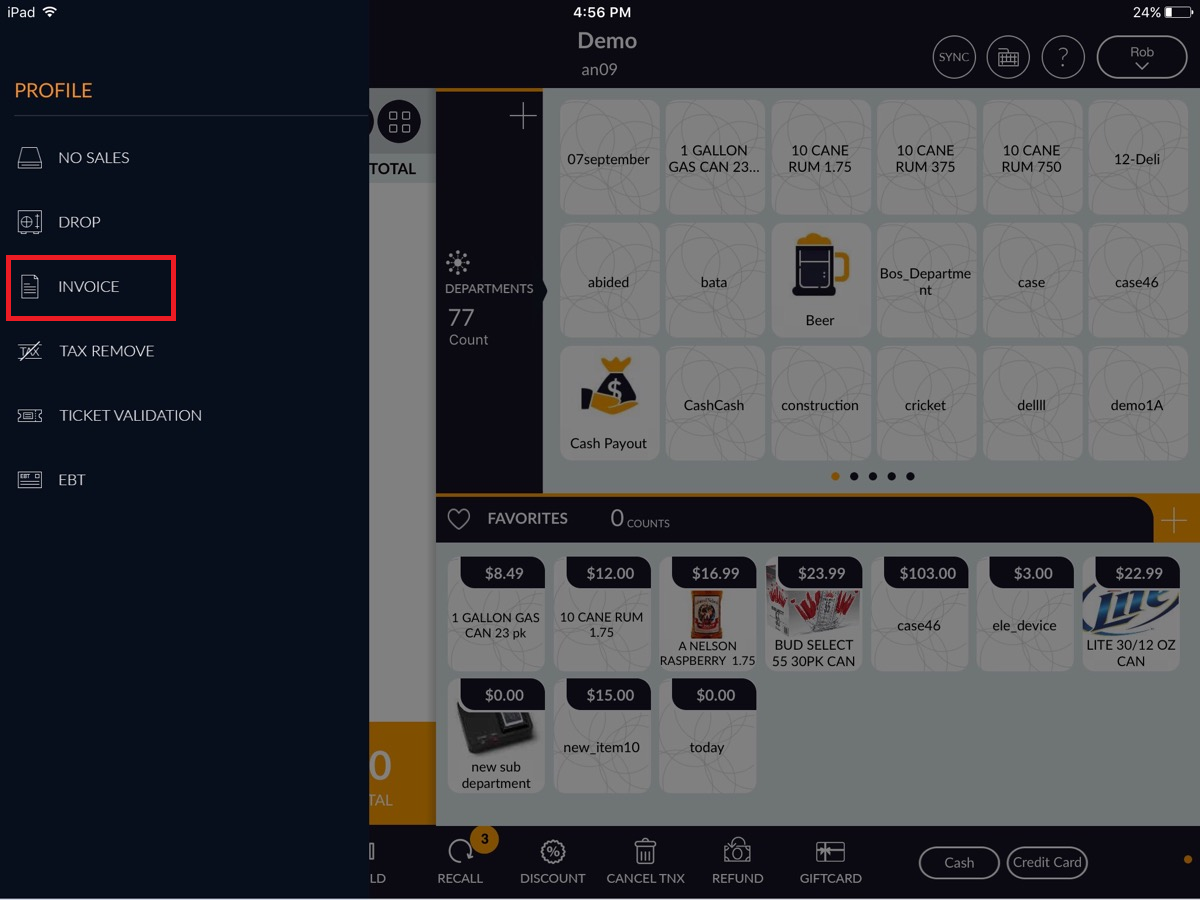
- In RCR screen, Click on top left menu.
- Click on invoice option.
- In Calendar, click on the Today button.
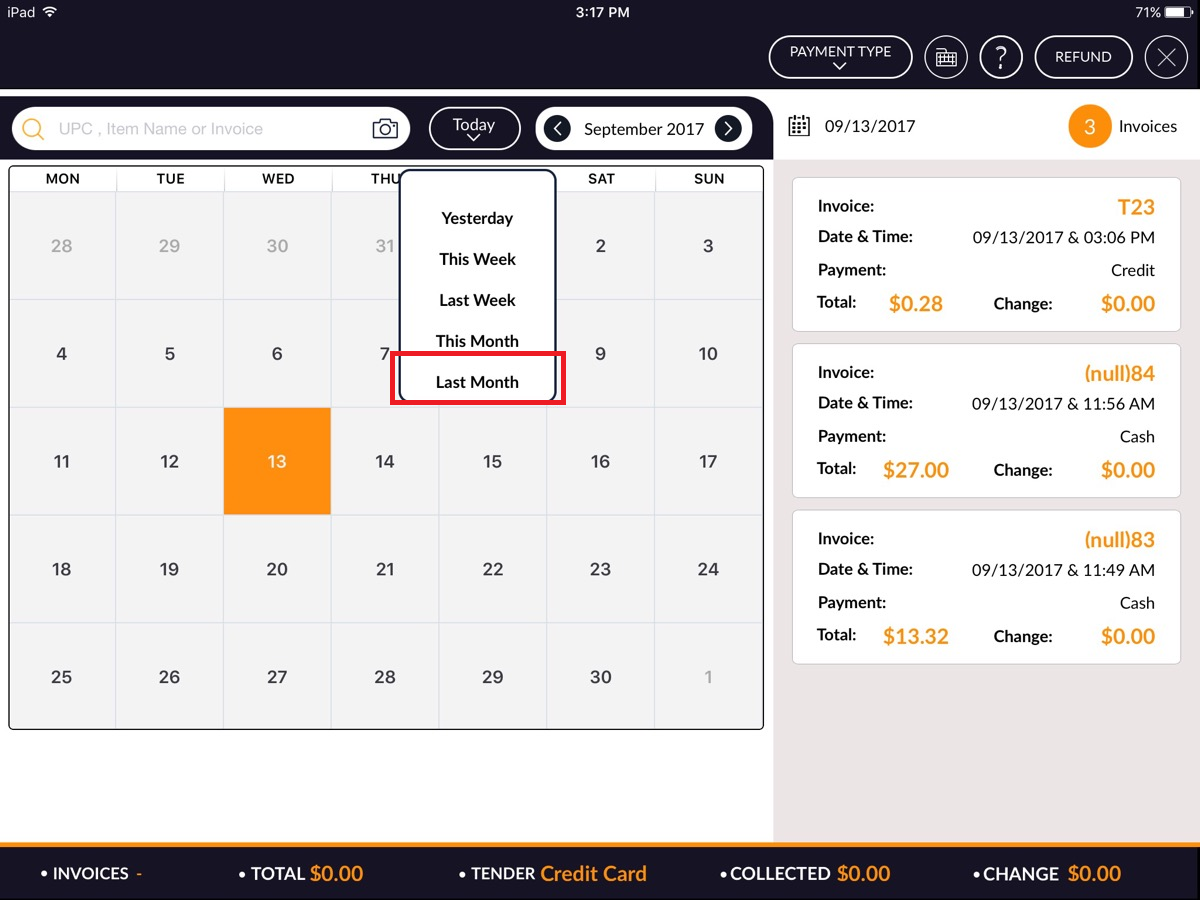
- After clicking on the Today button, It will display a pop up with different time range. I.e today, yesterday, this week, last week, this month, last month etc.
- Let suppose you want to see last month invoice then apply option ‘last month’.
- All invoices of last month will display.