Support Document
 Support Document
How to export list in restock report ?
In sales history or in restocking if you want to email or print item list then it can be possible by export
option.
- Open rapid RMS application.
- Go to restock module.
- Open either sales history or restocking.
- At the bottom bar, there is one option “export”.
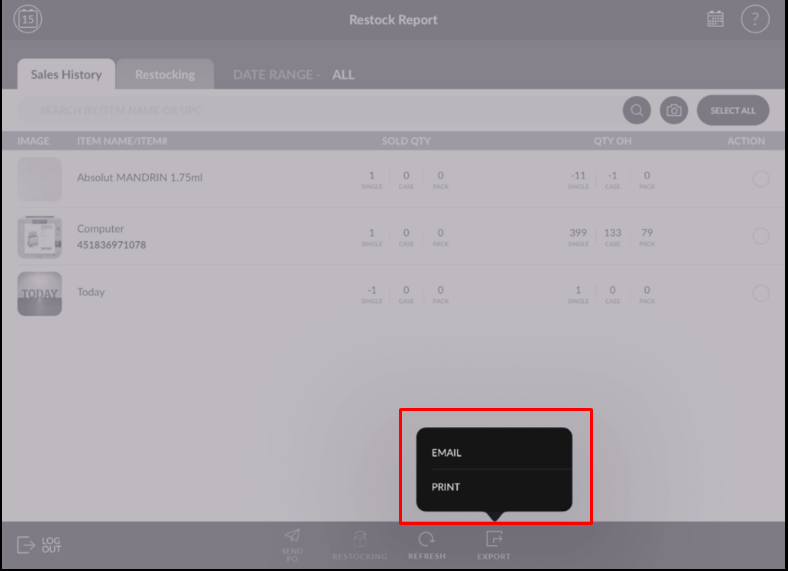
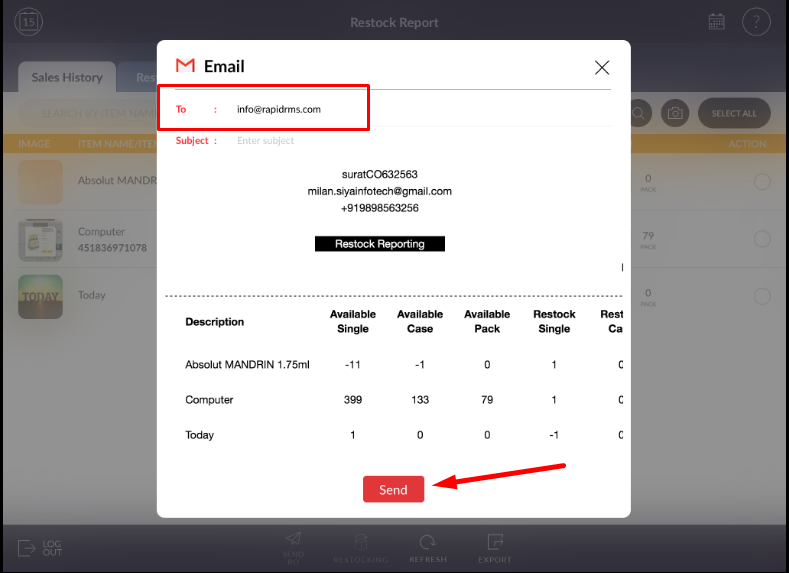
- When applying email then pop up for email will open.
- Enter the proper email address.
- Item list will be sent to entered email address.
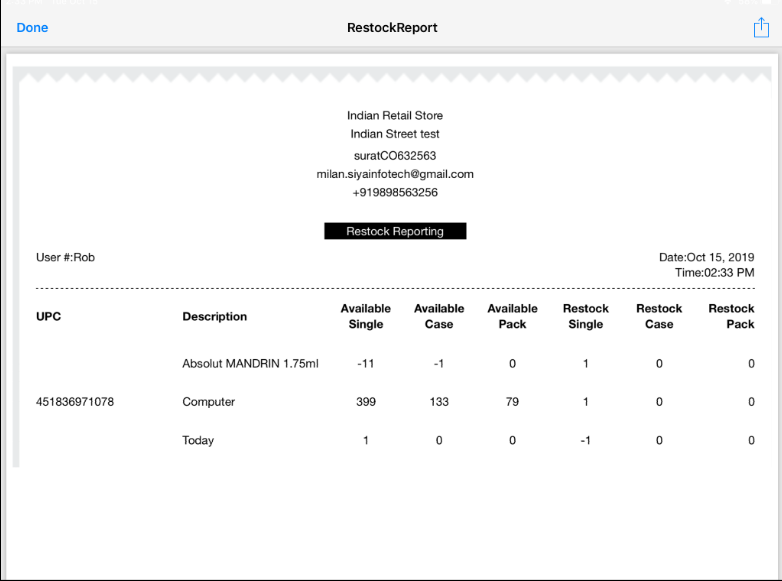
- For preview apply the option to print it will display a preview of sales history/restocking item list.