Support Document
 Support Document
How to email/preview from manager report ?
Preview/Email
- When you want to email or preview any report then open that report from shift report, x report or from manager report(all reports)
- Apply pdf/email option.
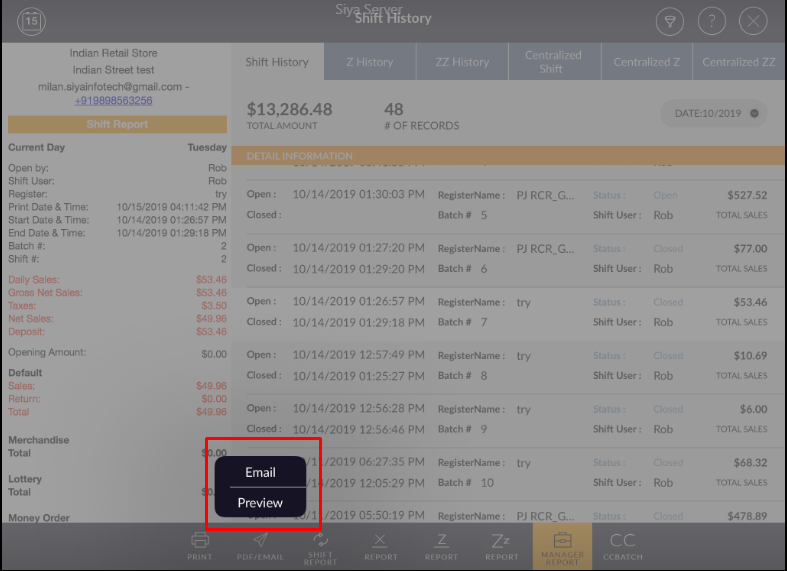
- When applying email option popup for email open.
- Enter proper email id.
- Hit send option.
- Selected reported will email to the entered mail id.

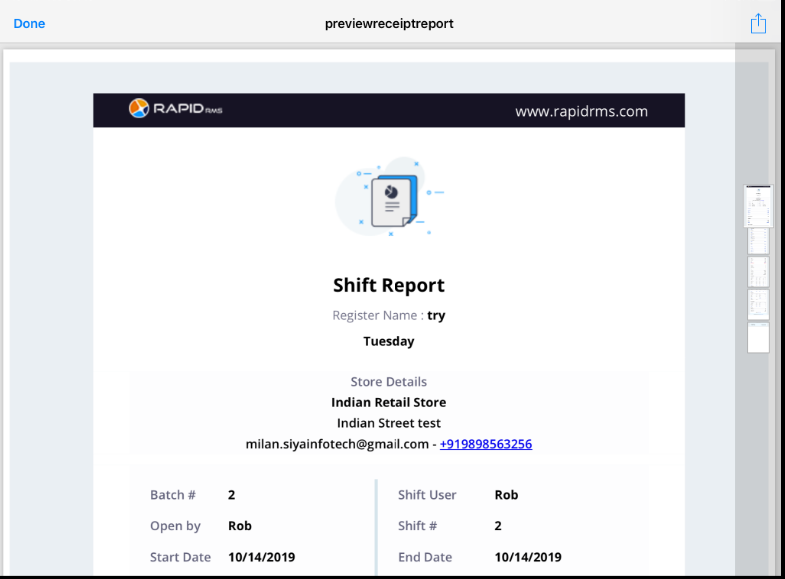
- When applying preview option then a preview of that report will display.