Support Document
 Support Document
How to edit QSR sub group ?
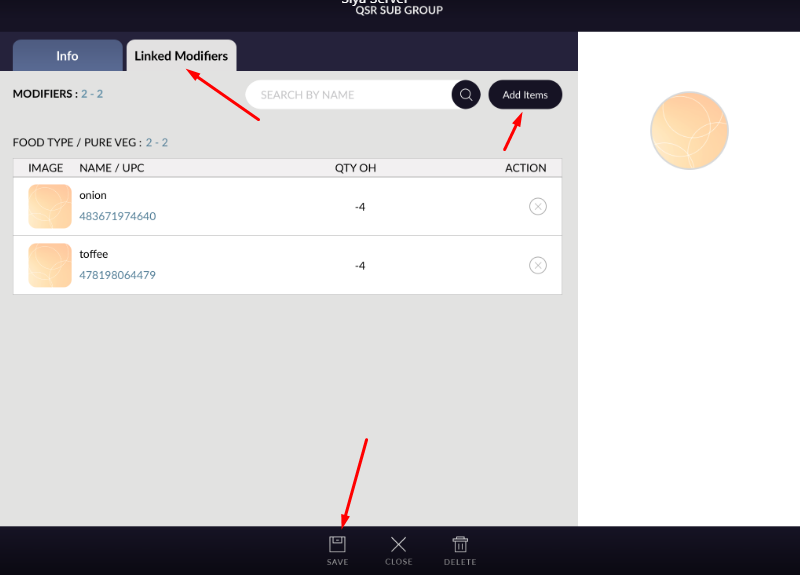
From inventory sub group can be edit and modifier available in sub group also can edit other detail of QSR
sub group.
For edit sub Group go to below procedure.
For edit sub Group go to below procedure.
- Open inventory management.
- Go to QSR sub group tab.
- There should be list of available qsr sub groups.
- Open any sub group in edit mode for that click on that sub group name from list it will be open.
- All detail of that group will display.
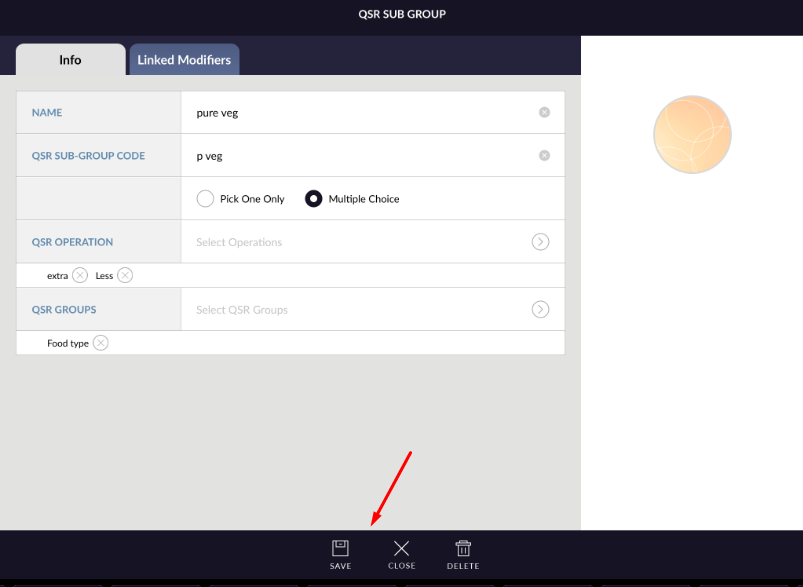
- Change detail.
- Click on save.
- Edited detail will save and sub group will edit.
- From linked modifier tab modifiers can be added or remove.