Support Document
 Support Document
How to do drawer setting?
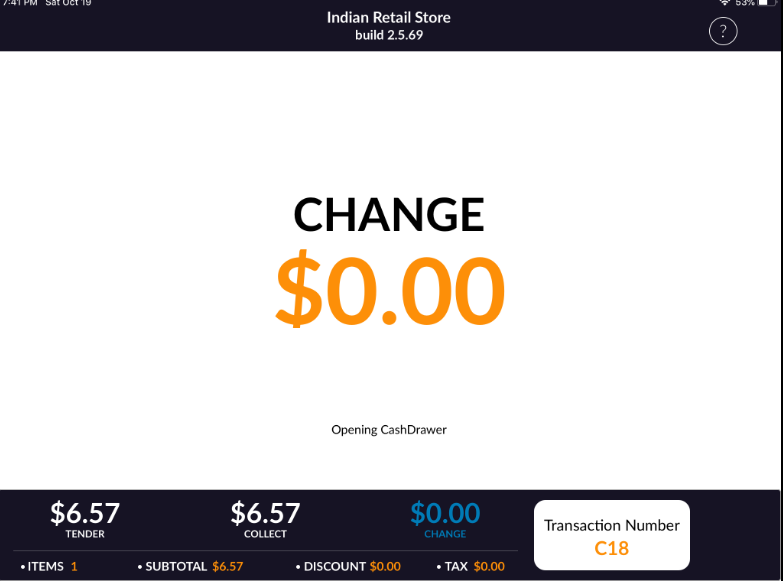
When a complete transaction or no sales then drawer can open and it can be set from setting.
- Open rapid RMS application.
- Go to the setting module.
- Tap to the tender setting.
- Open any of tender from the arrow.
- The default cash drawer is off.
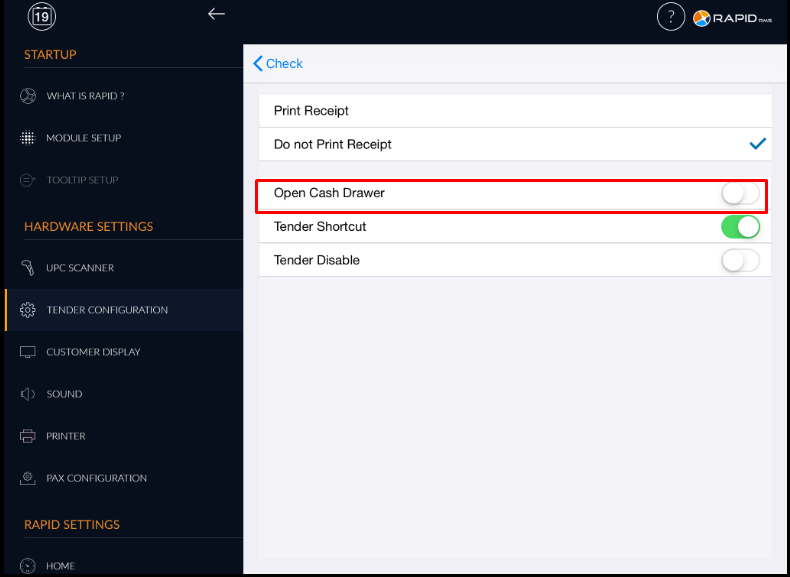
- When the drawer is OFF then from none of the place drawer open.
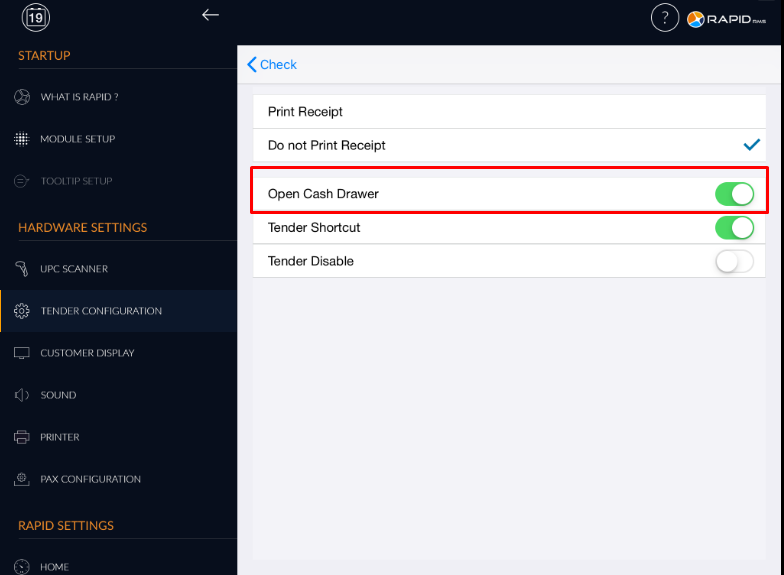
- When cash drawer option os ON then at the time of transaction drawer is open.
- If drawer option is ON and applies no sales or drop amount then drawer will open.
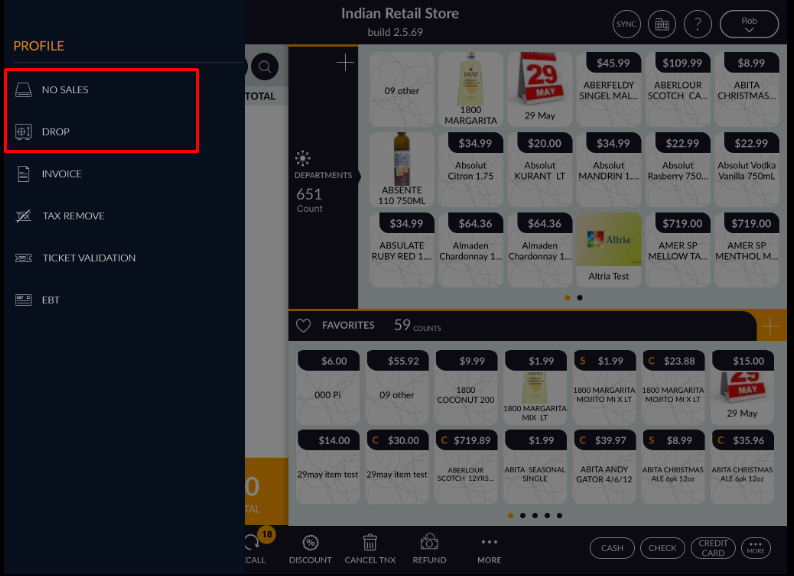
- In any payment type, if the drawer is on and drawer is connected with the system then after
transaction complete drawer will open automatically.
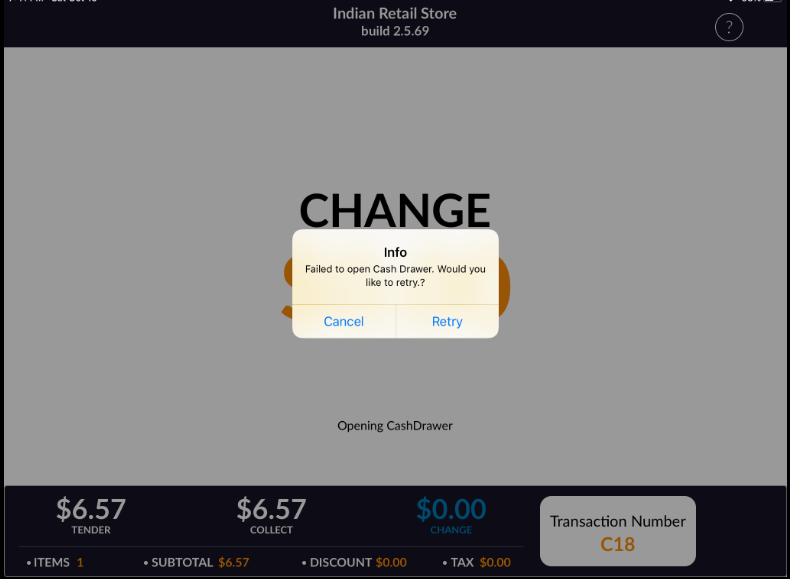
- If the option is ON and drawer is not connected then alert message will pop up.