Support Document
 Support Document
How do I download customer display and activate store?
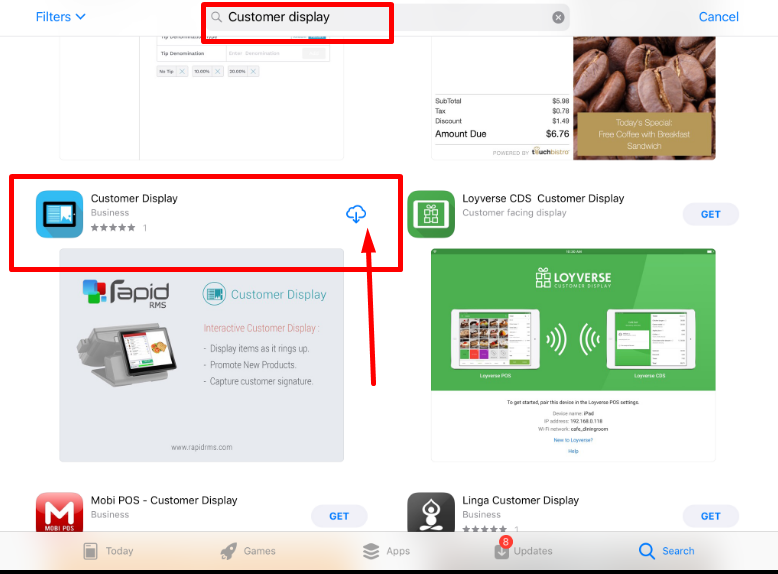
- First, you will need to go to the App Store on the iPad.
- Then, download customer display from the App Store.
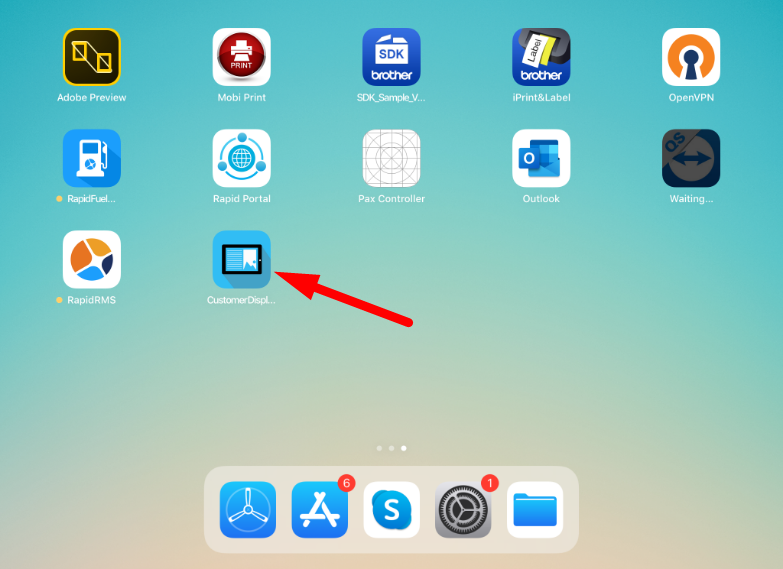
- After you downloaded customer display, you will have to click on the customer display App.
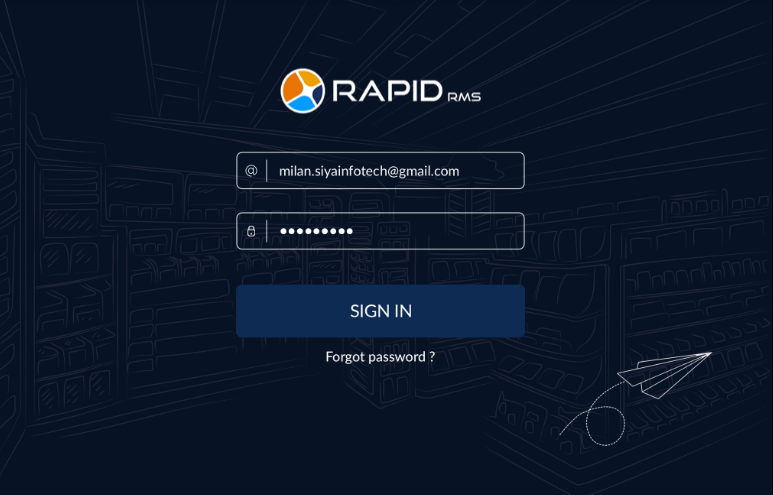
- It will ask you to log in Id and password. You need to enter back-office id and password which one you
use for your store.
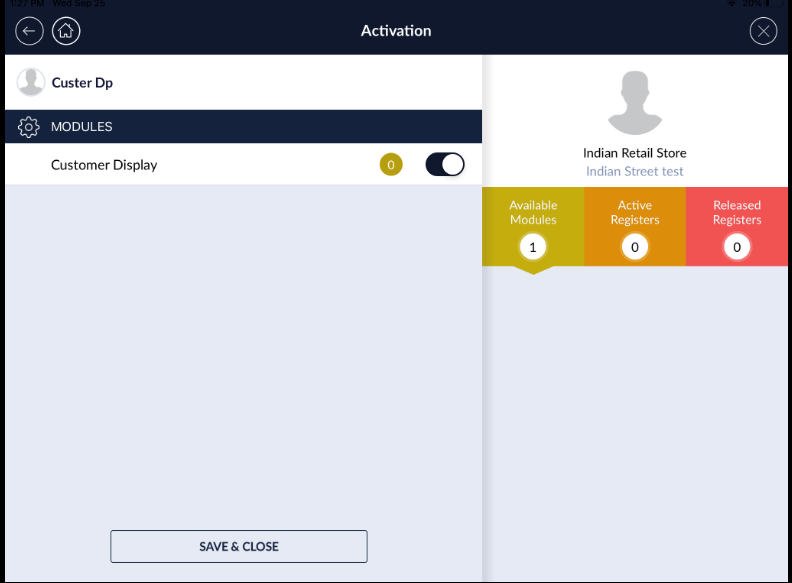
- Then, it will ask you which POS you want to activate for customer display. Click on POS which one you want to activate.
- Then, you need to go dashboard setting at the bottom on the screen in the POS iPad.
- On the right, click on the customer display. Then, click on search but make sure in both iPad wi fi
must be same otherwise it won’t connect.