Support Document
 Support Document
How to check Customer Loyalty Point Reports in the Back-Office ?
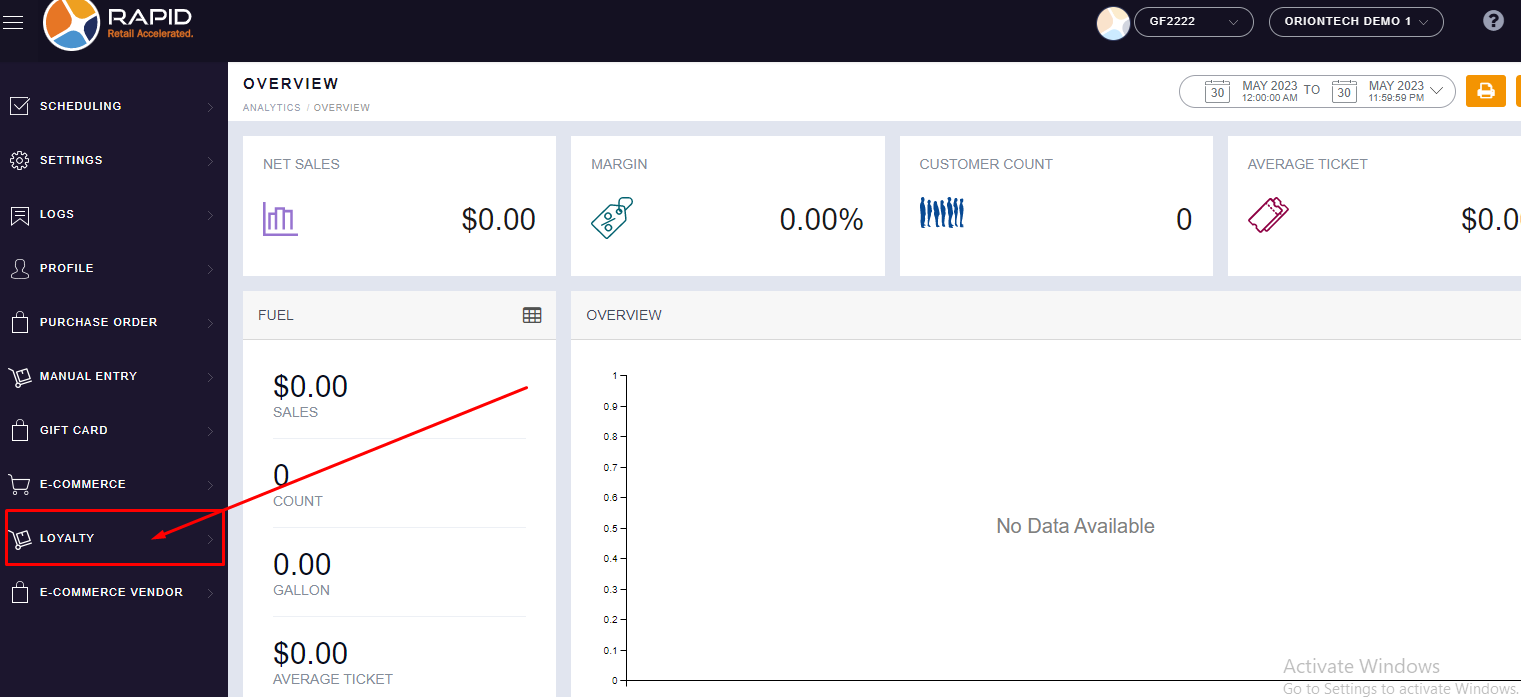
- Login on the Back-Office website.
- Left side, you will find the “CUSTOMER LOYALTY” module, click on it.
- In Customer Loyalty, Click on the “CUSTOMER” section.
- Here, you will find all your Customer List.

- Click on the “VIEW” button in the right side corner whichever customer details you
want to check.

- Once you click on the View button, the Customer Profile Screen will be open. In this, you can go into
the “LOYALTY POINTS” section.
You will find all details about Points.