Support Document
 Support Document
How to connect customer display?
For customer display its need to set in two devices. In one device store need to configure and another
device customer display need to configure.
- Download customer display app.
- Configure it with store credential.
- In both, the iPad store must be the same.
- And also both store wifi needs to be same.
- Open rapid RMS application.
- Go to the setting module.
- Select customer display.
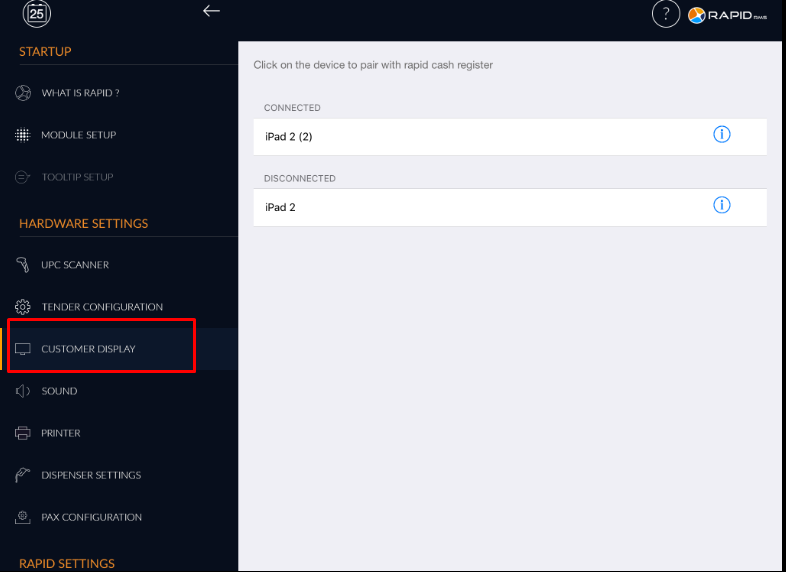
- Devices in which customer display is available are displayed in the list.
- Select device.
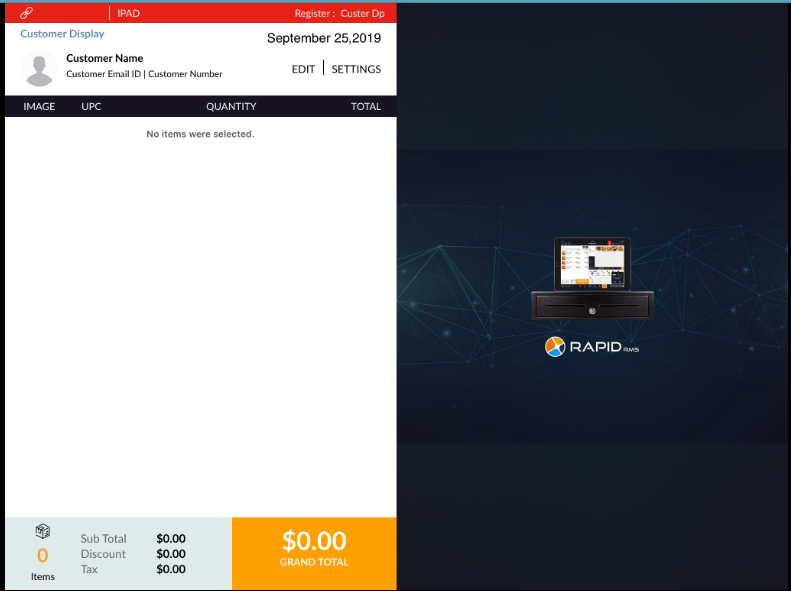
- In another device when not connect then below situation display.
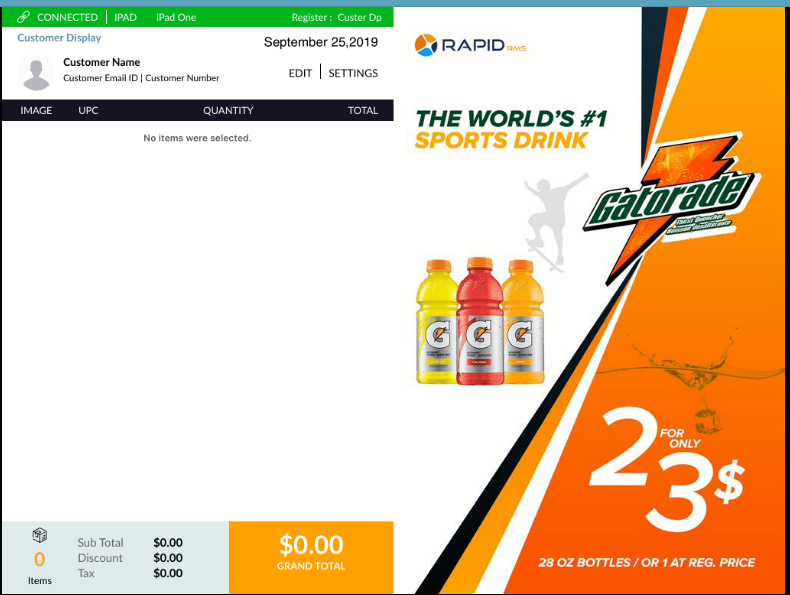
- After connection establishes a screen display with a green line.
- Now go to cash register and start the transaction.
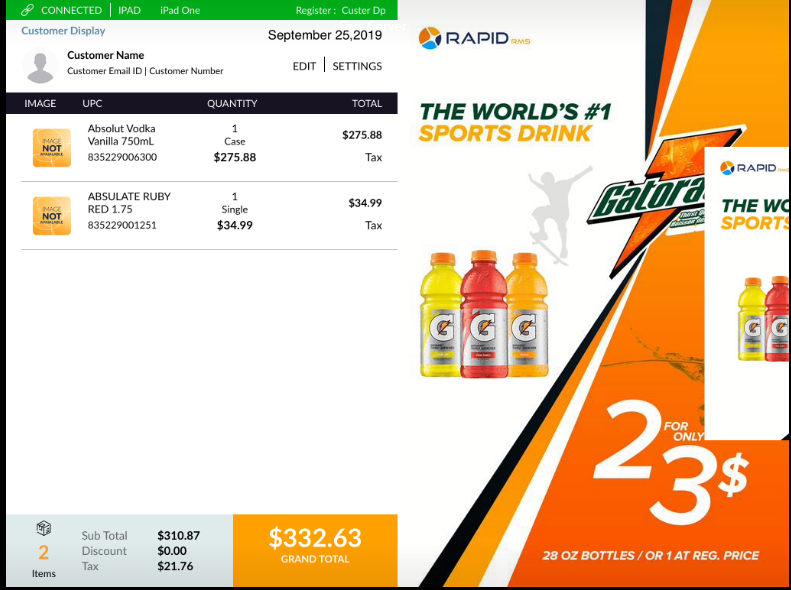
- All the transaction would display in the cash register.
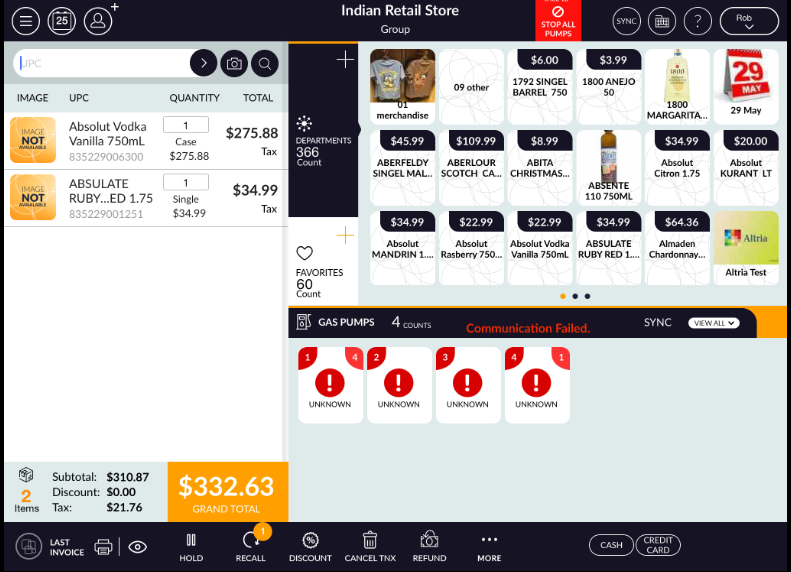
Customer display view :