Support Document
 Support Document
How to configure parent item/child item?
- Open rapid RMS application.
- Go to the inventory management module.
- In the item list, open any item in edit mode.
- In the options section, there are two fields: Parent Item and Child Quantity.
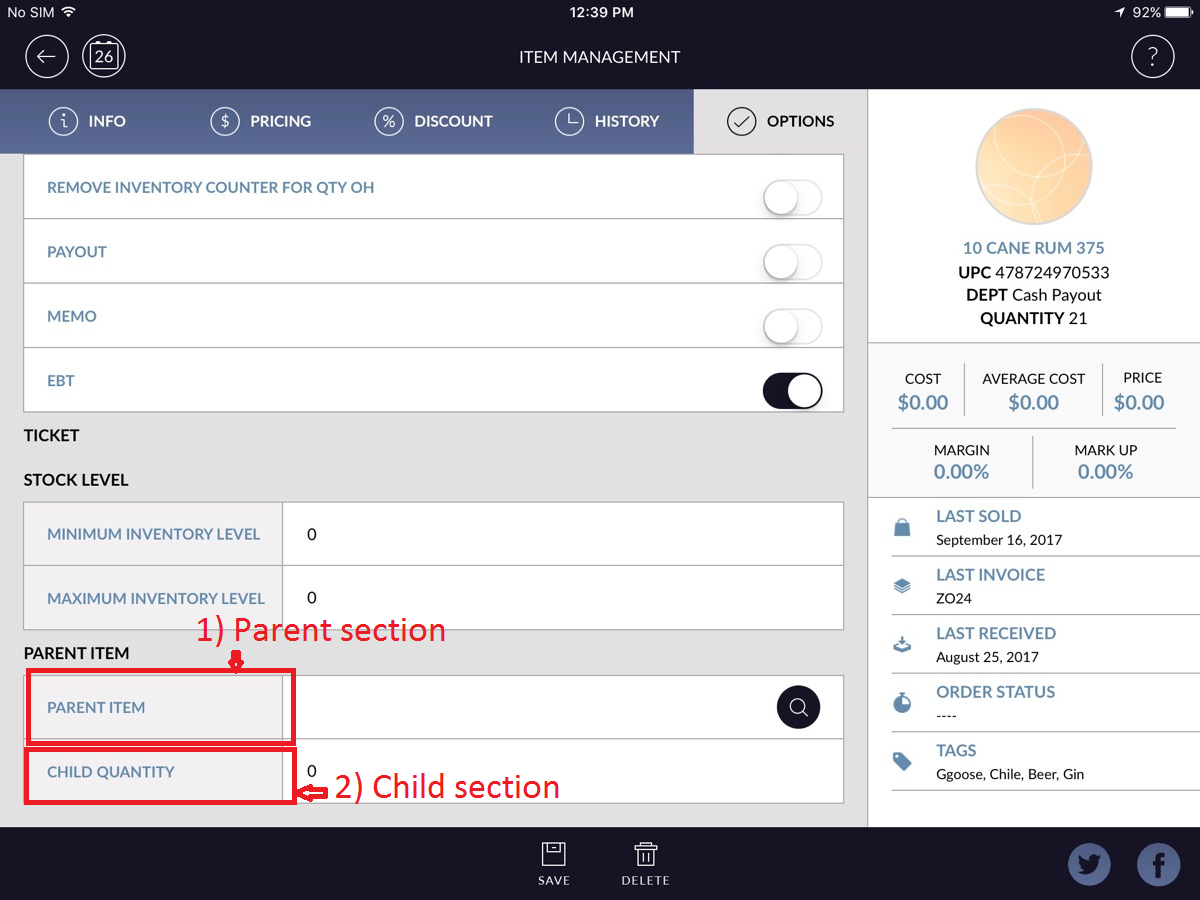
- Parent Item: You can select Parent Item of the current item.
- Child Quantity: You can specify the quantity of child item.
-
In our example:
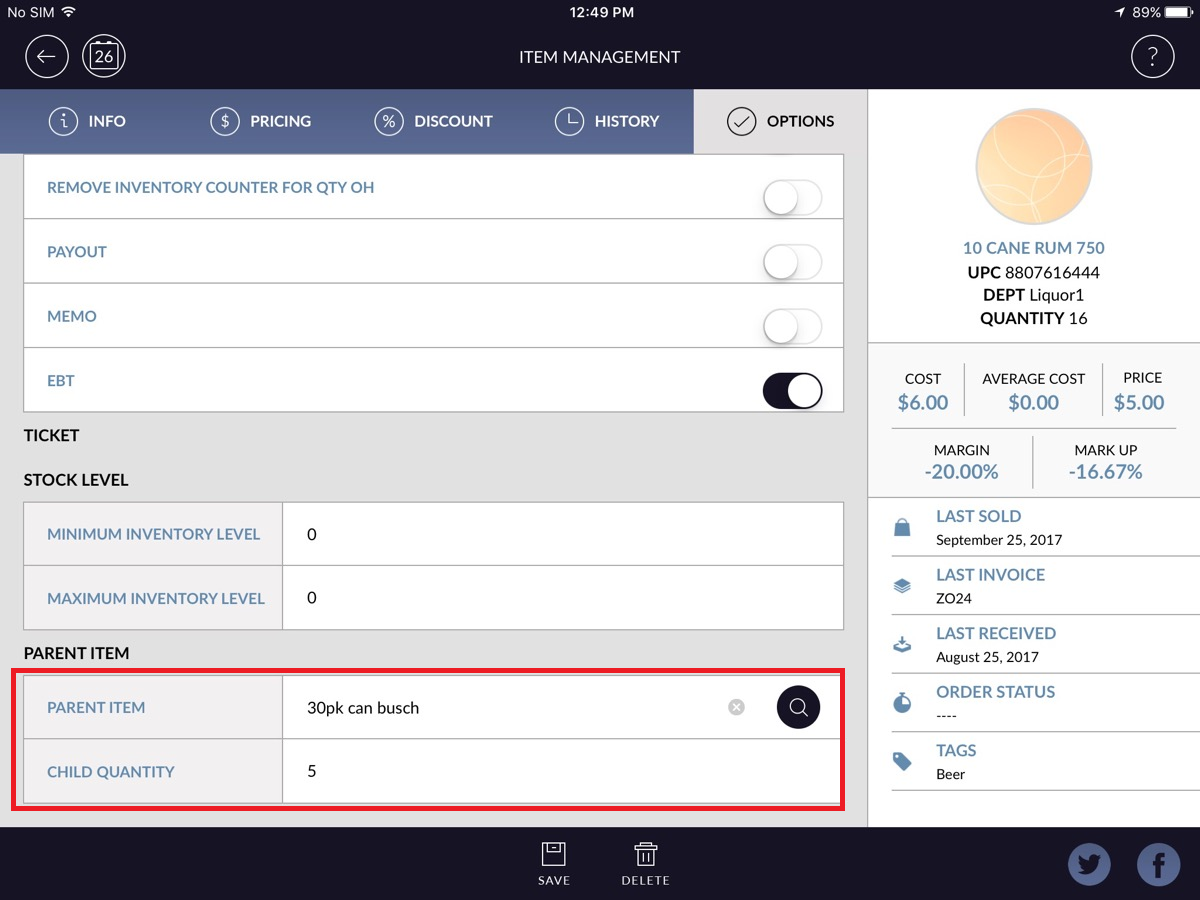
- Open ‘6pk can Busch’ for editing.
- Go to the Options tab.
- Select ‘30pk can Busch’ as the parent item.
- Specify 5 as Child Quantity.