Support Document
 Support Document
How to clock out?
When already some user is working in shift and now want to close shift or want to clock out there are two
possible ways.
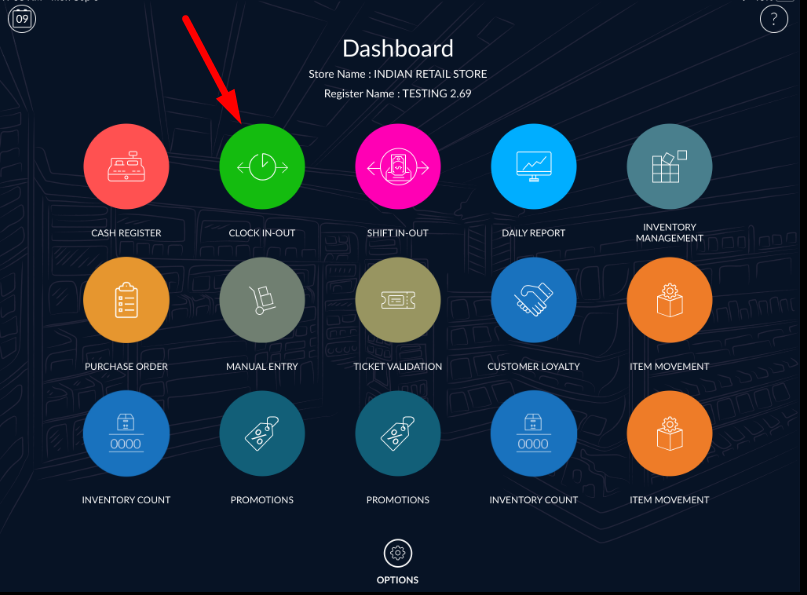
- Open rapid RMS application.
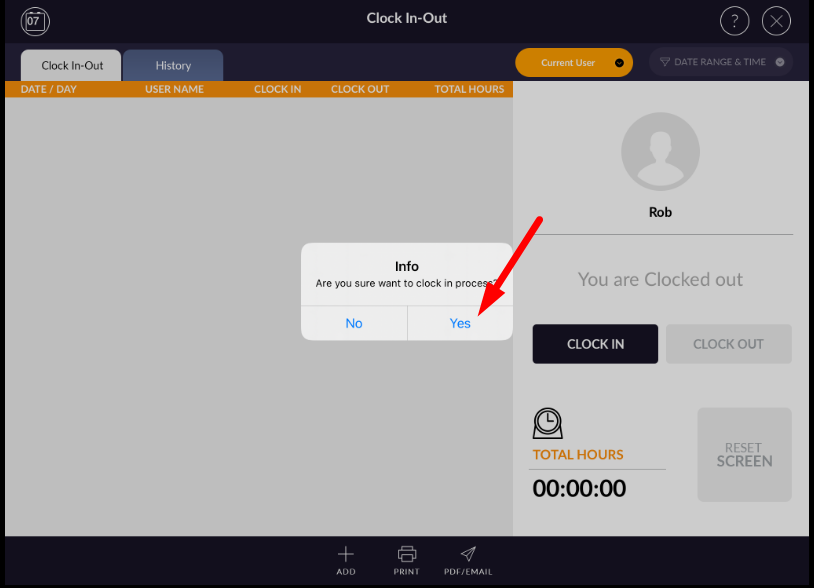
- Go to clock in-out module.
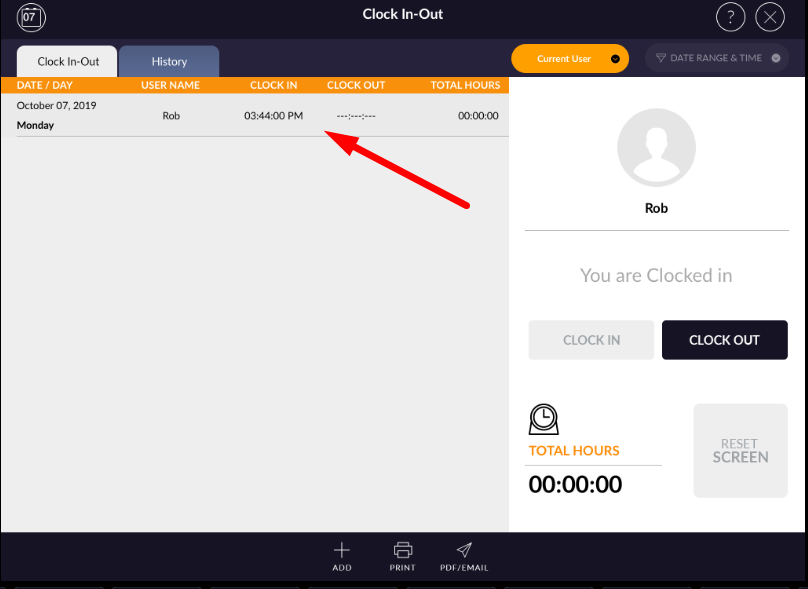
- When there is already one record is continue then clock out option is enable.
- Apply clock out the option to close entry.
- One another way to clock out is by edit.
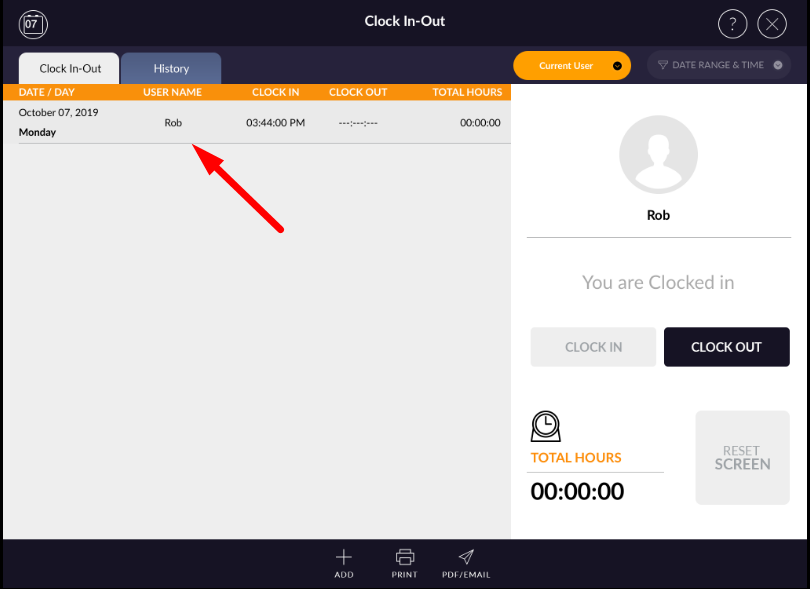
- Swipe entry to the right.
- Apply edit.
- In the popup set out time.
- Apply done.
- Clock out will be done in this way also.
- In out both times can be set by edit option.