Support Document
 Support Document
How to Clock in ?
In-store when there are different users need to work then all users work according to shift.
For shift record in rapid RMS, there is one module clock in out.
For start, a new shift or new record follow below procedure.
For shift record in rapid RMS, there is one module clock in out.
For start, a new shift or new record follow below procedure.
- Open rapid RMS application.
- Go to clock in-out module.
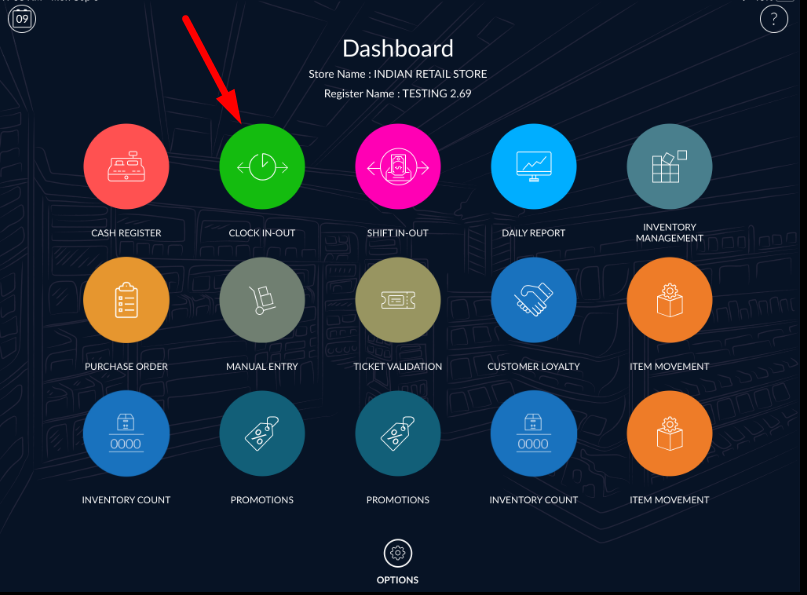
- Initially, the screen is blank for new user when starting a new shift.
- After start shift will display in the list.
- Click on clock in.
- New clock in will start.
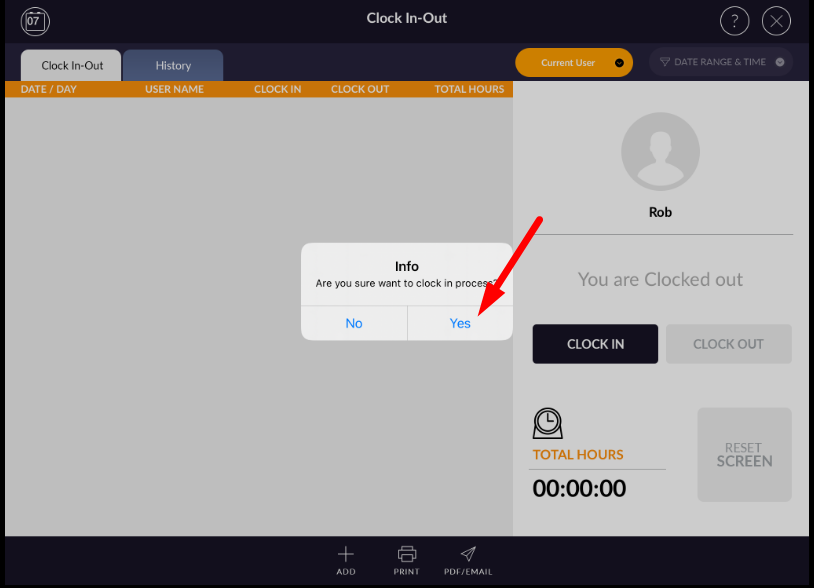
- The new clock will display in the list with started time.
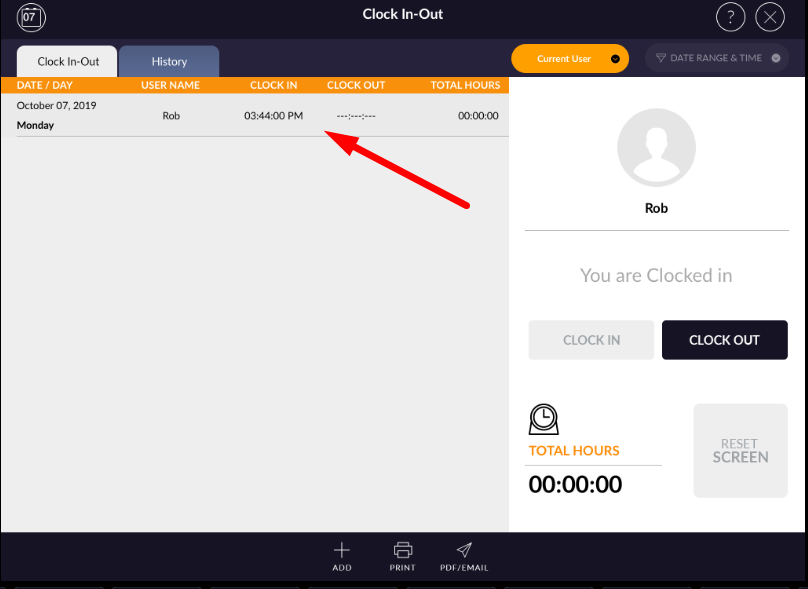
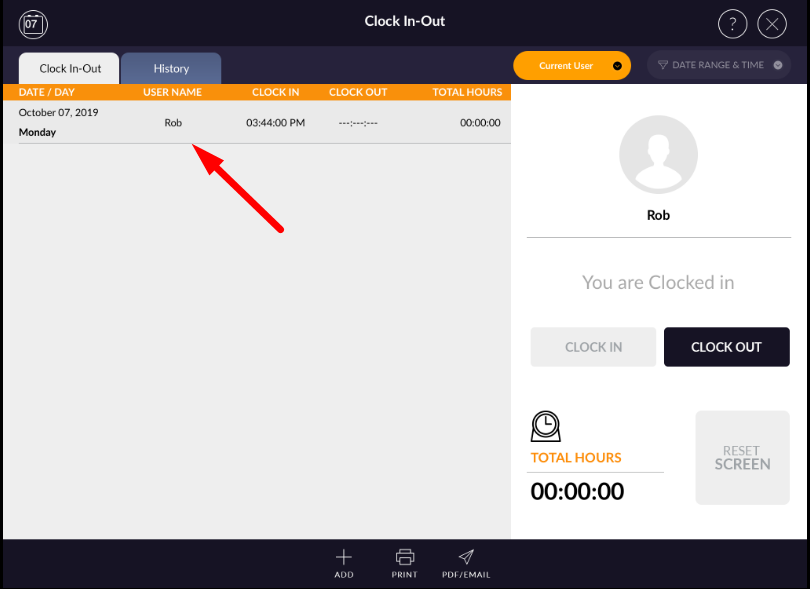
- Entry display with day/date, user name, clock in time, clock out time, and total hours spent.