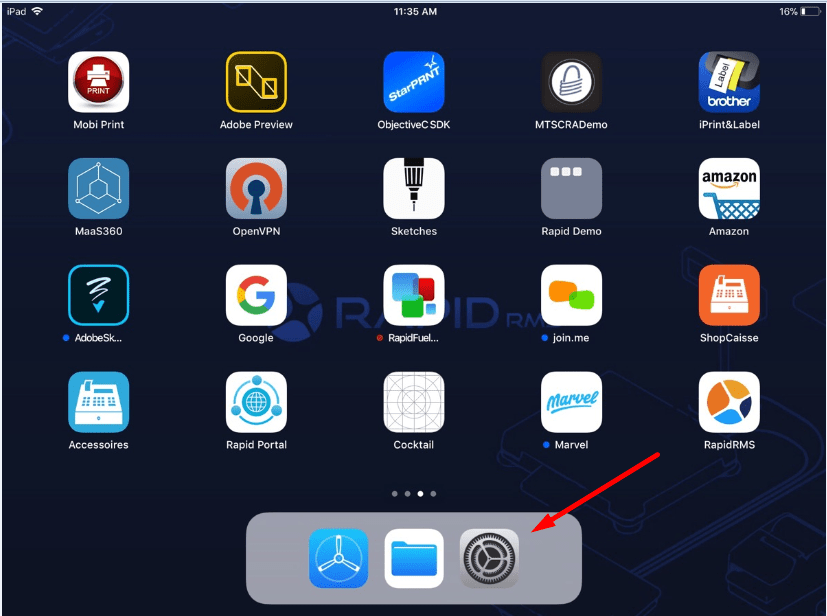
- Hit setting icon available on iPad dashboard.
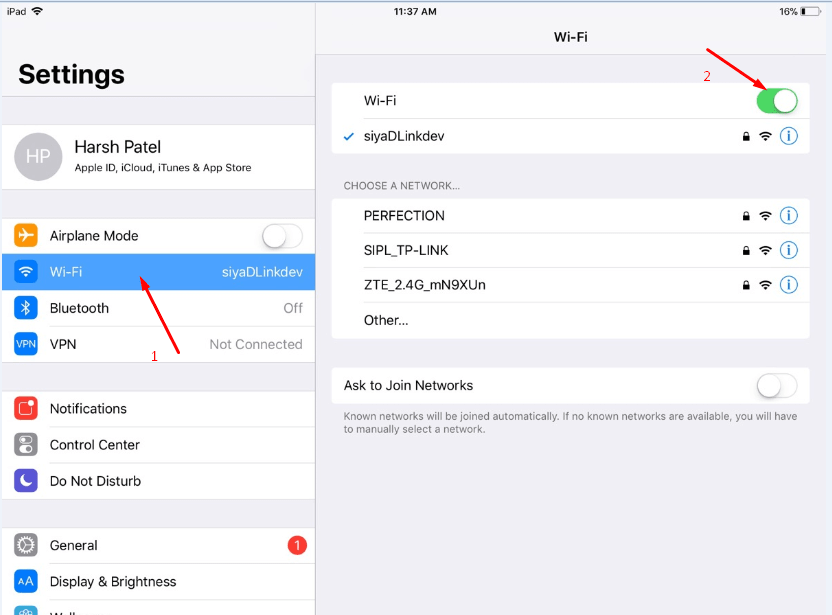
- From the side, panel click on wi-fi.
- Toggle button for wi-fi display ON.
- Turn Off Wi- fi.
- Ipad will go in offline mode and the internet would disconnect.
- From dashboard go to safari browser.
- Enter any URL and hit search.
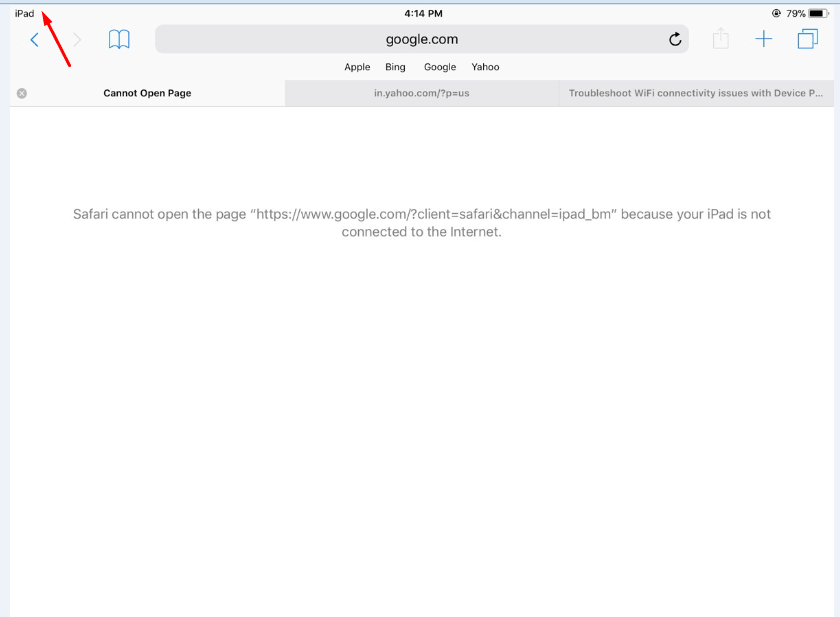
- It would not open URL that means iPad is in offline mode.
- In the title bar of the iPad, there is no ant symbol from the internet would display that means
the iPad is in offline mode.
- Now go to setting and turn on wifi.
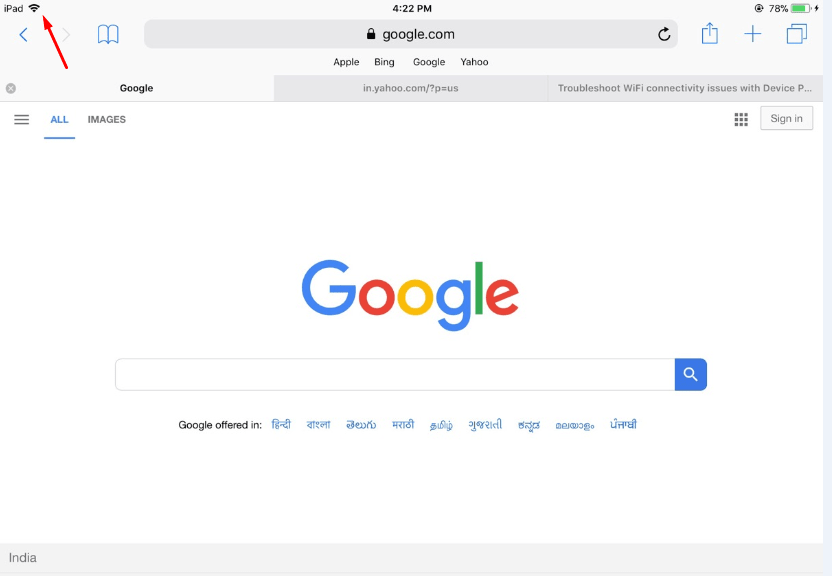
- In title bar there is a symbol for wi-fi should display that indicates the iPad is connected to
the internet.